

How to log in to web management page of Tenda Mobile Wi-Fi
How to log in to web management page of Tenda Mobile Wi-Fi
2025-11-10
Step 1: Connect Your Device to the Mobile Wi-Fi Network
The wifi name and password can be viewed by sliding the screen

Step 2. Access the web management page
Start a browser on your smartphone, visit 192.168.0.1 to login to the web UI of the mobile Wi-Fi(Attention: When logging in for the first time, a quick configuration wizard is required to configure WiFi parameters)

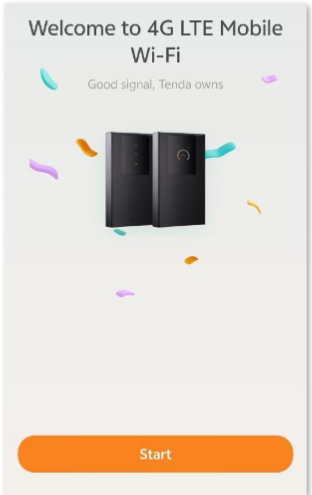
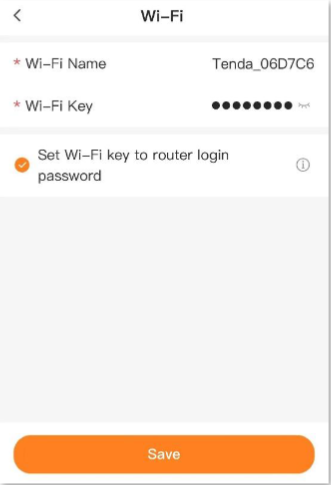
When you log in to the configuration page again, enter the login password for your mobile Wi Fi and click on login
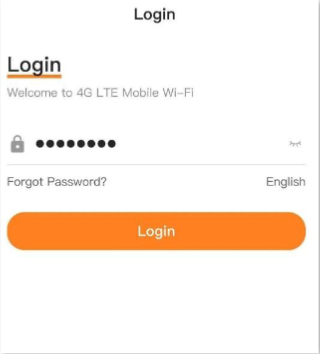
If the abovepage does not appear, try the following methods:
−Ensure that your smartphone is connected to the Wi-Fi network of the mobile Wi-Fi.
−Disable the cellular network of your smartphone.
−Clear the cache of your web browser or change another web browser and try again
.−Reboot the mobile Wi-Fi and try again.
−Reset the mobile Wi-Fiand try again
If you want to configure WIFI related information, please click