

Tenda SP3-How to find the firmware of your smart plug in the Beli app
更新:2025-06-11格式:html
手機查看
為了:
SP3 EU
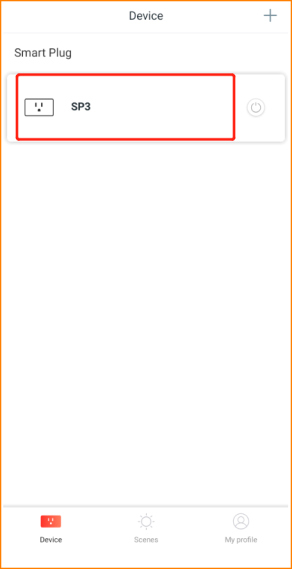
Step1: Log into Beli app, then tap your device.
Step2: Tap the “three dots” icon on the top right corner.

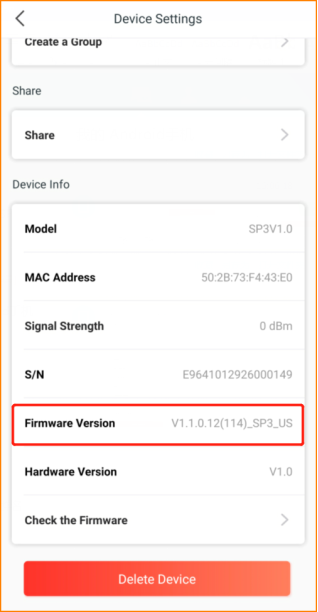
Step3: Slide down to the button you could find the firmware of your smart plug.
它會對你有幫助嗎?