

SP3-How to add a sharing account
更新:2025-06-11格式:html
手機查看
為了:
SP3 EU
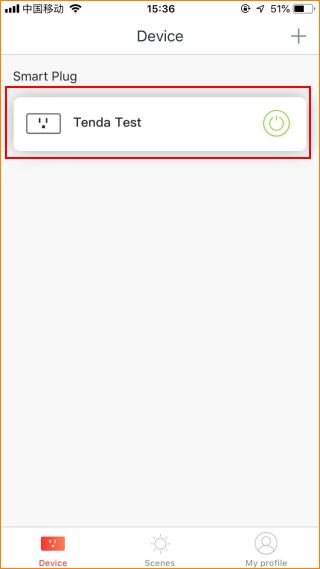
Step 1. Login Tenda Beli App, tap the managed device.
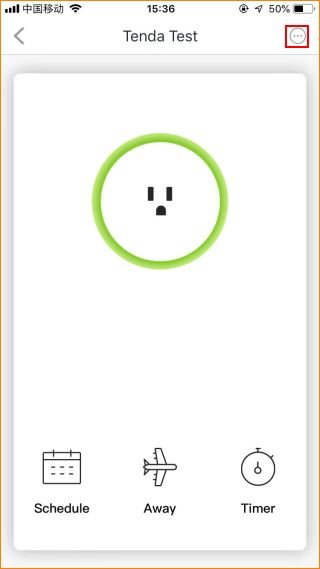
Step 2. Tap “…” on the top right.
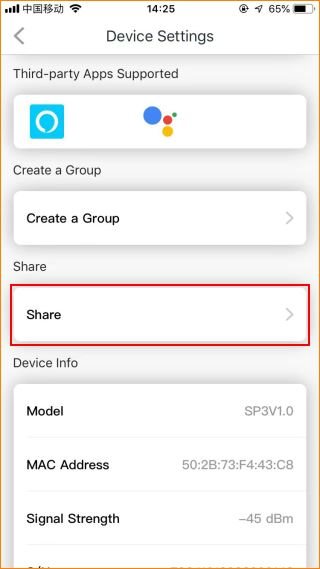
Step 3. Tap the “Share”.
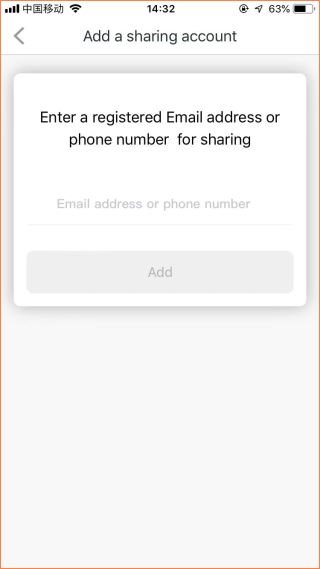
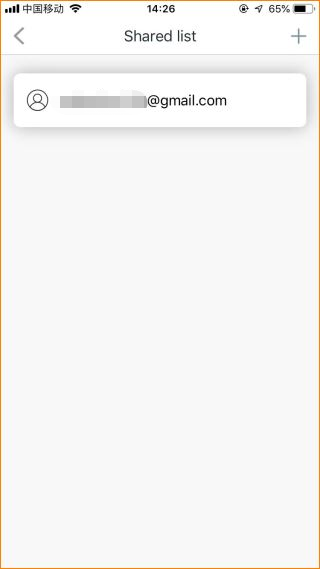
Step 4. Enter the account you want to share.
它會對你有幫助嗎?