model: u12 question category: internet setup
Steps are as follows:
1.
INSERT wireless network card in the USB port of your computer.
2.Install driver.
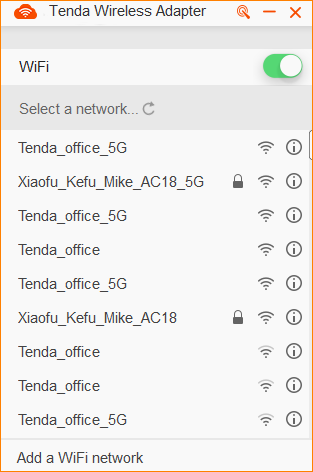
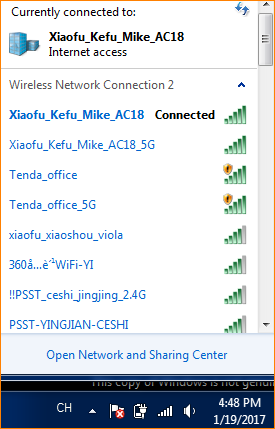
3.Connect wireless signal.
Take windows 7 system for instance:

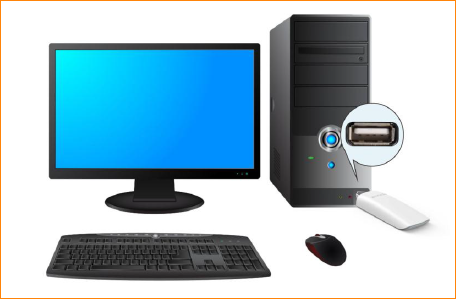
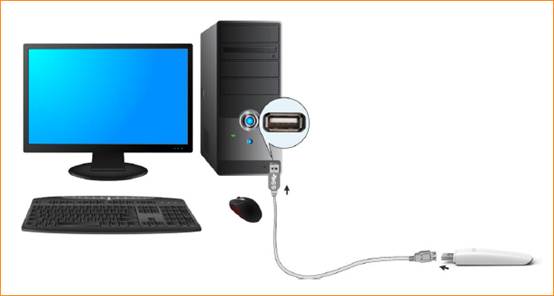
Plug network card in USB interface of computer directly or connect network card and computer with USB extension cable.

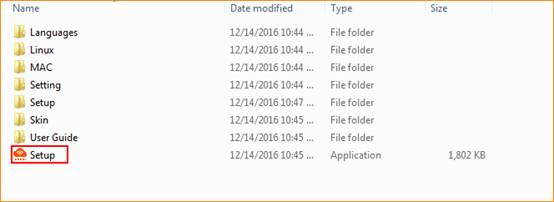
1. Please plug CD in CD driver of computer and double click “my computer” icon on desktop. Find CD-DVD and right click and select open, then find “Setup.exe” as below and double click to run program installation.
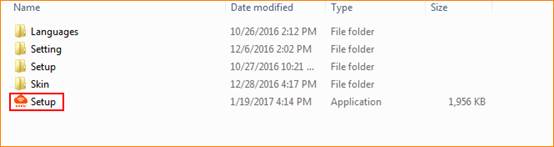
2.If your computer don’t have CD driver, please download network card driver from Tenda official website (http://wifi.tenda.com.cn). When you finish download, please unzip it and double click folder and find “Setup.exe” and double click it to run program installation.
3. Click “Install Now” and it will start installation.

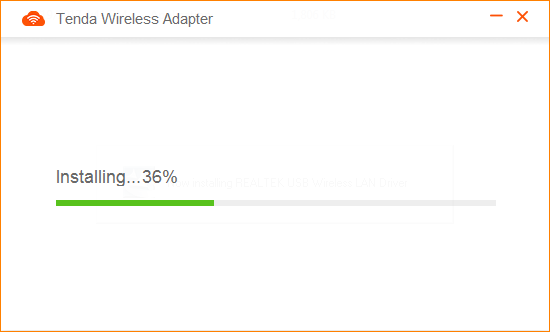
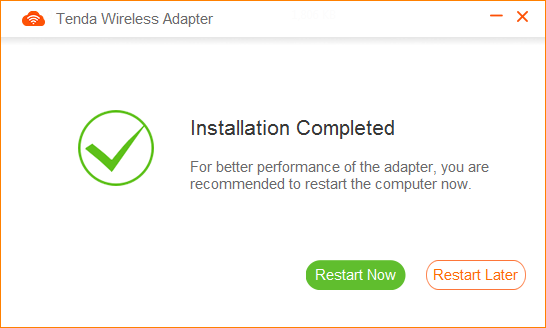
4.Installation completed, you can connect WIFI signal and access Internet. (if you select restart now, please save file on your computer first)