

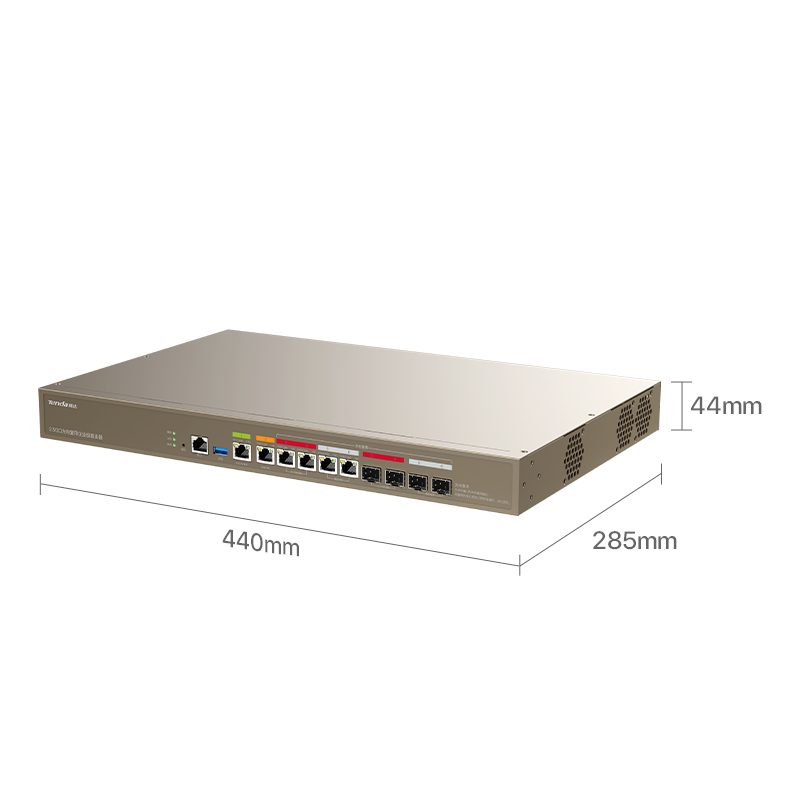
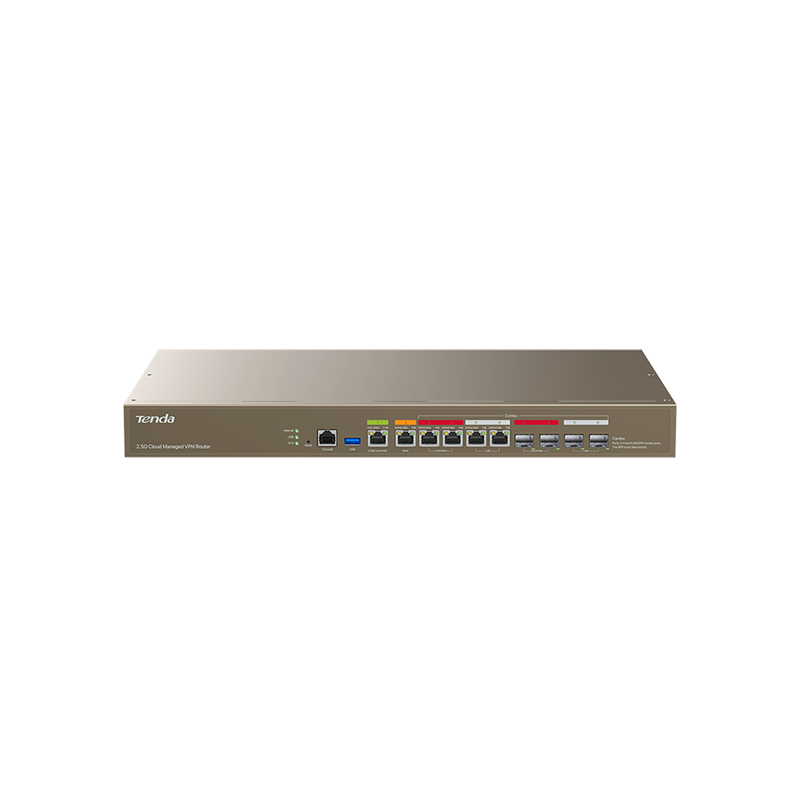
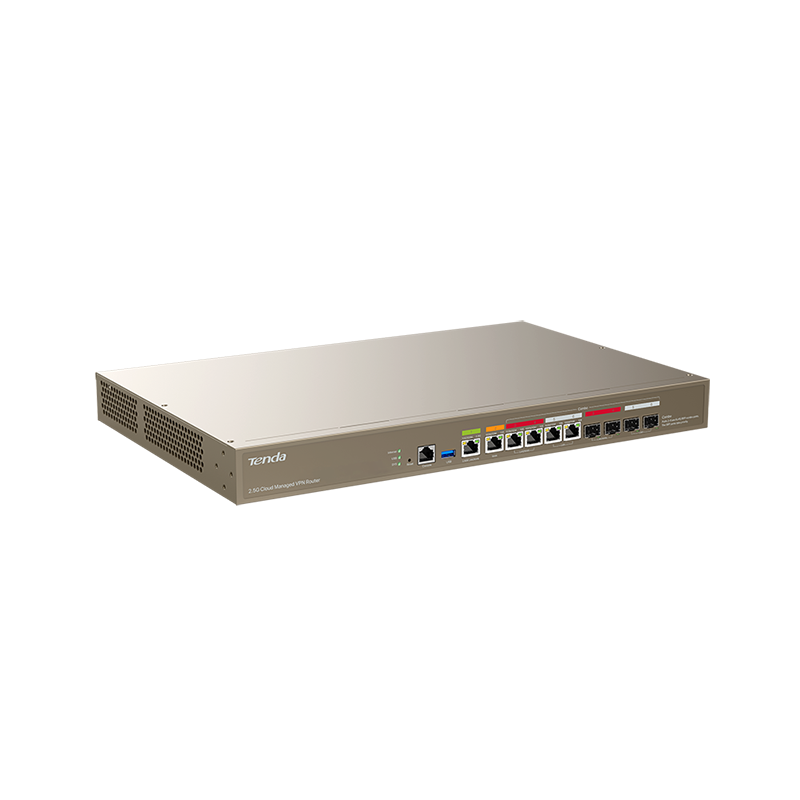
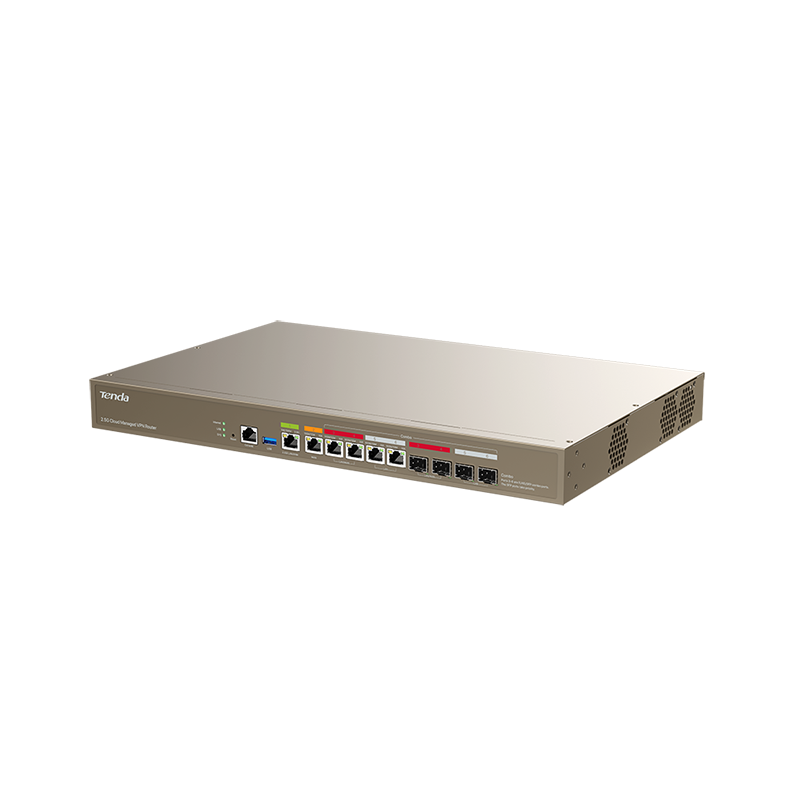
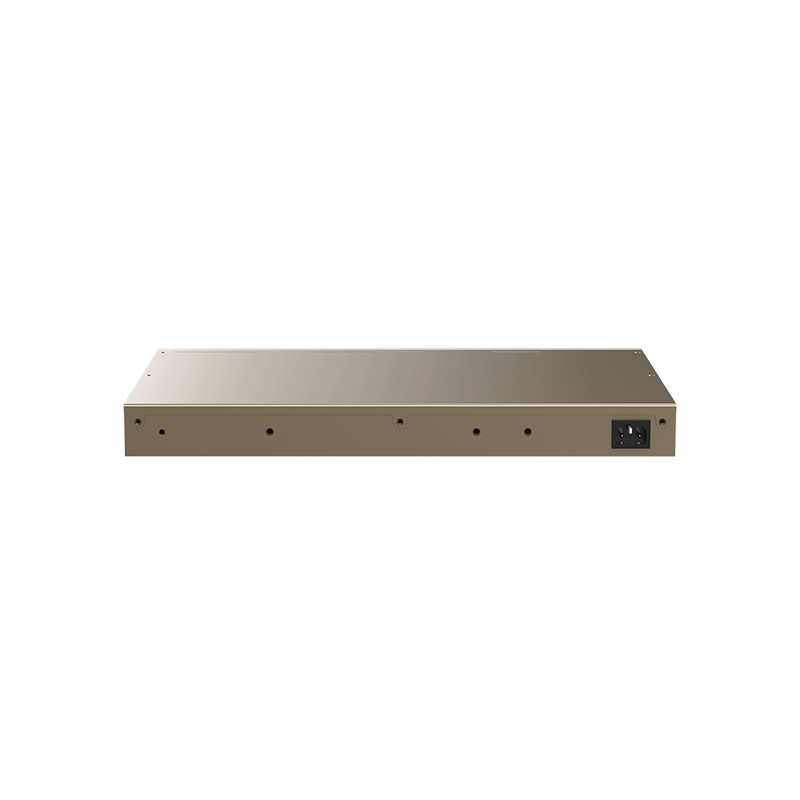
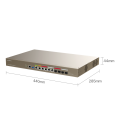
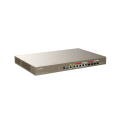
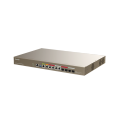
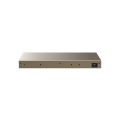
G500-F
440*285*44
2704g
526*373*80
SGCC
4-Core,Risc-V
512MB
1*2.5GE RJ45+5*GE RJ45 +4*SFP(combo)
1*USB2.0
AC 100-240V
Build-in power
16W
Reset
Operating Temperature: -10℃-45°C
Operating Humidity: 10%-90% RH, non-condensing
CE.FCC.RoHS
600
500
3000Mbps
13000
140000
Up:3258Mbps/Down:3242Mbps
Up:3255Mbps/Down:3247Mbps
Up:3140Mbps/Down:3082Mbps
Router mode: 256; AC mode: 512
16
Router&AC
Support
User DHCP Server,AP DHCP Server,DHCP Reservation,Excluded IP Address
AP Group,Guest Wi-Fi,Wi-Fi Schedule,Wi-Fi Optimization,Scheduled Optimization
802.11k,v,r
IPTV Policy
IP Filtering,MAC Filtering,Port Filtering,URL Filtering,Wireless MAC Filtering,User Filtering
Group Limit,Single User Limit,Block
IPSec, PPTP, L2TP,OpenVPN
DMZ,DDNS,DNS&IP Hijacking,UPNP,Interface Mirroring,Port Mapping,DNS Cache
Support
Support(web.e-mail.SMS.Random Code)
Support
Intelligent Load Balancing, Customize
Static Routing, Policy Routing
IP-MAC binding, Block Ping from WAN, DDoS Attack Defense, ARP Attack Defense, Binary Association
ntp,Scheduled reboot, Diagnosis
system log, Operating log, Running log
Administrator, Visitor, Login IP Address Limit
Local, Online
Restore, Backup, Remote WEB Management
Network Diagnosis,Client Detection,WAN Diagnosis,Network Monitoring
http/https, Profi Cloud, Profi APP
Blinking: The router is working properly.
Solid on: The router is starting up.
Off: The router is not started.
Left indicator for 2.5GE port:
Solid yellow: The port negotiates at 100/1000 Mbps.
Blinking yellow: Data is being transmitted over the port.
Off: No device is connected to the port.
Right indicator for 2.5GE port:
Solid green: The port negotiates at 2.5 Gbps.
Blinking green: Data is being transmitted over the port.
Off: No device is connected to the port.
Left indicator for 1GE port:
Solid yellow: The port negotiates at 10/100 Mbps.
Blinking yellow: Data is being transmitted over the port.
Off: No device is connected to the port.
Right indicator for 1GE port:
Solid green: The port negotiates at 1 Gbps.
Blinking green: Data is being transmitted over the port.
Off: No device is connected to the port.
Indicator for SFP port:
Solid on: The port is connected properly.
Blinking: Data is being transmitted over the port.
Off: No device is connected to the port.
Solid on: The router is connected to the internet.
Off: No internet connection is established.
Solid on: A USB device is connected to the router.
Blinking: Data is read from or written to the USB device connected to the router.
Off: A USB device is disconnected from the USB port.
.png)