Step 1: Download “Tenda Beli” App from App Store or Google Play.
Step 2: Open Tenda Beli App, tap “Add a Device”.
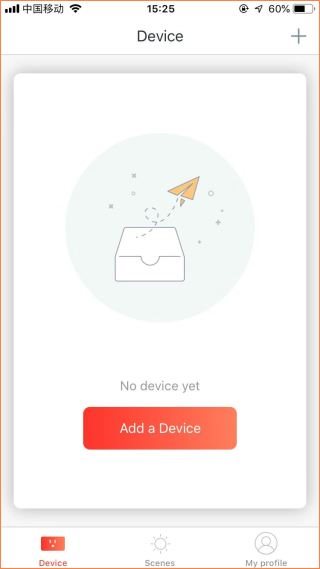
Step 3: Follow the steps
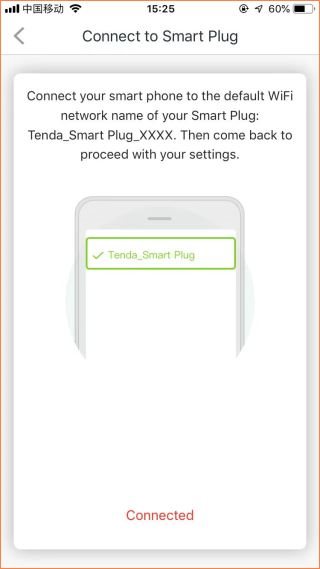
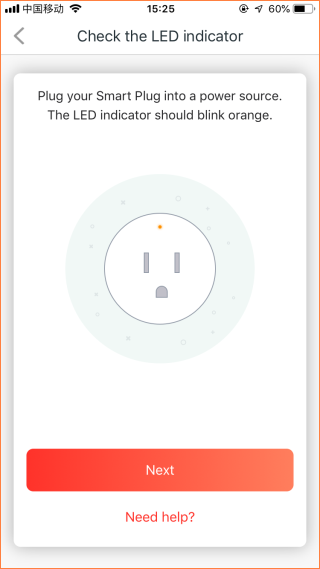
Step 4: Tap “Settings” > “Wi-Fi” to search SP3 WiFi signal.
Note:
(1) The WiFi name should be “Tenda_Smart Plug_xxxx”.
(2) XXXX means last 4 digital of MAC which is at label on SP3.


Step 5: Prompt message will pop up when connected successfully. Then go back to Tenda Beli App.

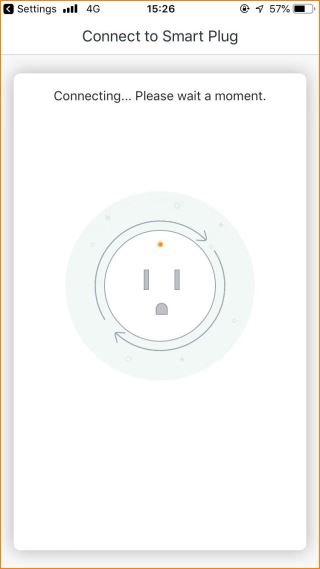
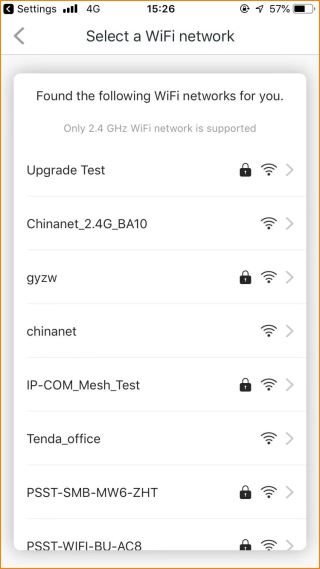
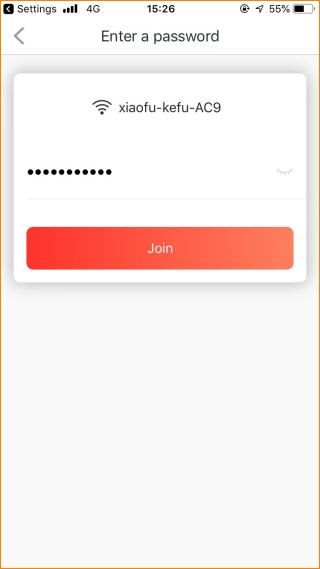
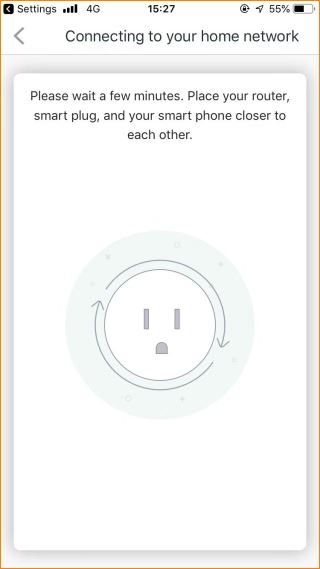
Step 6: Connected SP3 to WiFi signal.
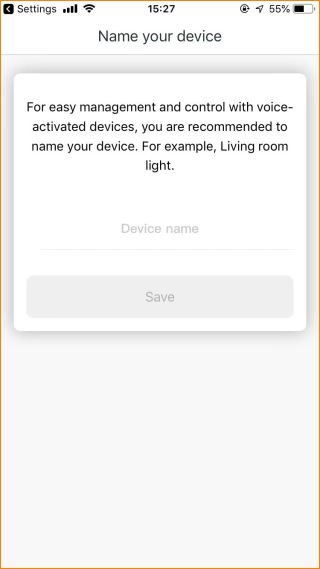
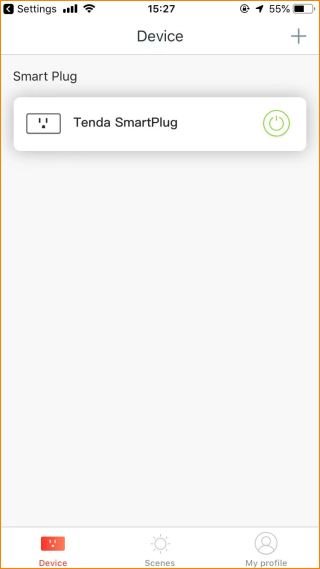
Step 7: Name the device.