

How to change WiFi Encryption Mode
Actualización: 2025-06-11Formato:html
Vista móvil
Para:
5G03
Take 5G03 as an example
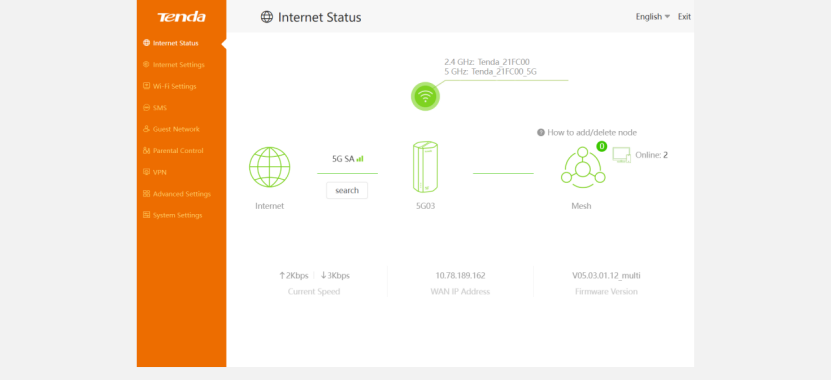
1、Login to the website tendawifi.com/192.168.0.1 by your own username and password with your connected wire/wireless device
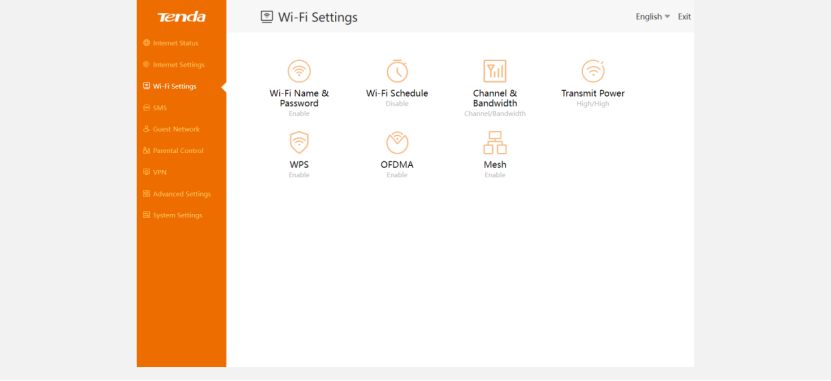
2、Go to “WiFi Settings”
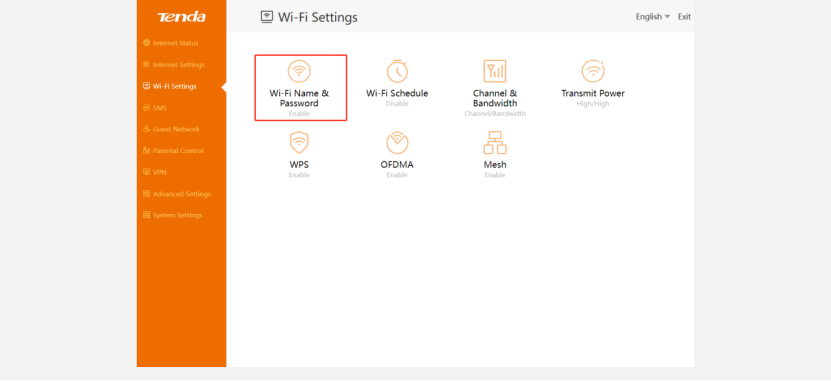
3、Click “WiFi Name & Password”
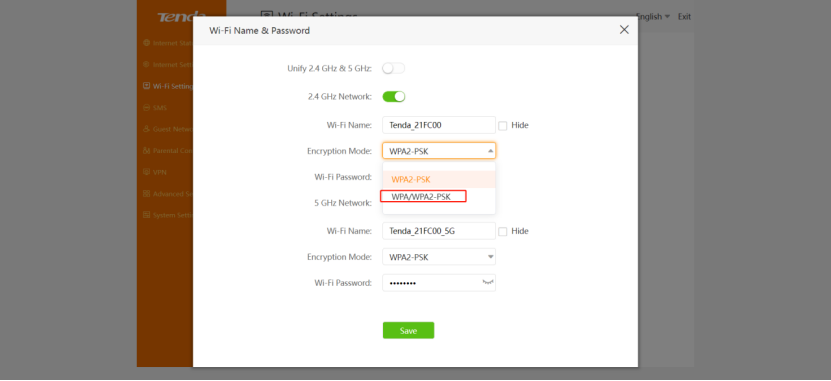
4、Modify the encryption mode of both 2.4G Hz and 5G Hz to the mode you want and save it.
¿Usted servirá de ayuda?