

Solution to the problem of 4G03 PRO unable to access the internet due to the restriction of BAIT SIM Card
Solution to the problem of 4G03 PRO unable to access the internet due to the restriction of BAIT SIM Card
2025-08-14
480.54 KB
4G03 PRO cannot use BAIT SIM Card problem solution
When you encounter a situation where your BAIT SIM card cannot be used, it is due to restrictions imposed by BAIT company, and the device cannot be used normally. We can solve this problem by modifying the IMEI of the device. The method is as follows:
Step 1.
Please pull out the SIM card first.
Step 2.
Please use your computer or smartphone to connect to 4G router and log into your router.
(Login address: 192.168.0.1)
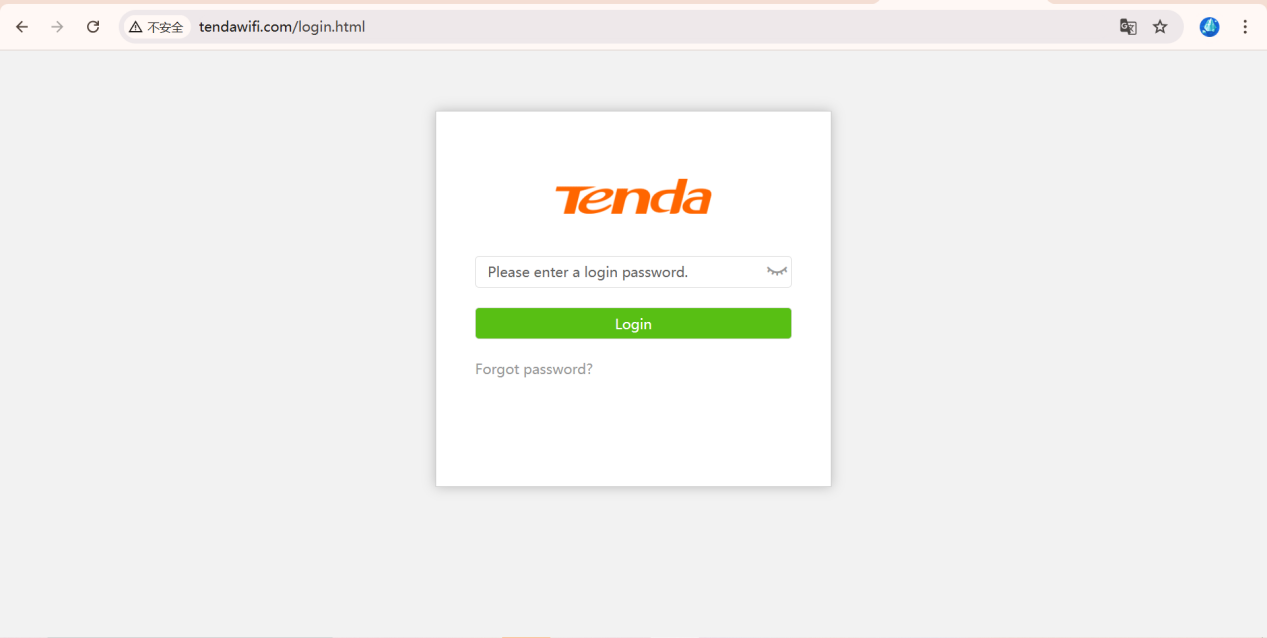
Step 3.
Access this address(http://192.168.0.1/IMEI_change.html) in the browser to enter the IMEI modification page.
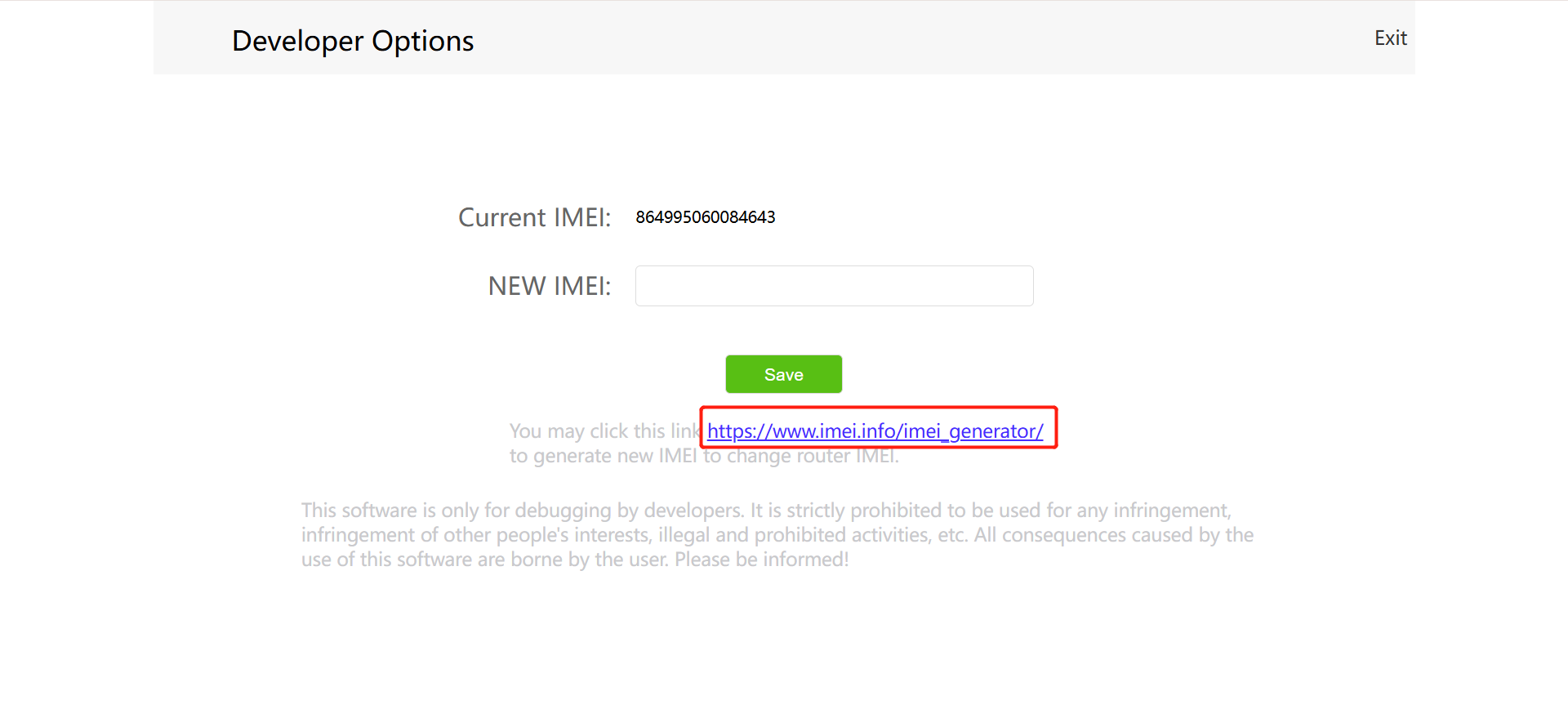
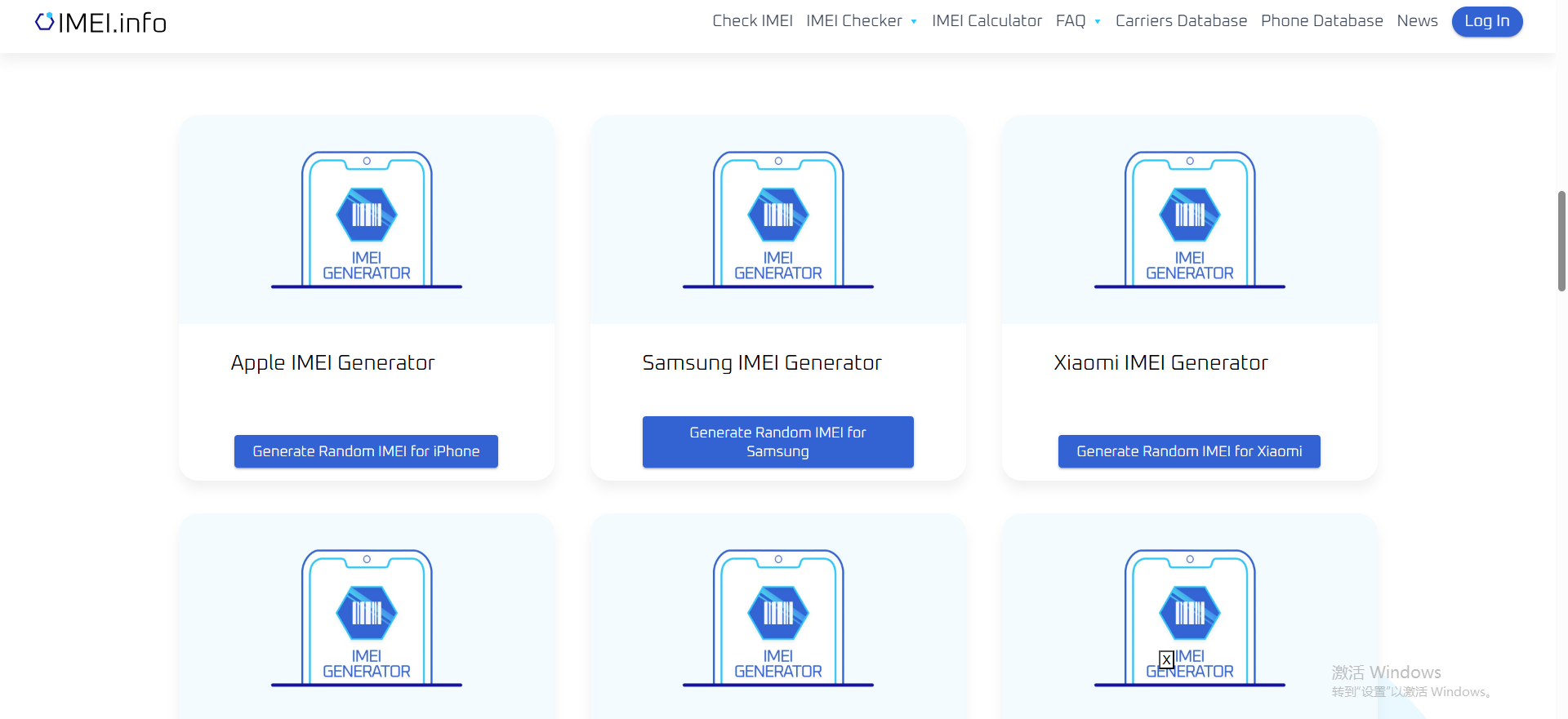
If you need to generate a new IMEI, you can click on the link https://www.imei.info/imei_generator/; Select the corresponding device to generate IMEI, you can freely choose here
After jumping to this page, click to randomly generate IMEI
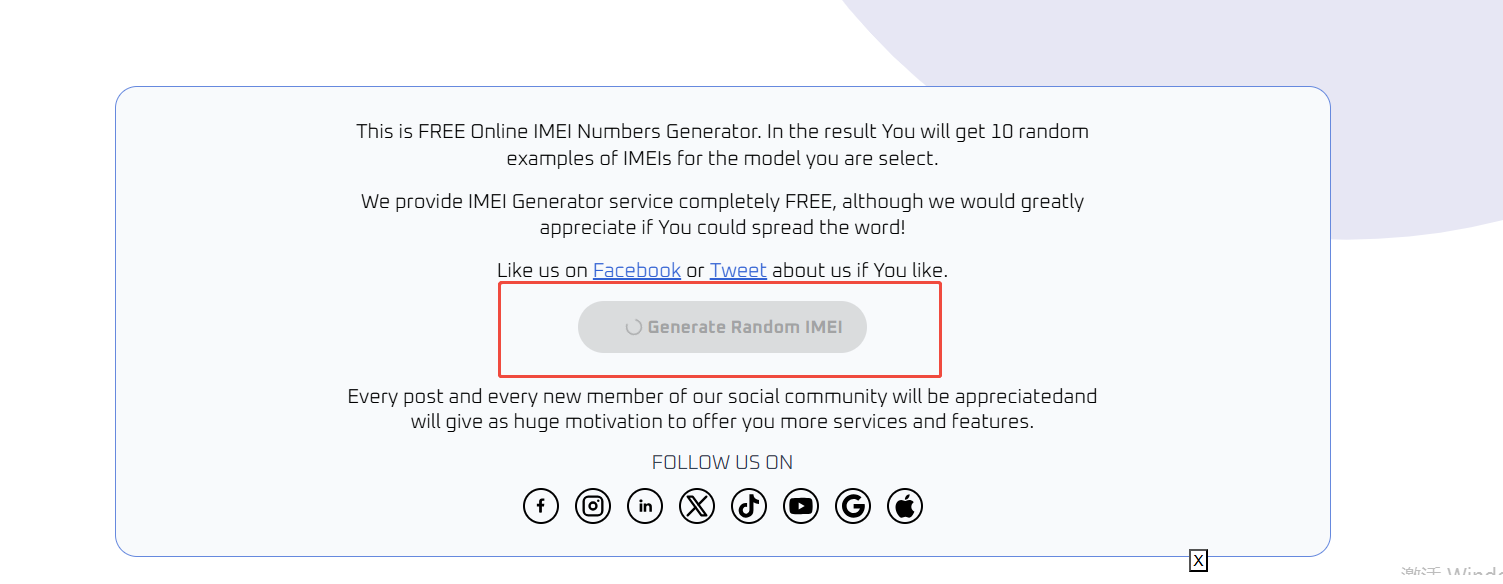
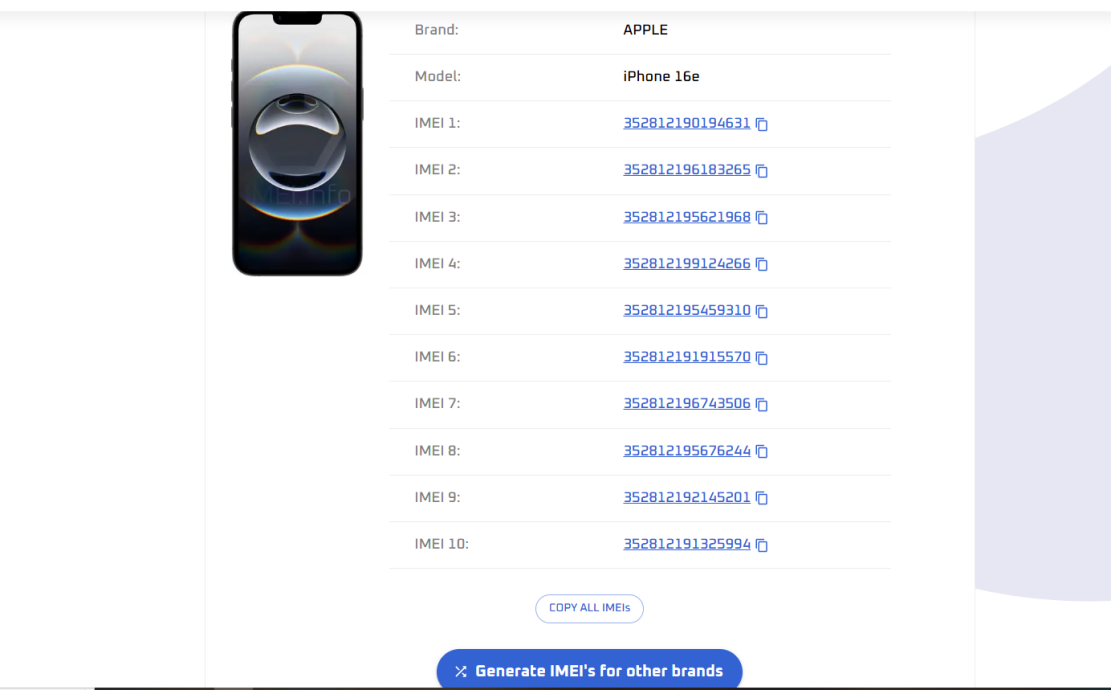
Select one of the IMEI and copy it, then go to the BAIT official website to check if the IMEI is available.( https://mibait.com/compatibilidad )
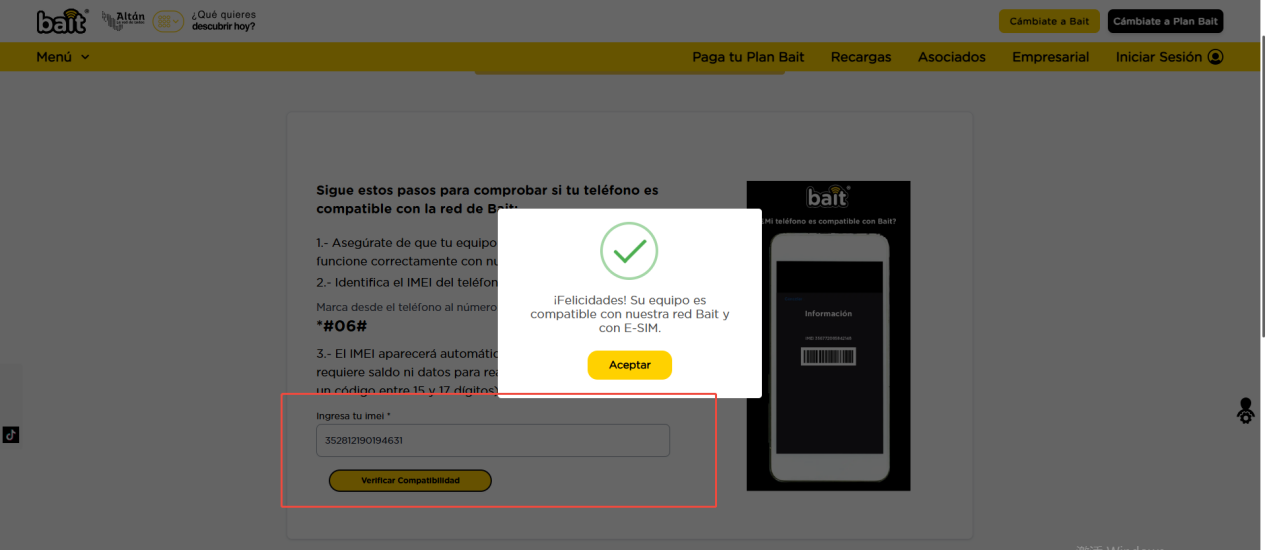
If prompted to be compatible with BAIT's network, the IMEI of 4G03 Pro can be modified. If it prompts incompatibility, please replace it with another IMEI for verification.
Step4.
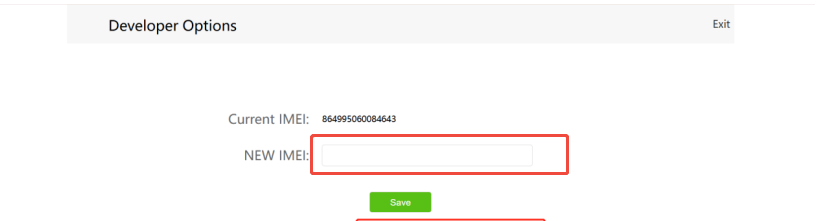
Please type the new IMEI in the tab and click Save.
If the above steps still do not solve your problem, Please contact our technical support.