

How to change the IMEI number on 4G05?
Update: 2024-11-25Format:html
Mobile View
Step 1.
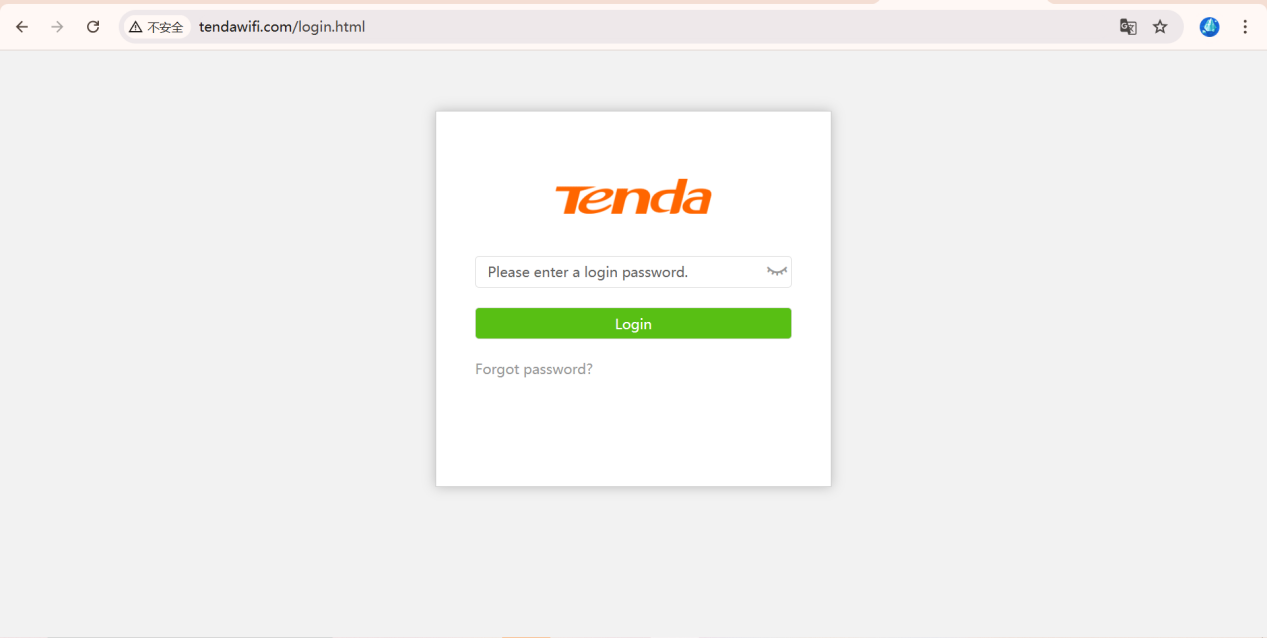
Please use your computer or smartphone to connect to 4G05 and log into your router.
(Login address: http://tendawifi.com)
Step 2.
Access this address(http://192.168.0.1/IMEI_change.html) in the browser to enter the IMEI modification page.
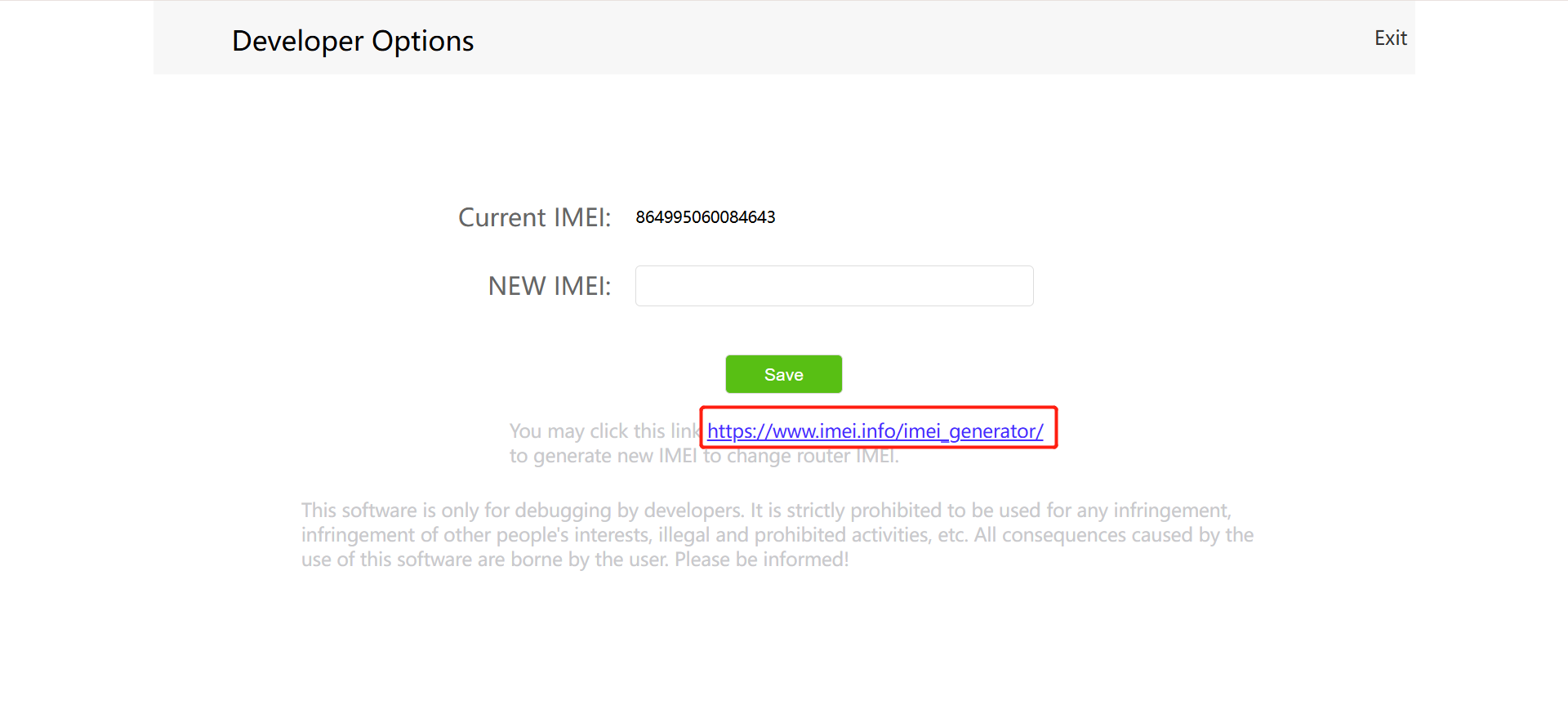
Please type the new IMEI in the tab and click Save.
Note: If you want to generate a new IMEI, please click the link as shown on the red box.
If the above steps still do not solve your problem, please contact our technical support.
Will it help you?