

How to use the voice service of 4G06
Update: 2024-06-27Format:html
Mobile View
How to use the voice service of 4G06
Tip: Before using the voice function, please confirm on your phone that the SIM card can make calls normally.
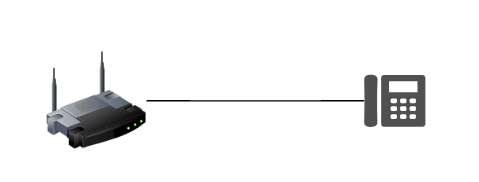
Step1: Please use a telephone cable to connect the router and phone.
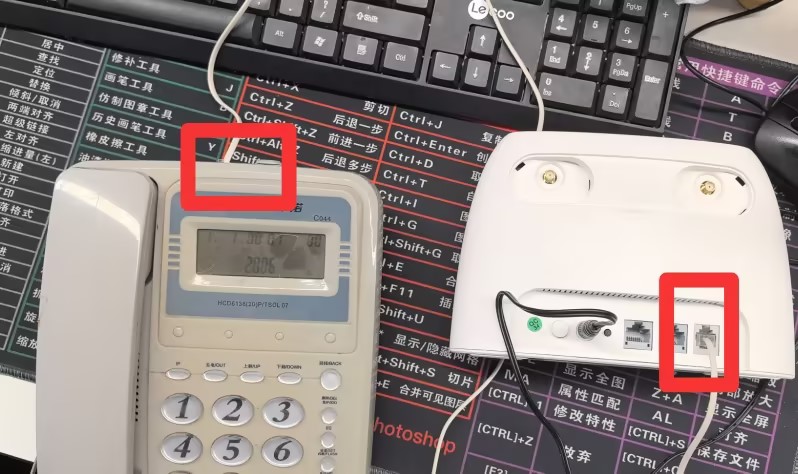
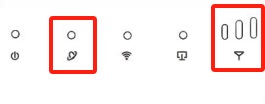
Step2: When the network light and signal light are on, a beeping sound will appear when you pick up the microphone.
If you still can't use voice services, please contact Tenda support for help.
Will it help you?