

How to download your camera videos from cloud storage to local
Update: 2025-07-21Format:html
Mobile View
For:
Home Security
How to download your camera videos from cloud storage to local
2025-07-21
For:
Home Security
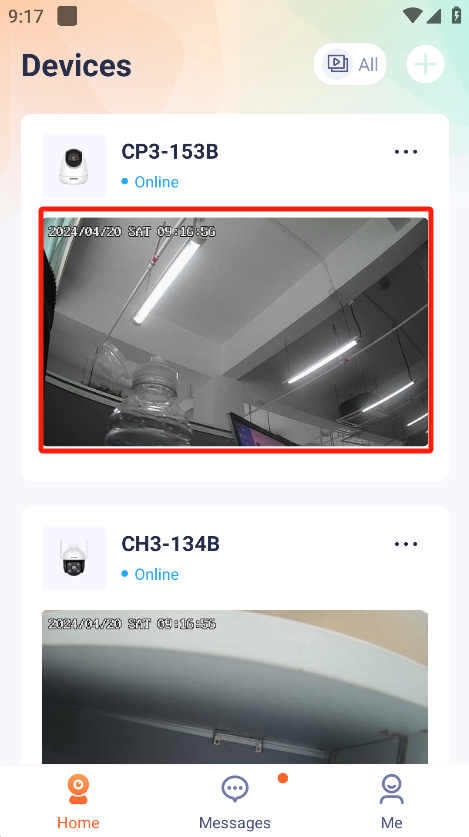
1.Enter the TDSEE homepage and select the IPC where you want to download the video.
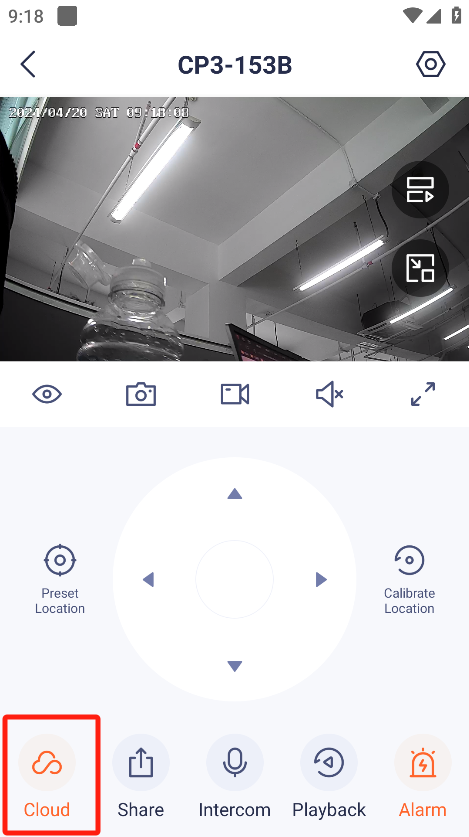
2.Press “Cloud”.Enter the Cloud Storage Interface.
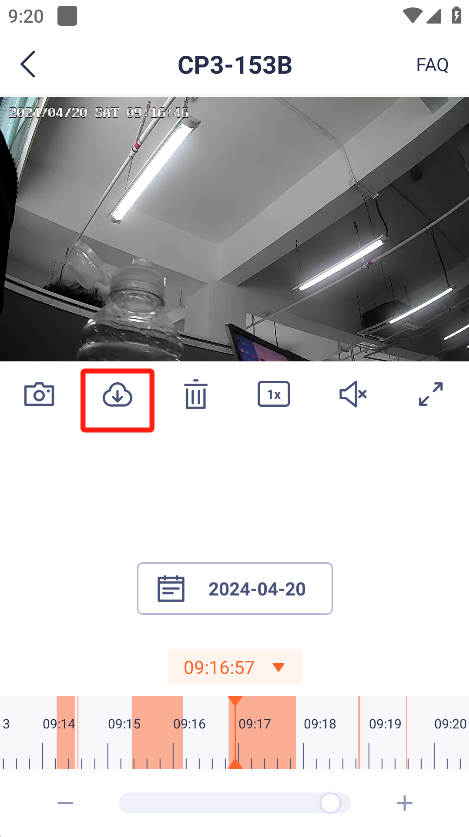
3.Press “Download”,enter the download interface.
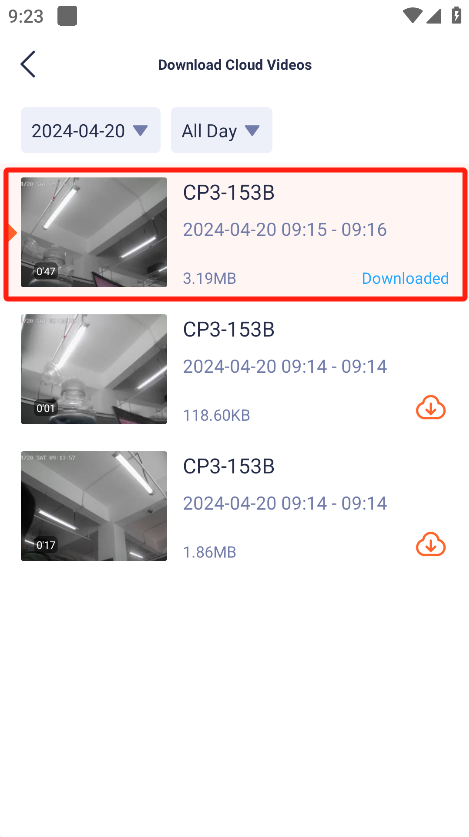
4.Select the video and press download.
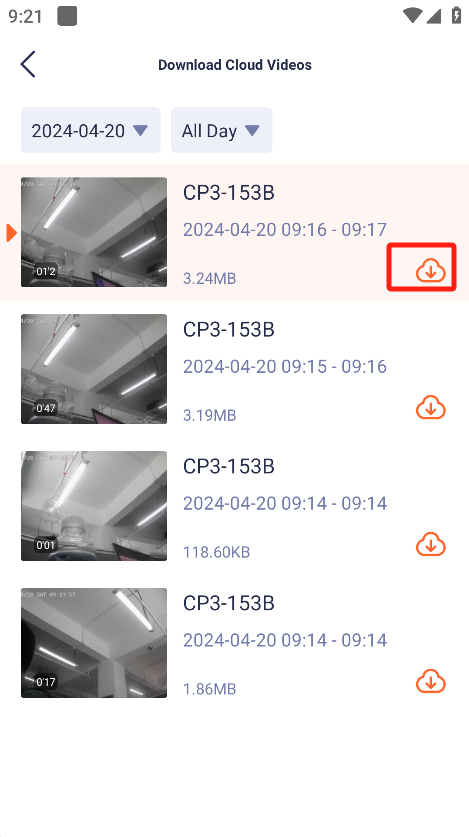
5.After finishing download,click on video to watch locally.
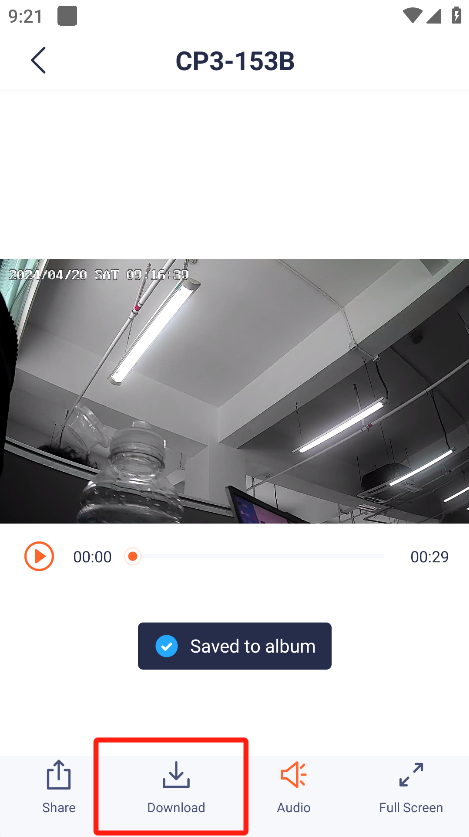
- After entering the video playback interface, you can further save the video to the mobile phone album.
Will it help you?