

SP3-How to add a sharing account
Update: 2019-08-01Format:html
Mobile View
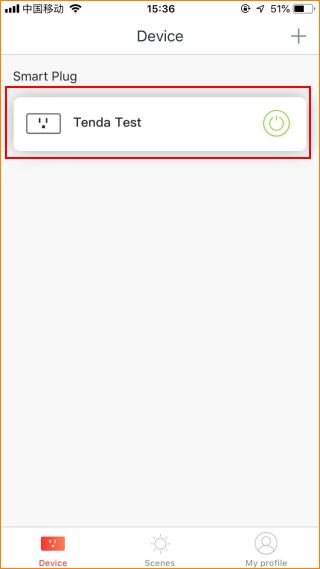
Step 1. Login Tenda Beli App, tap the managed device.
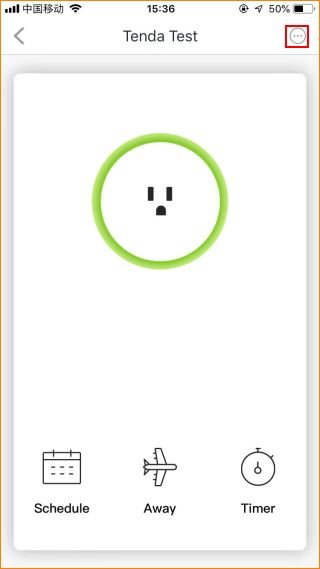
Step 2. Tap “…” on the top right.
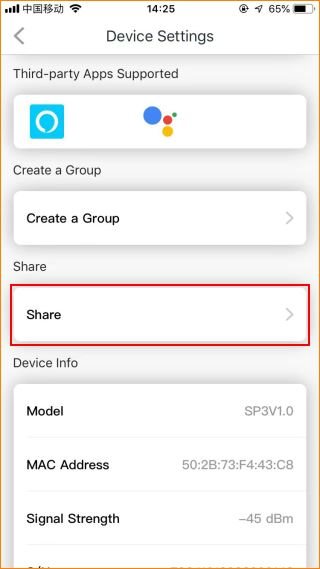
Step 3. Tap the “Share”.
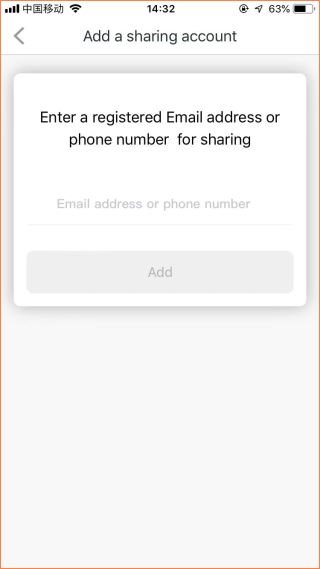
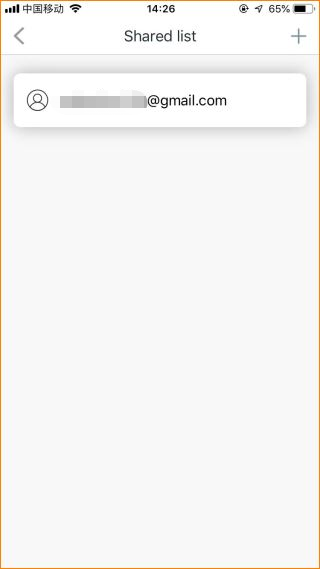
Step 4. Enter the account you want to share.
Will it help you?