All Products
Service Center
Materials
Store
Partner
How to upgrade SP3
Update: 2019-08-01
Format:html
Mobile View
Material Center
|
Details
How to upgrade SP3
2019-08-01
Related Documents
Step
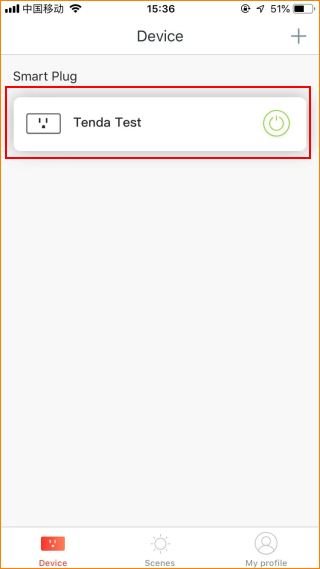
1. Login Tenda Beli, tap the
managed device.
Step
2.
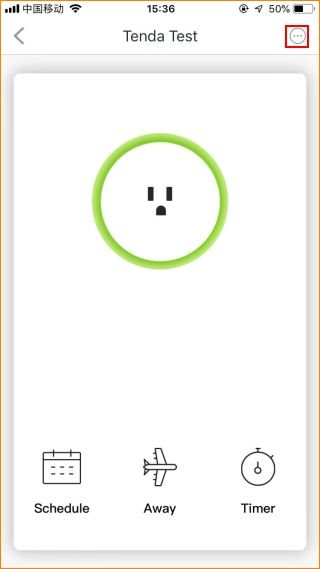
Tap the “
…
” on the top right.
Step
3.
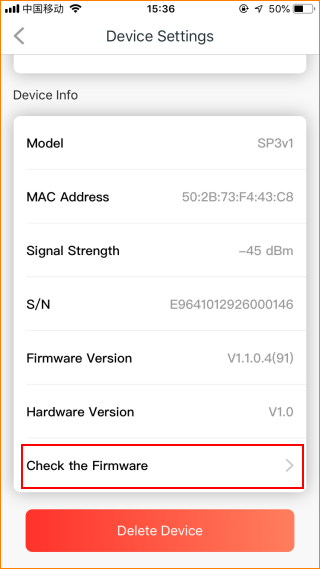
Tap “
Check the Firmware
”.
Step
4.
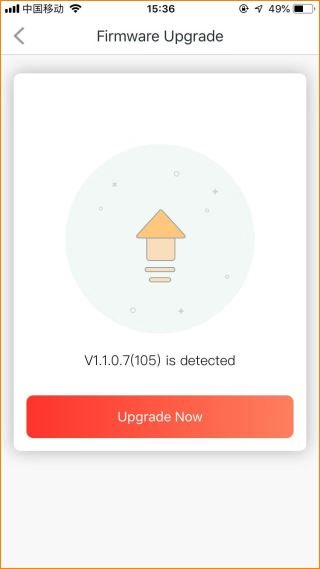
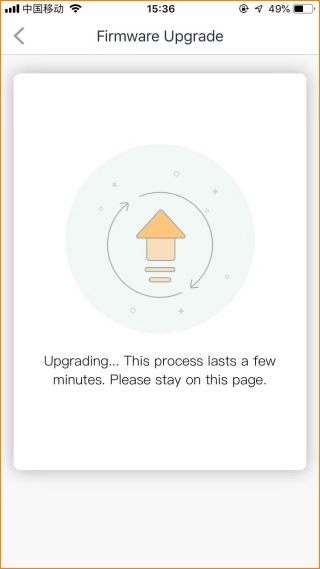
Tap “
Upgrade now
”.
How to upgrade SP3
Will it help you?
Yes
No