

Tenda MW5s-How to use blacklist
Update: 2018-08-23Format:html
Mobile View
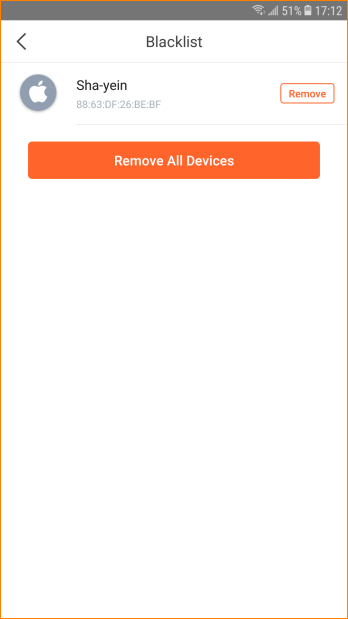
This article will guide you how to remove a device from blacklist and the steps as below.
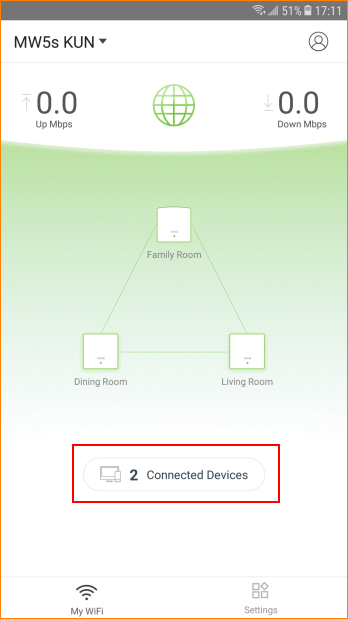
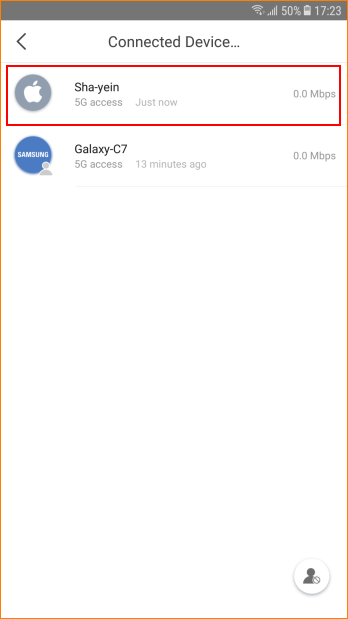
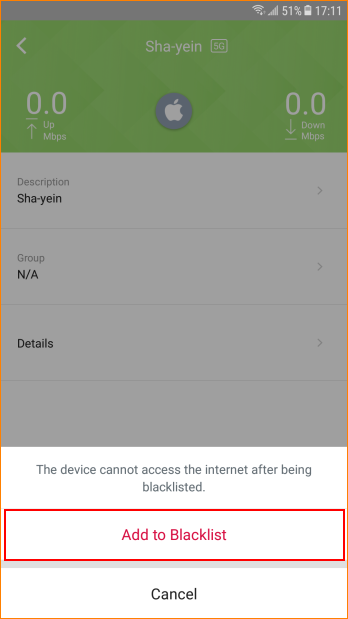
Step2: Select device which you want to block and tap “Add to Blacklist”.
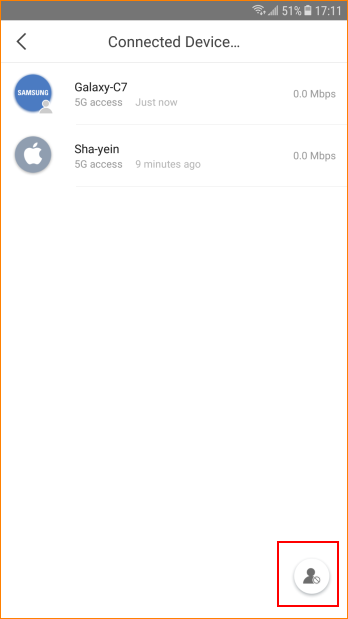
Step3: Tap gray head icon in the lower right corner and tap “Remove All Devices”.
Will it help you?