

What should I do if i cannot manage MW5 when using Tenda App
Update: 2025-10-14Format:html
Mobile View
User Scenario:
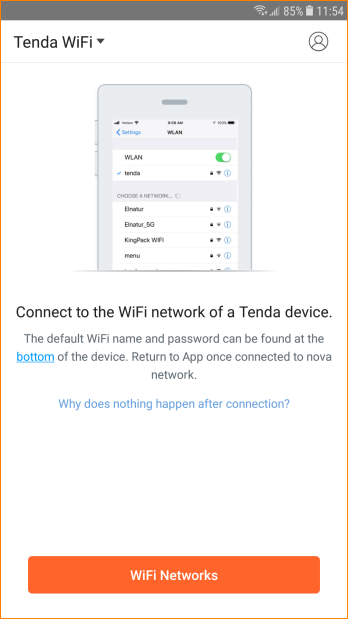
It is the first time you configure MW5, “Connect to the WiFi network of a Tenda device” is showed when you open Tenda App even you connect with MW5 WiFi signal.
Reason 1:
MW5 is managed by other account.
Solution:
1.Login by correct account and use “Account Authorization” function.
2. If you forget your account, please press the reset button for 6 seconds until LED blinking. Reconfigure the nova and login by your account.
Reason 2:
Mobile phone is connected with wrong WiFi signal.
Solution:
Please connect with correct WiFi signal.
Will it help you?