

[PA-3.2] How to change Wireless Settings using smartphone or PC?
Update: 2024-07-16Format:html
Mobile View
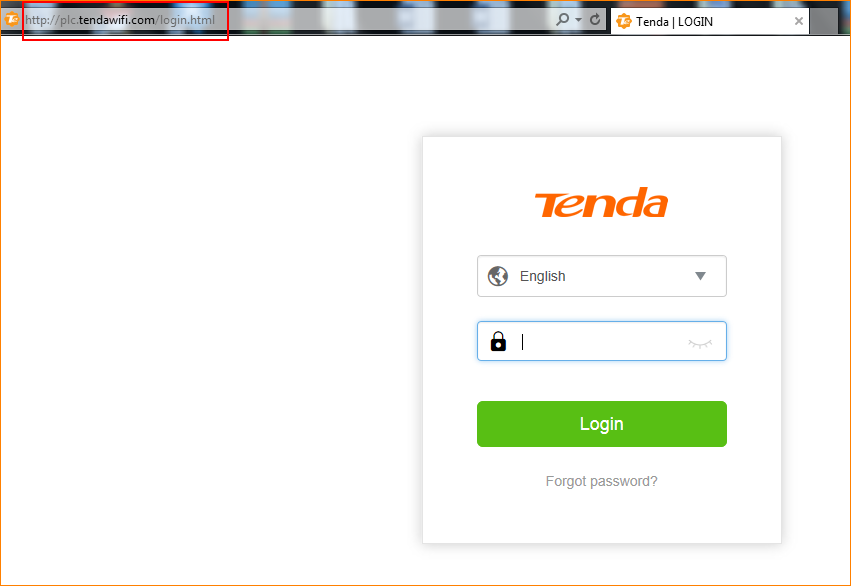
Step 1: Open the browser and input plc.tendawifi.com in address bar to login setup page. By default, password is “admin”.
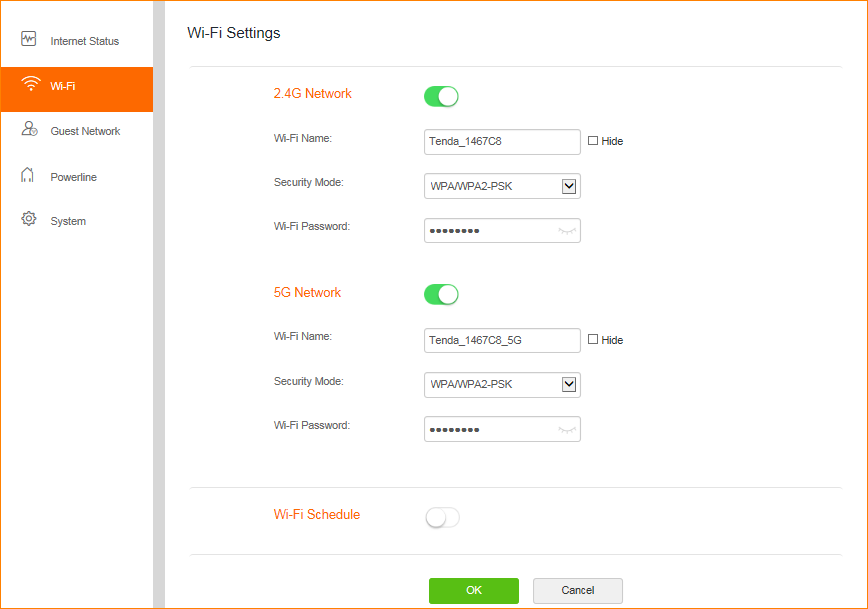
Step 2: You can change “Security Mode”.
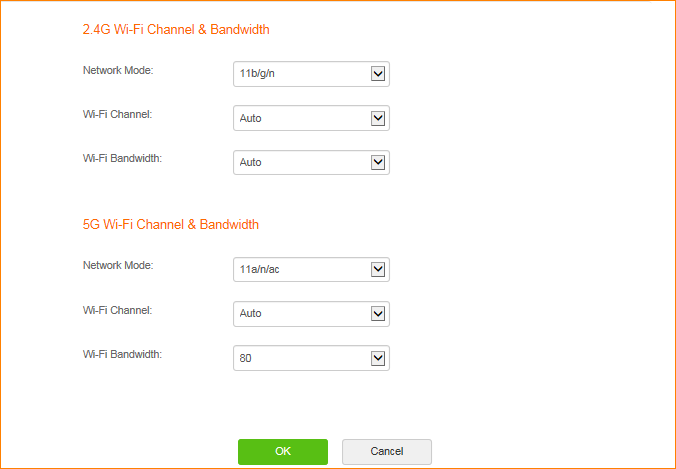
Step 3: You can set Channel & bandwidth & Network Mode. Please tap “OK” to save settings.
Will it help you?