

[PA-3.7] How to configure Wi-Fi Schedules?
Update: 2024-07-16Format:html
Mobile View
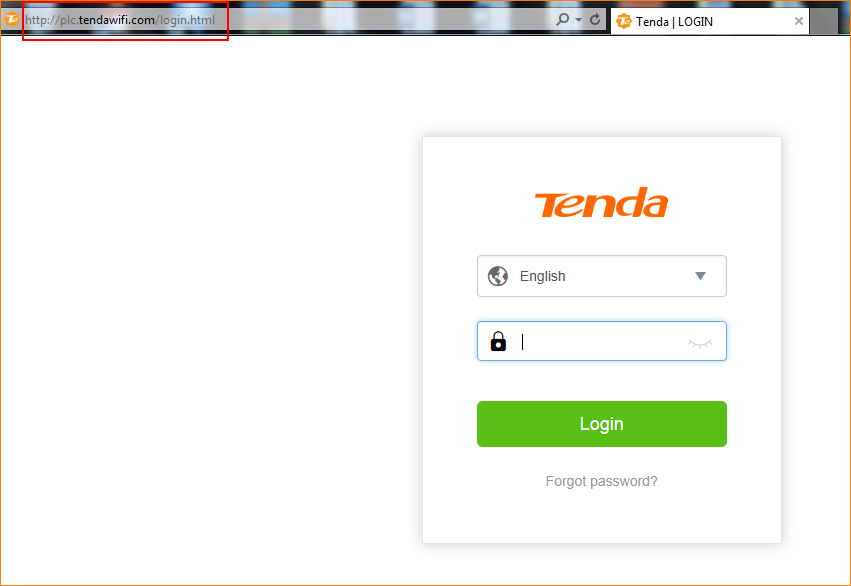
Step 1: Open the browser and input plc.tendawifi.com in address bar to login setup page. By default, password is “admin”.
Step 2: Choose “WiFi” > “WiFi Schedule”.
For example:
If you want to turn on your WiFi during 00:00~07:00 on Sun and Sat, you can configure it as show in the picture below:
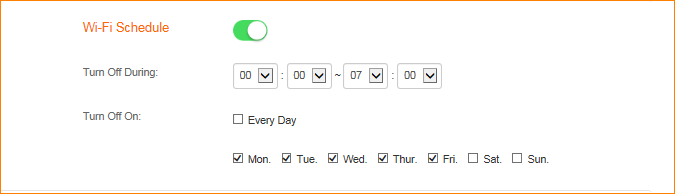
Step 3: Please follow the instructions to finish the settings and tap “OK” to save the settings.
Will it help you?