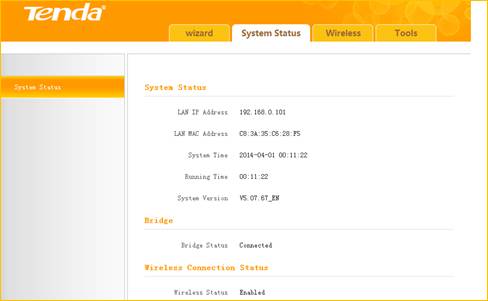
A300-how to extend wireless via management page
How to setup range extender mode via management page
Product line: Wireless Model number: A300/A301
Part 1: Login its homepage
Part 2: Configure extender function

1 Launch a browser and usually it will login automatically. If not,input 192.168.0.254 or re.tendacn.com in the address bar and press Enter.

2 Enter the default password admin and click OK.
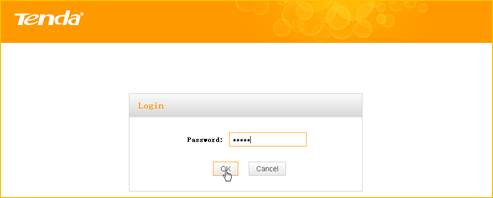
3 Then the following page will appear.
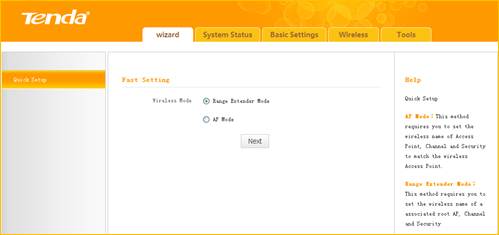

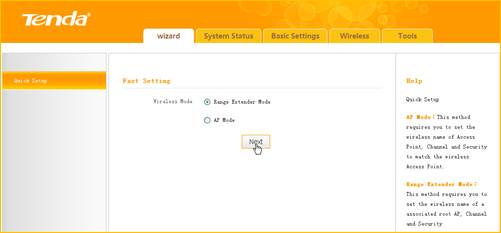
1 Click Wizard, select Range Extender Mode and click Next
2 Click Open Scan, select the remote router's wireless network (SSID), say Tenda_881218, click OK.
and close Scan.
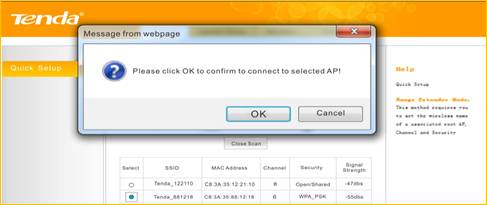
3 Enter the remote device’s security key and click Save;
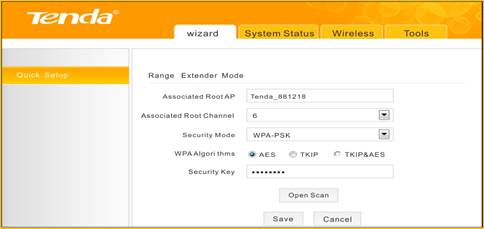
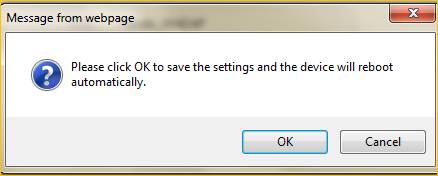
4 In the appearing dialogue box click OK;
5 Click System Status to check the bridge status. When the bridge status displays Connected, bridged successfully.