

How to Add Friend in TDSEE App
Mise à jour : 2025-06-11Format:html
Vue mobile
Pour :
IP Camera
How to Add Friend in TDSEE App:
- Enter the camera
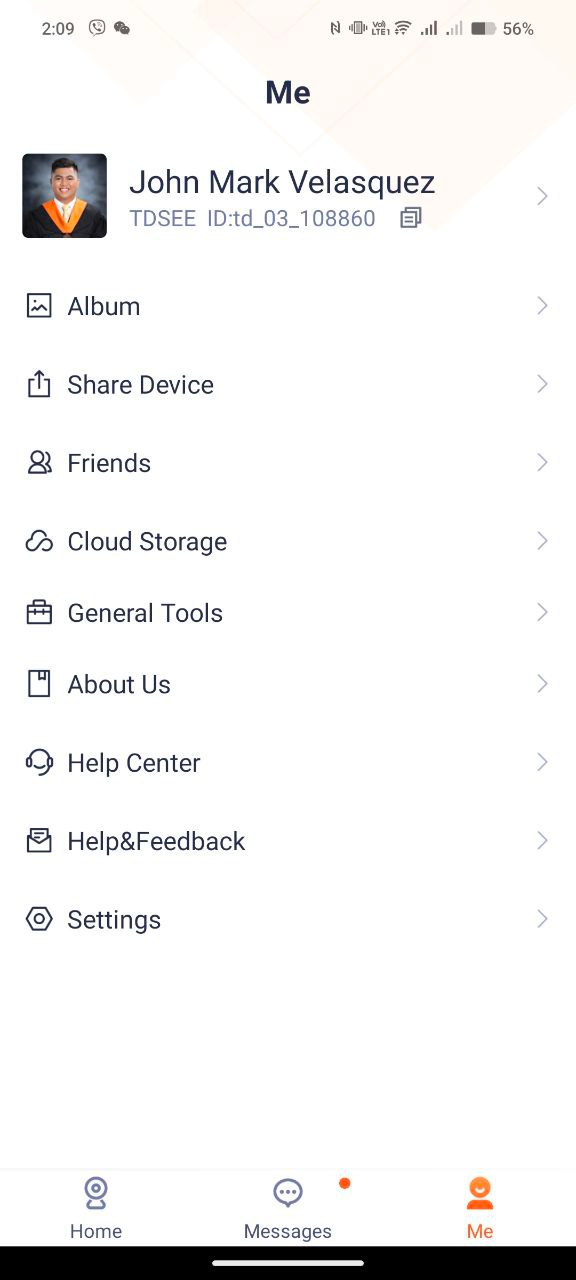
Open the Tenda Security app Click “Me” and choose Friends
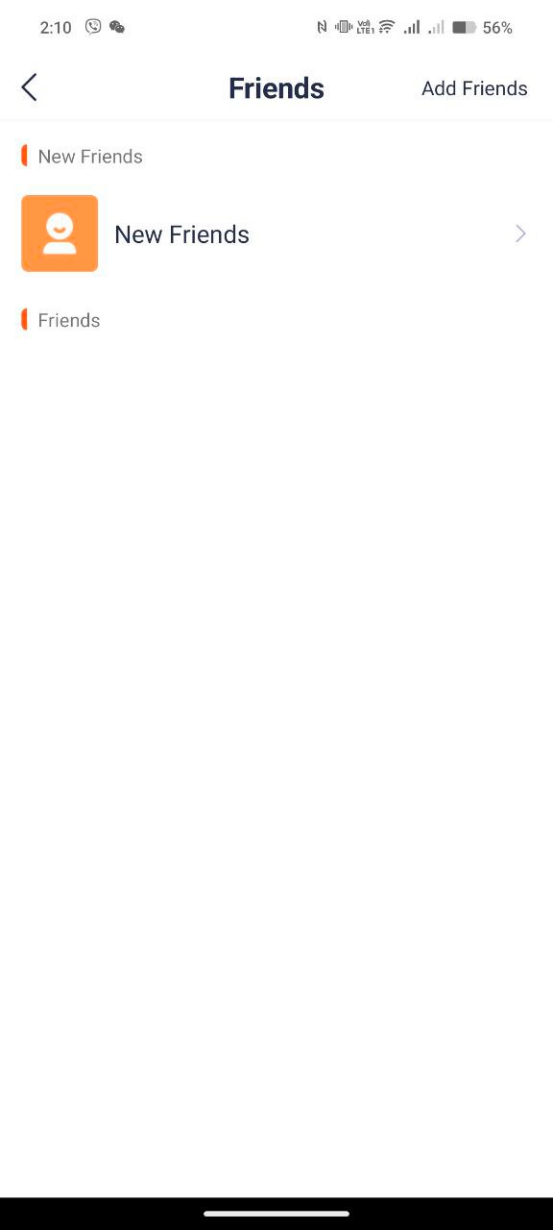
- Click the “Add Friends” located at the upper right side of the screen.
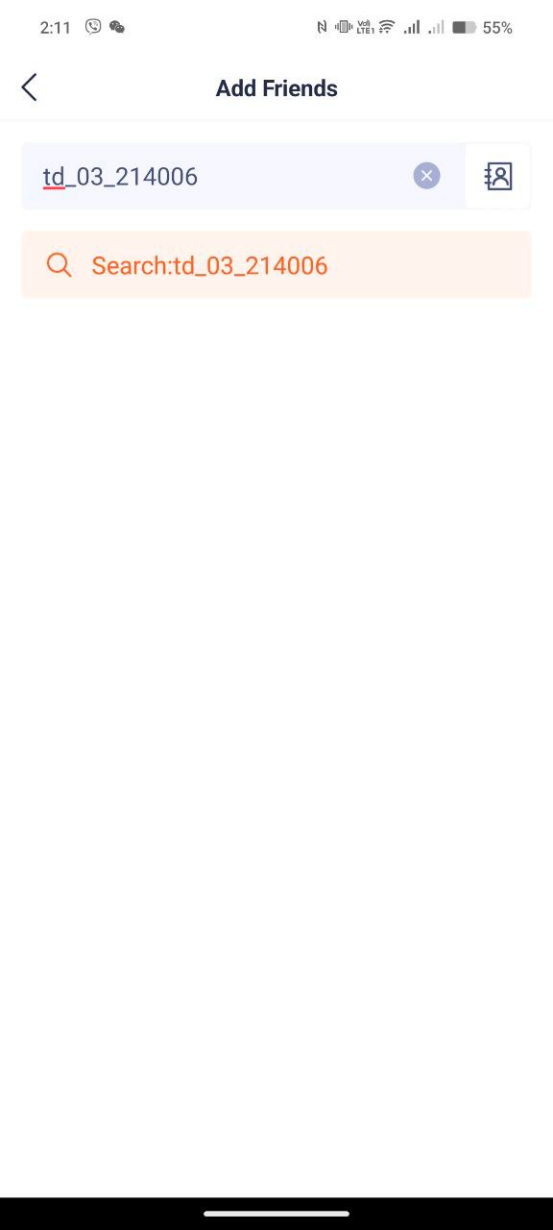
- Insert the TDSEE ID of the user want to add and click search after you put the complete TDSEE ID information.
Click “Add” to send friend request from the other user.
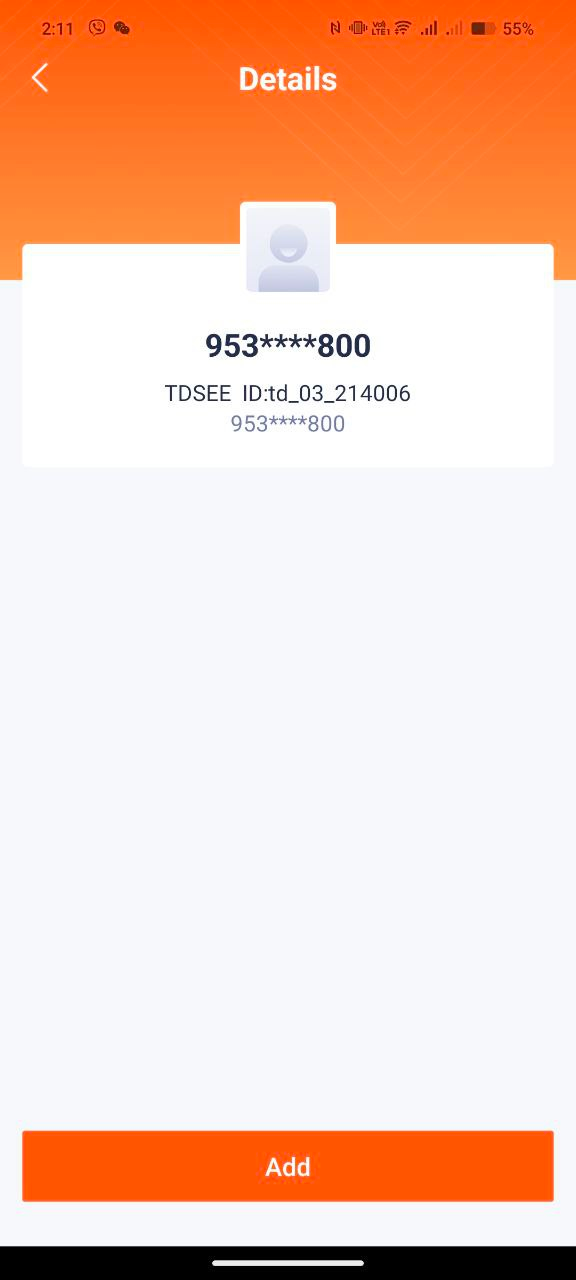
Please note: Make sure that the other user has a verify account of TDSEE App able to send friend request.
Ce document est-il utile ?