

PA6-How to check Rx and Tx rate
Mise à jour : 2025-06-11Format:html
Vue mobile
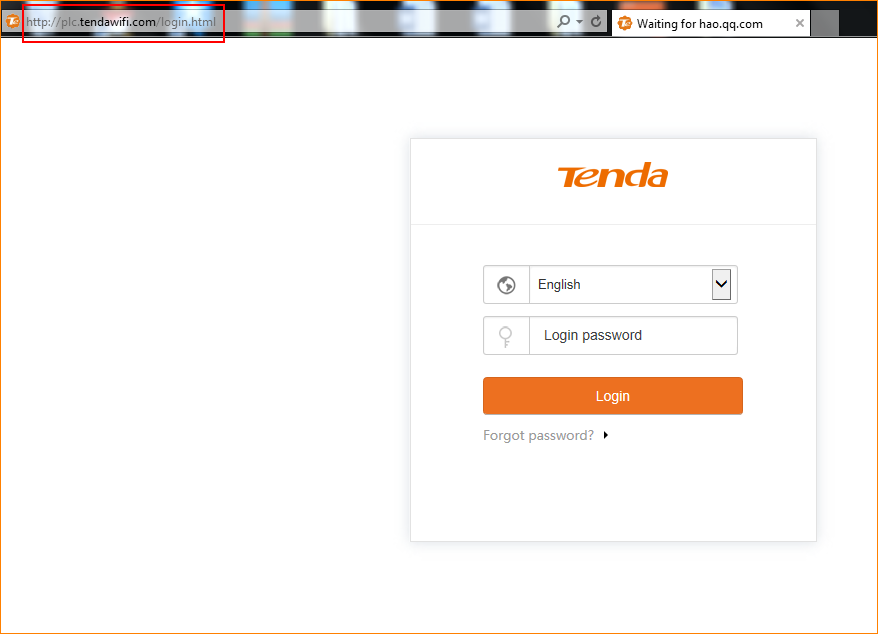
Step 1: Open bowser and enter plc.tendawifi.com in address bar to login the setup page.
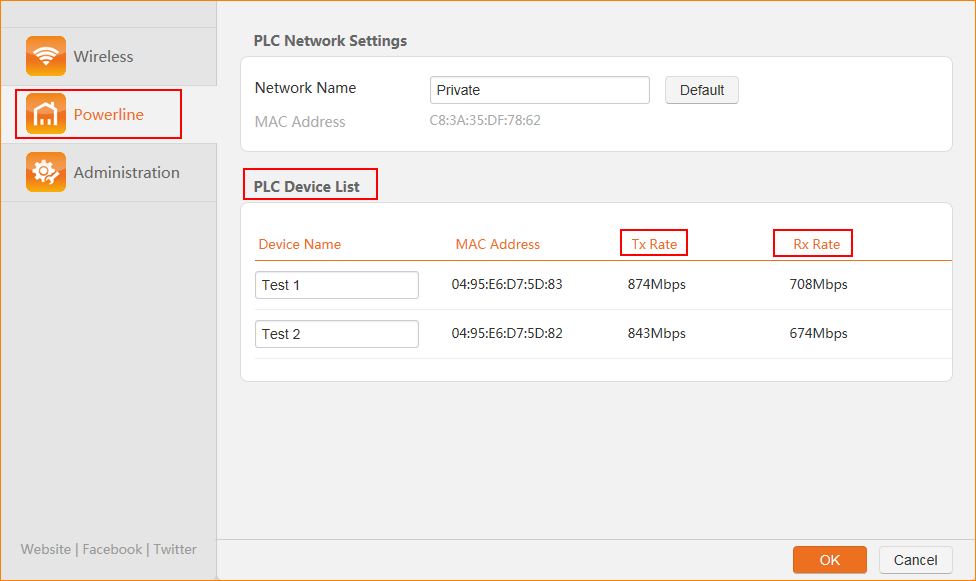
Step 2: Choose powerline list. And pay attention to “PLC Device List”. And you can check Tx Rate and Rx Rate.
Ce document est-il utile ?