

PA6-How to login the web interface of Powerline Extender
Mise à jour : 2025-06-11Format:html
Vue mobile
Step 1: Use ethernet cable to connect PC with PA6 or connect PA6 WiFi by PC.
Step 2: Open bowser and enter plc.tendawifi.com in address bar to login the setup page.
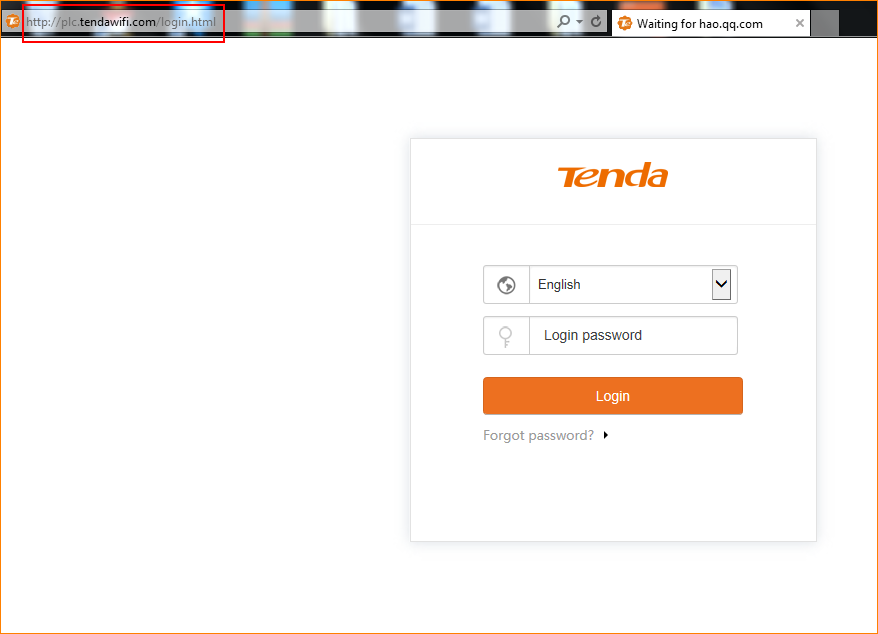
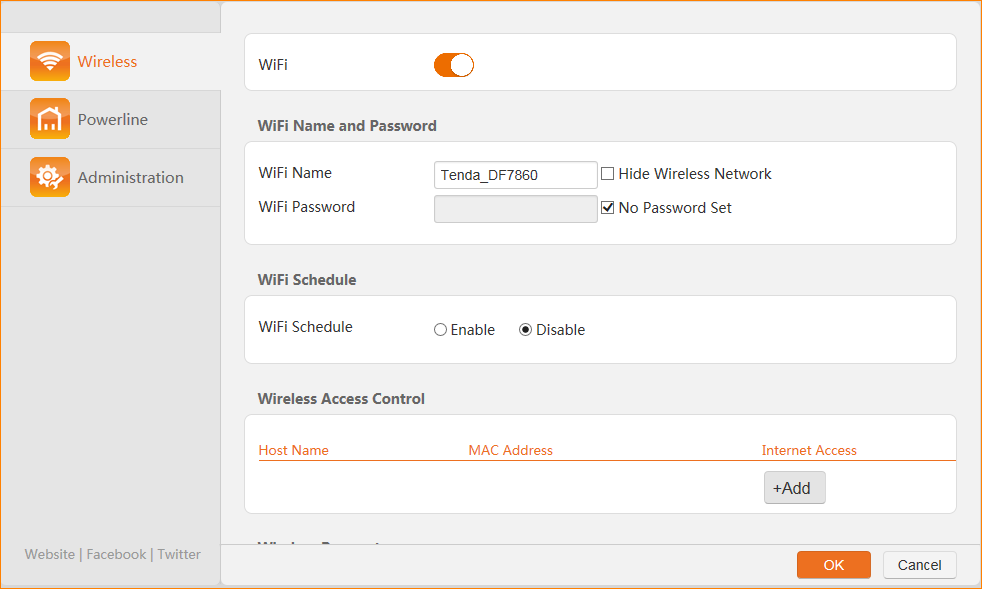
Step 3: Enter default password “admin” in “Login password” and tap “Login” button.
Ce document est-il utile ?