How to disable the one touch call of CP3 Pro
- Enter the camera
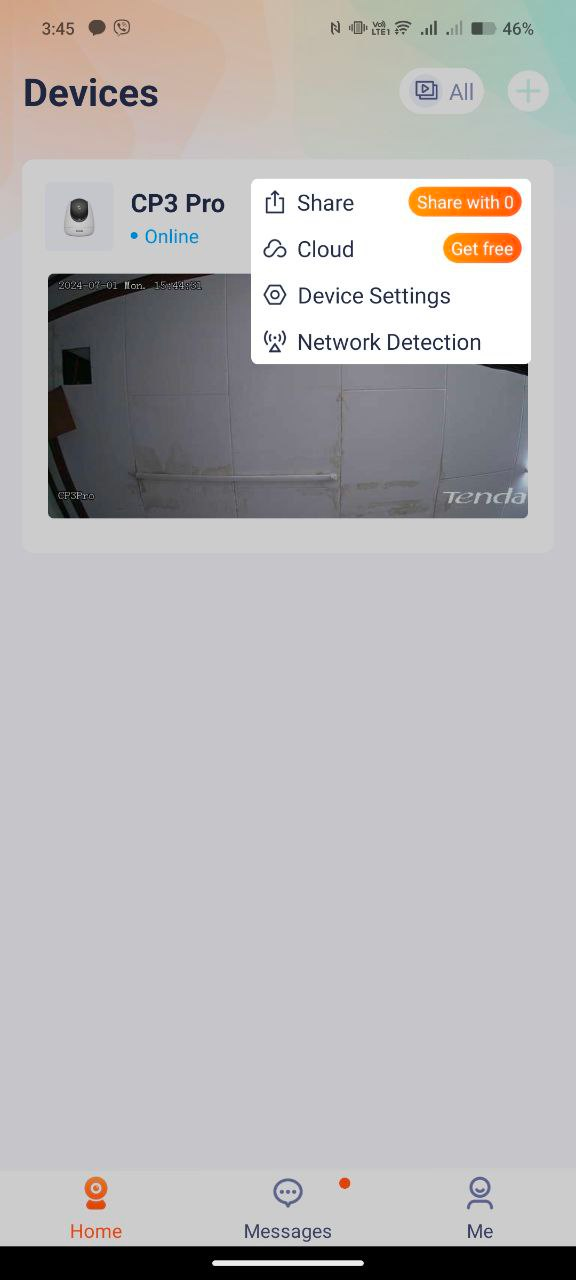
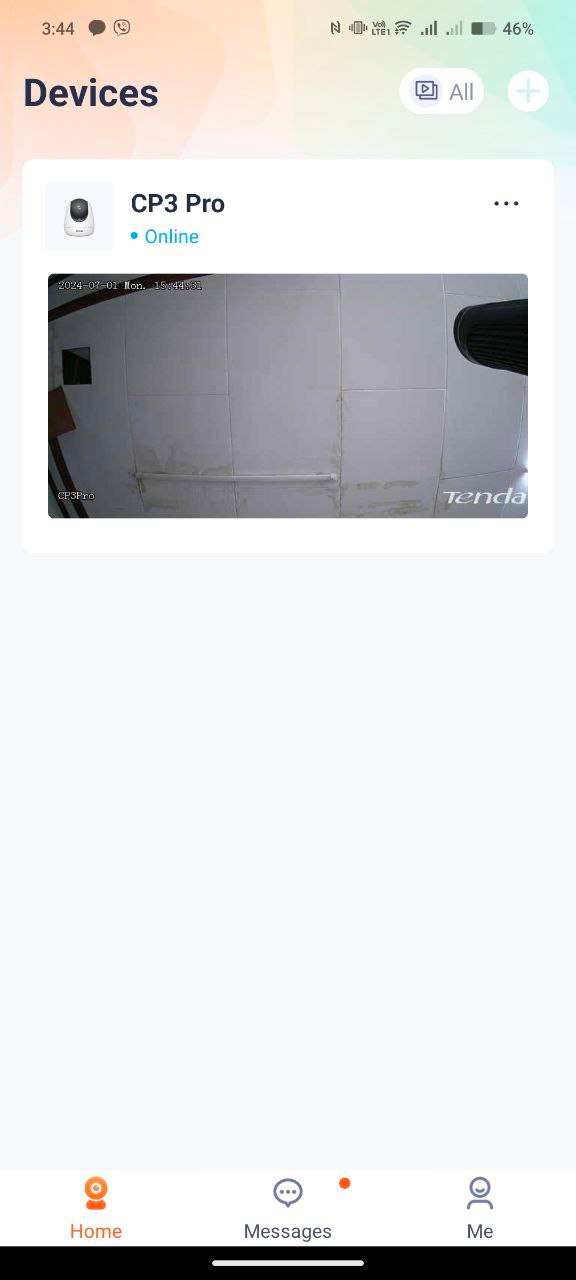
Open the Tenda Security app—Homepage—Click on the screen to enter the camera settings located at the upper right part of the camera monitor. And choose Device settings
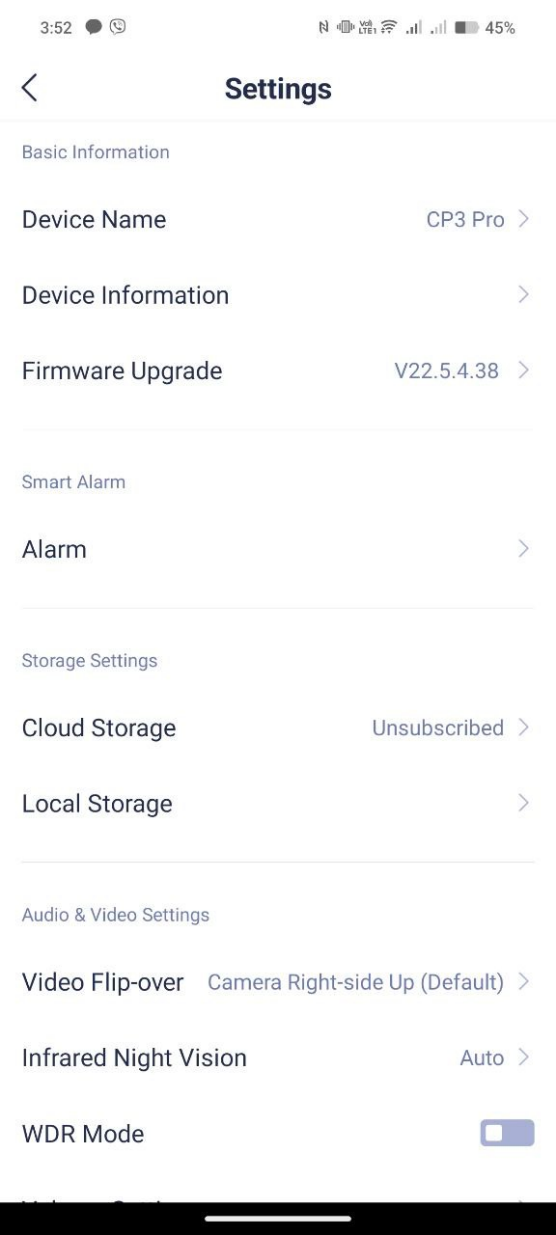
- Click “Alarm” settings to check smart alarm functions.
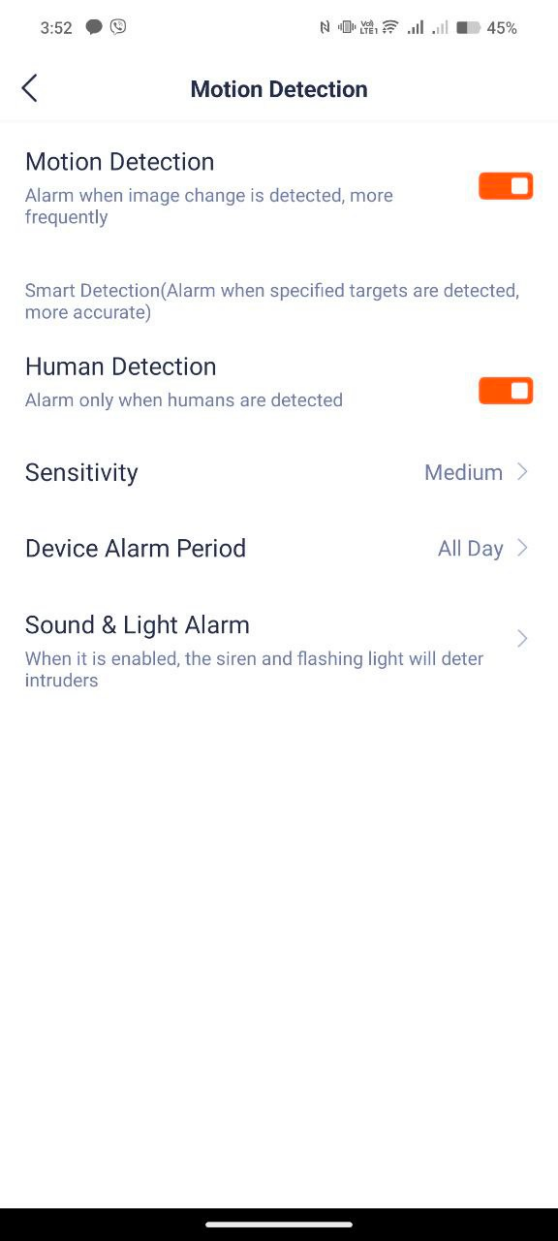
- Click “Motion detection” if you want to turn it on or to turn it off.
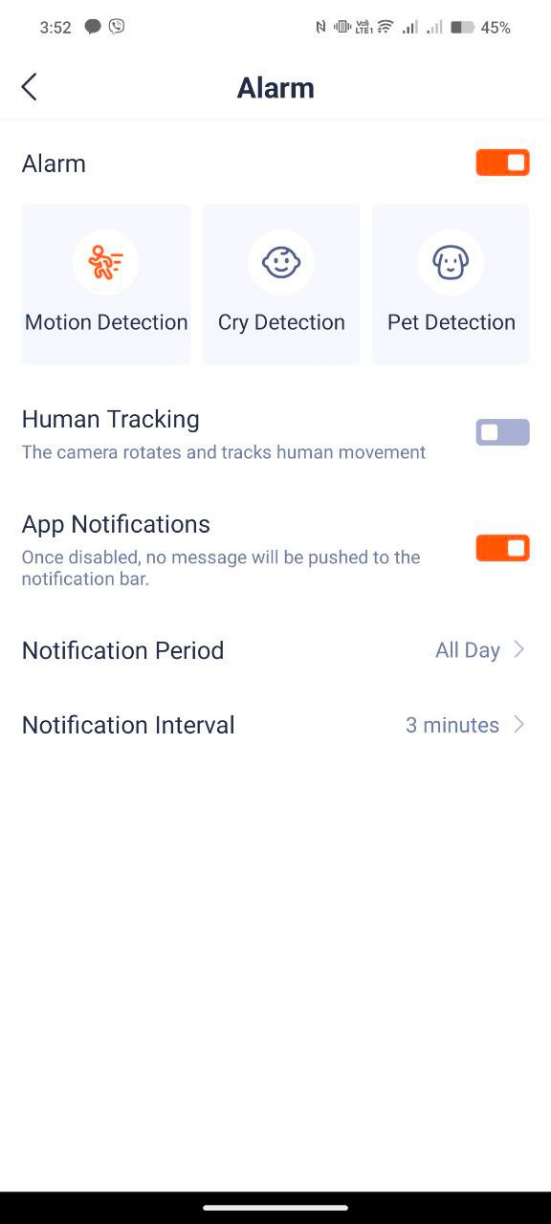
- Click “Cry Detection” if you want to turn it on.

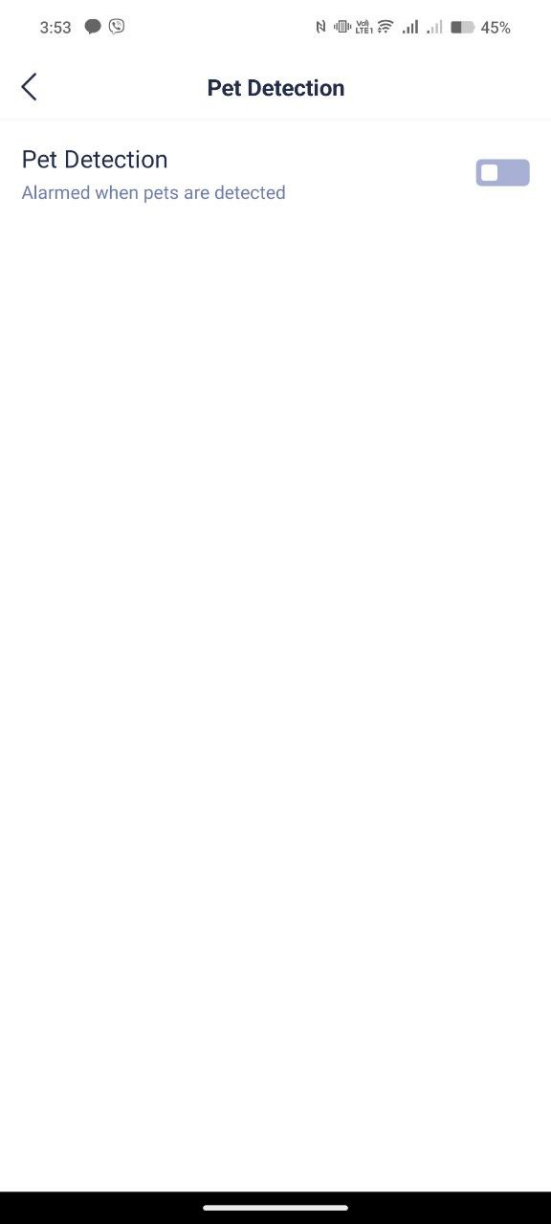
- Click “Pet Detection” if you want to turn it on.