


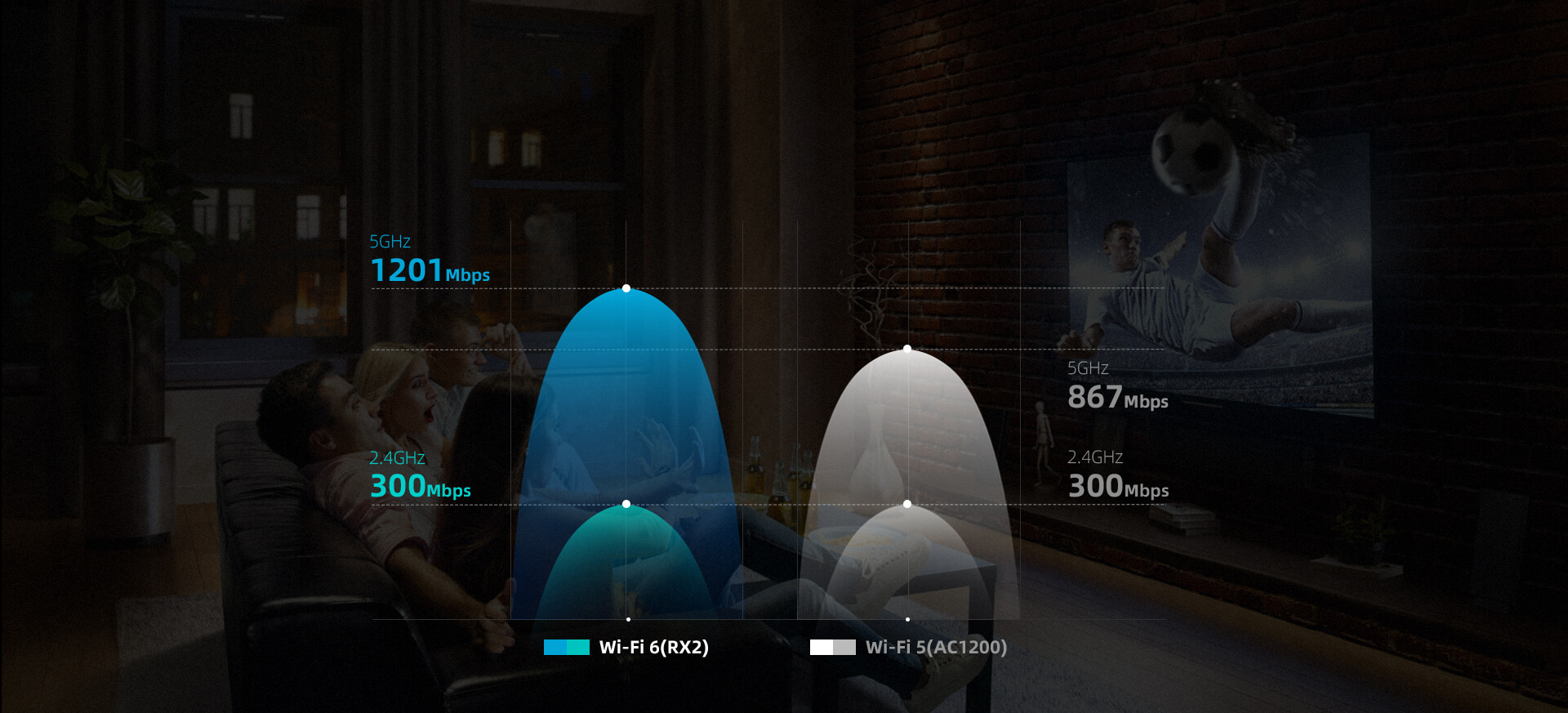
Super Fast & Stable Wi-Fi 6
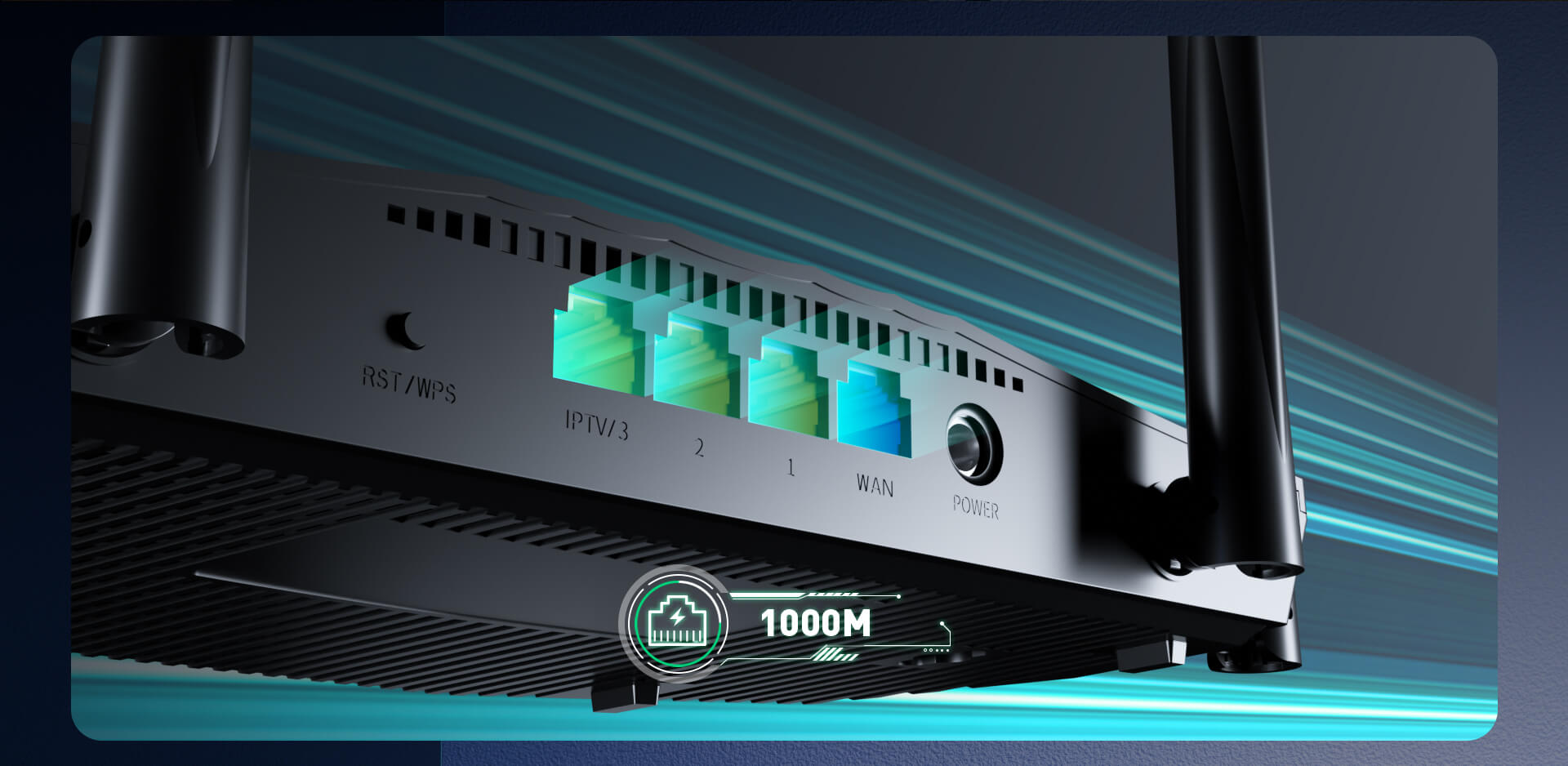
Full Gigabit Port, Full Speed Connection
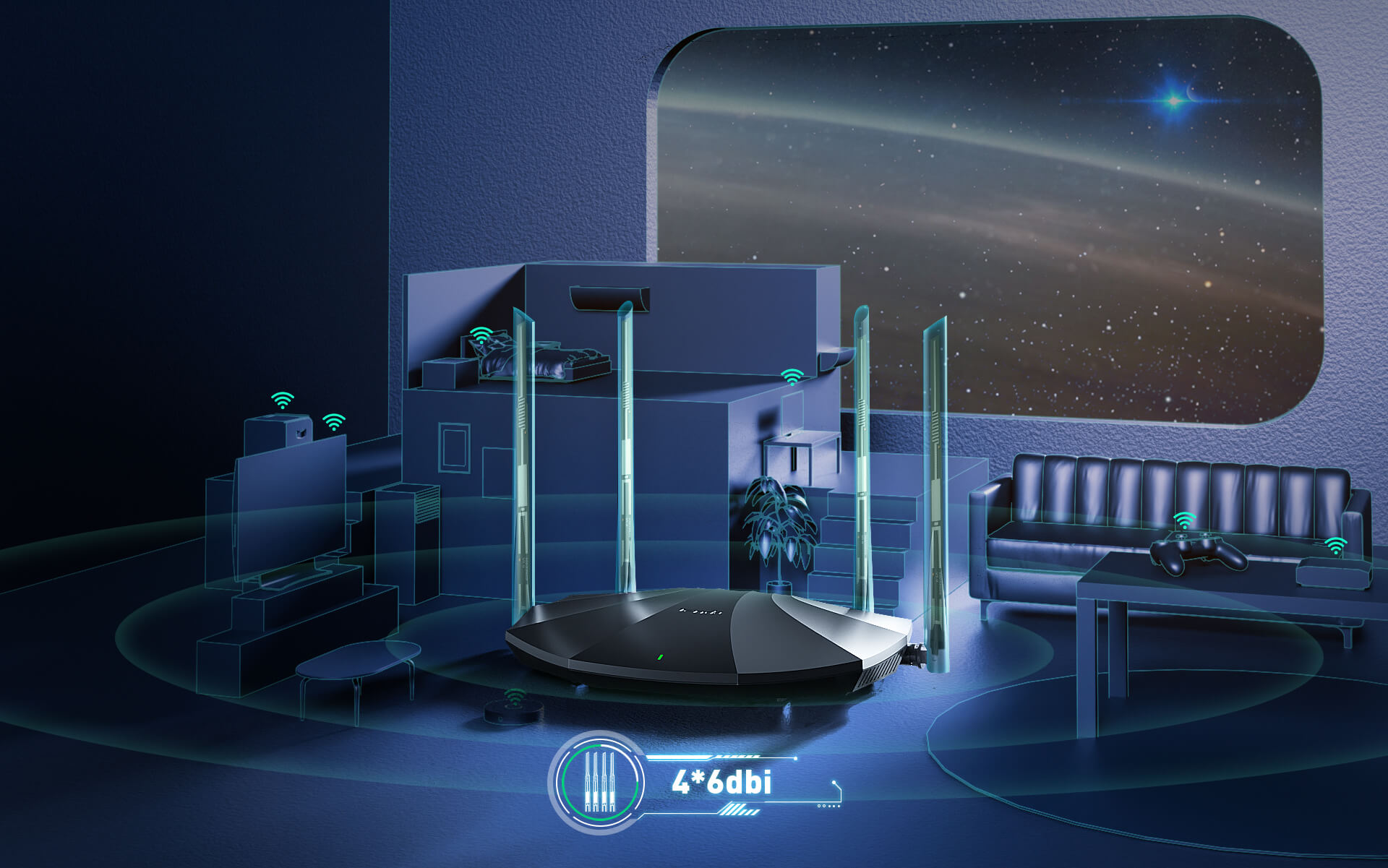
Omnidirectional Antennas

Minimize Lag in Multi-user Scenario
Easy Setup in 3 Steps
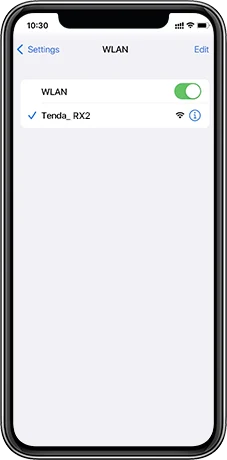
Plug the ethernet cable from the modem into the router"s WAN port, then search and connect to the Wi-Fi on your phone.
Open the Tenda Wi-Fi APP, and select your network connection type according to the prompts.
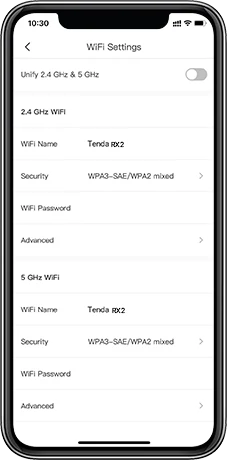
Set up your Wi-Fi name and password


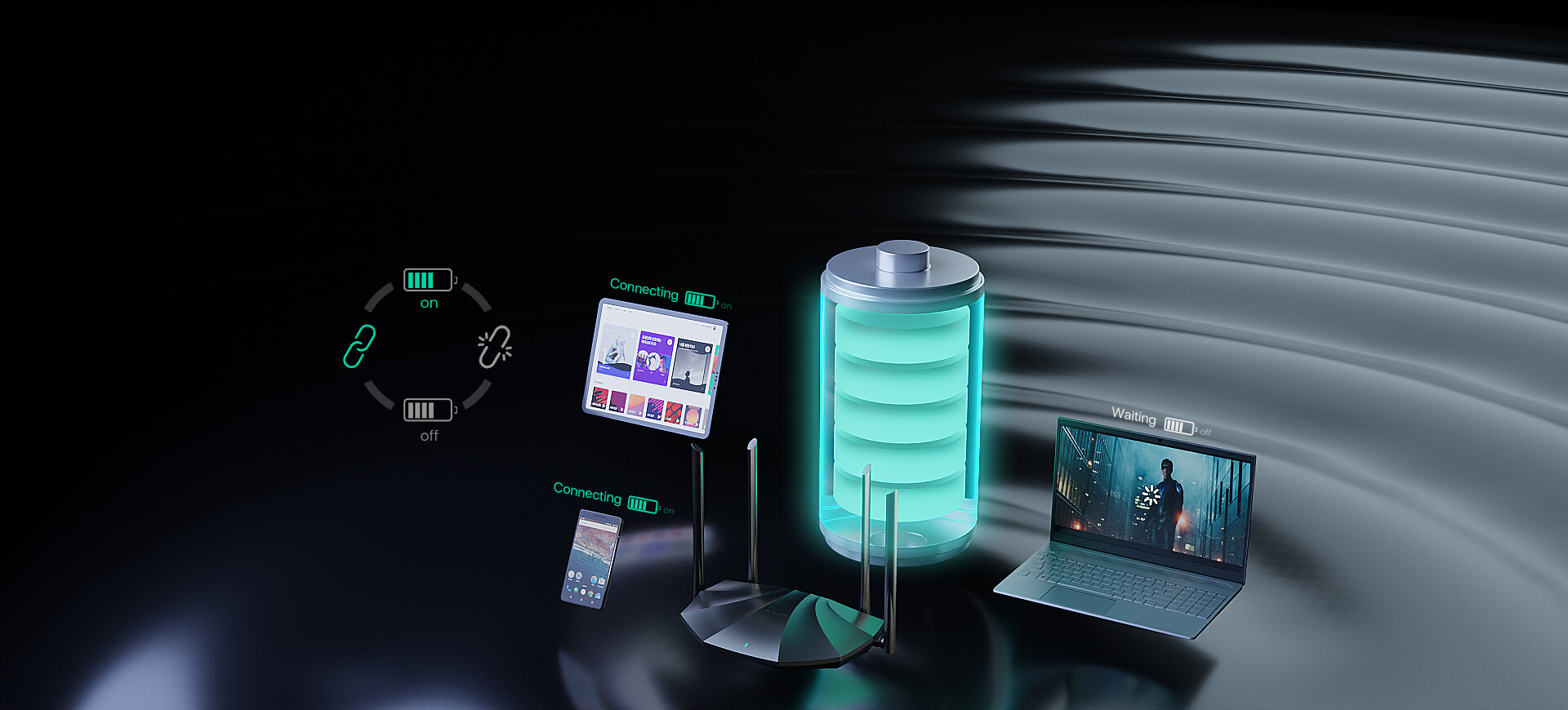
Power Saving for Terminal Device
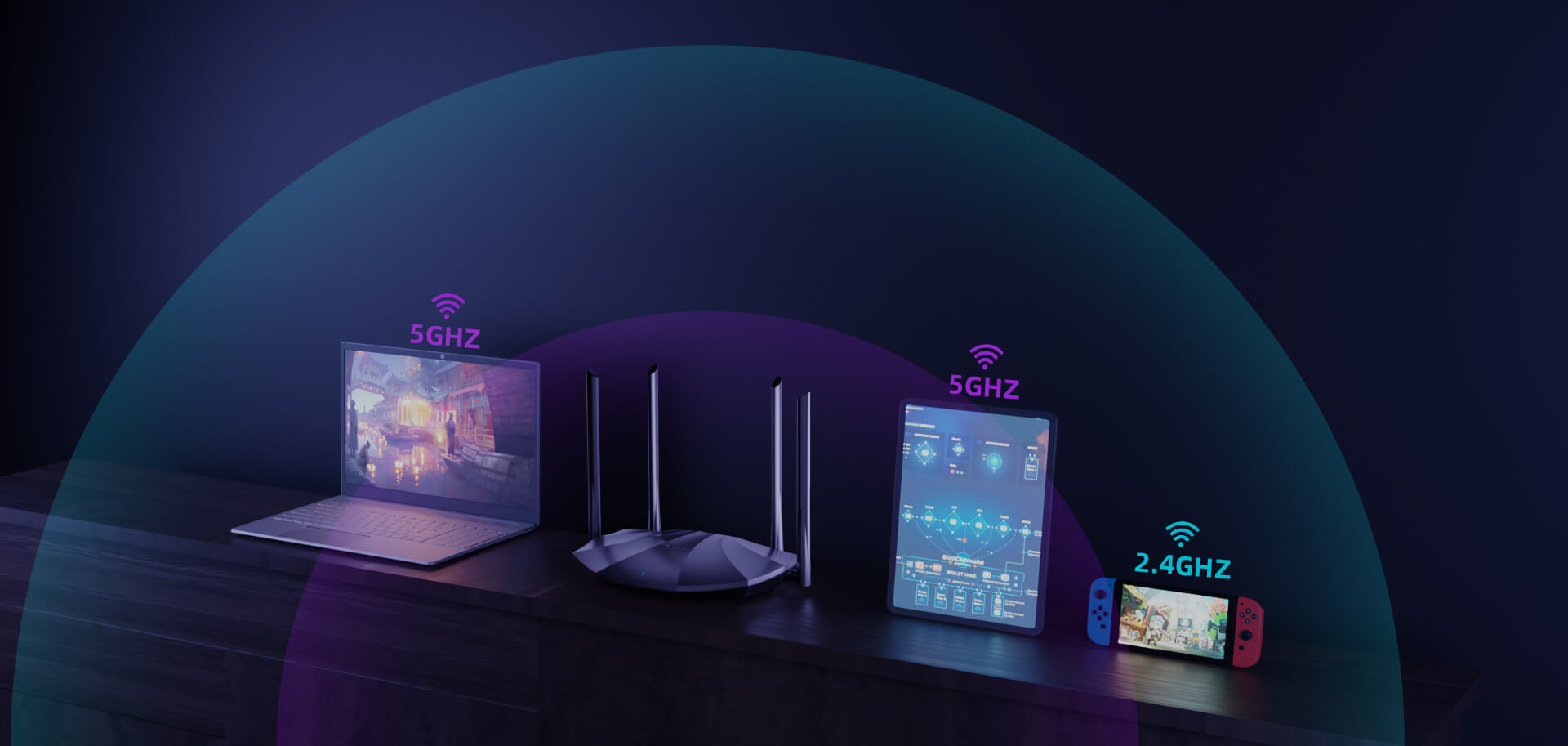
Smart Unify 2.4GHz & 5GHz
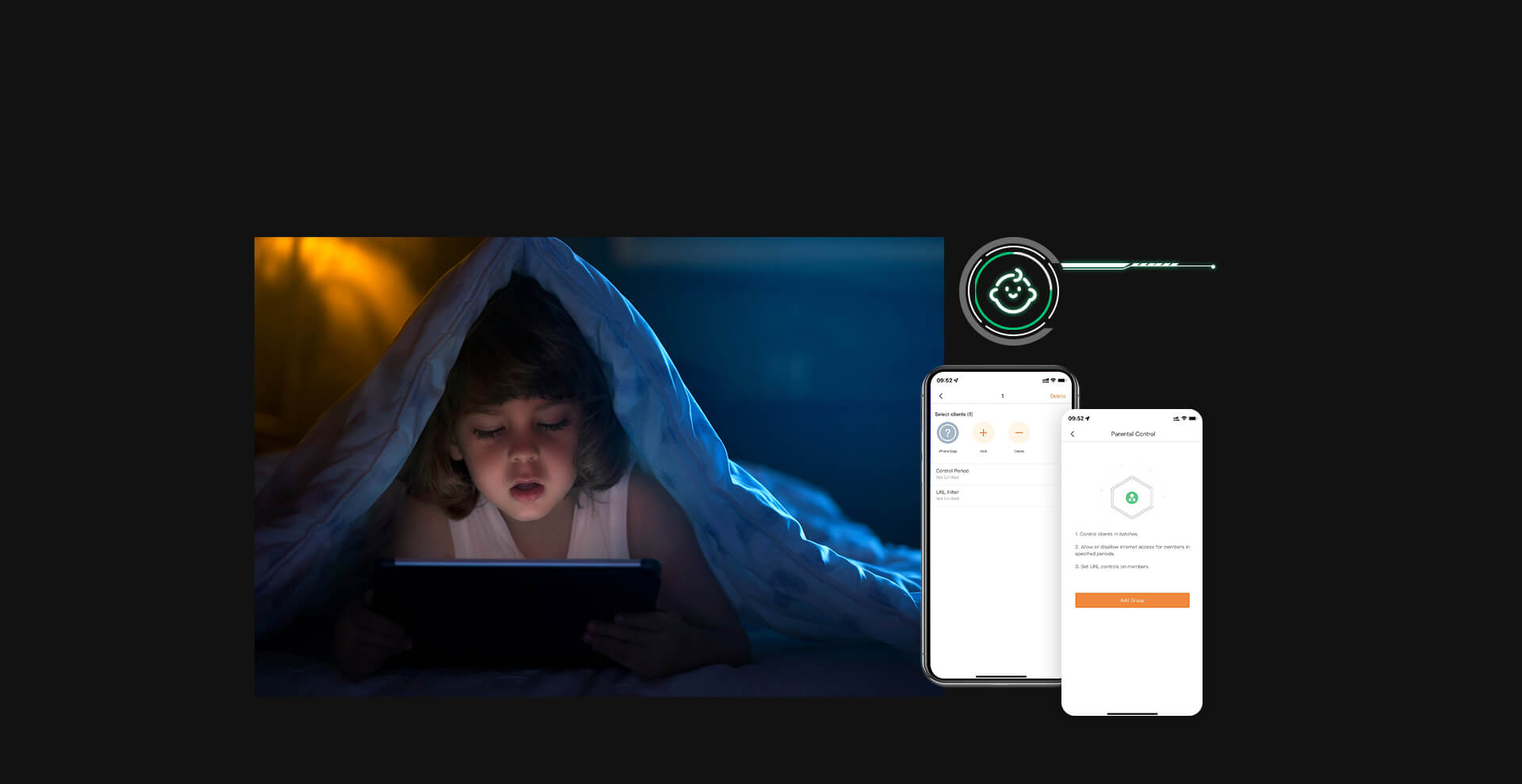
Parental Control

High-class Security with WPA3
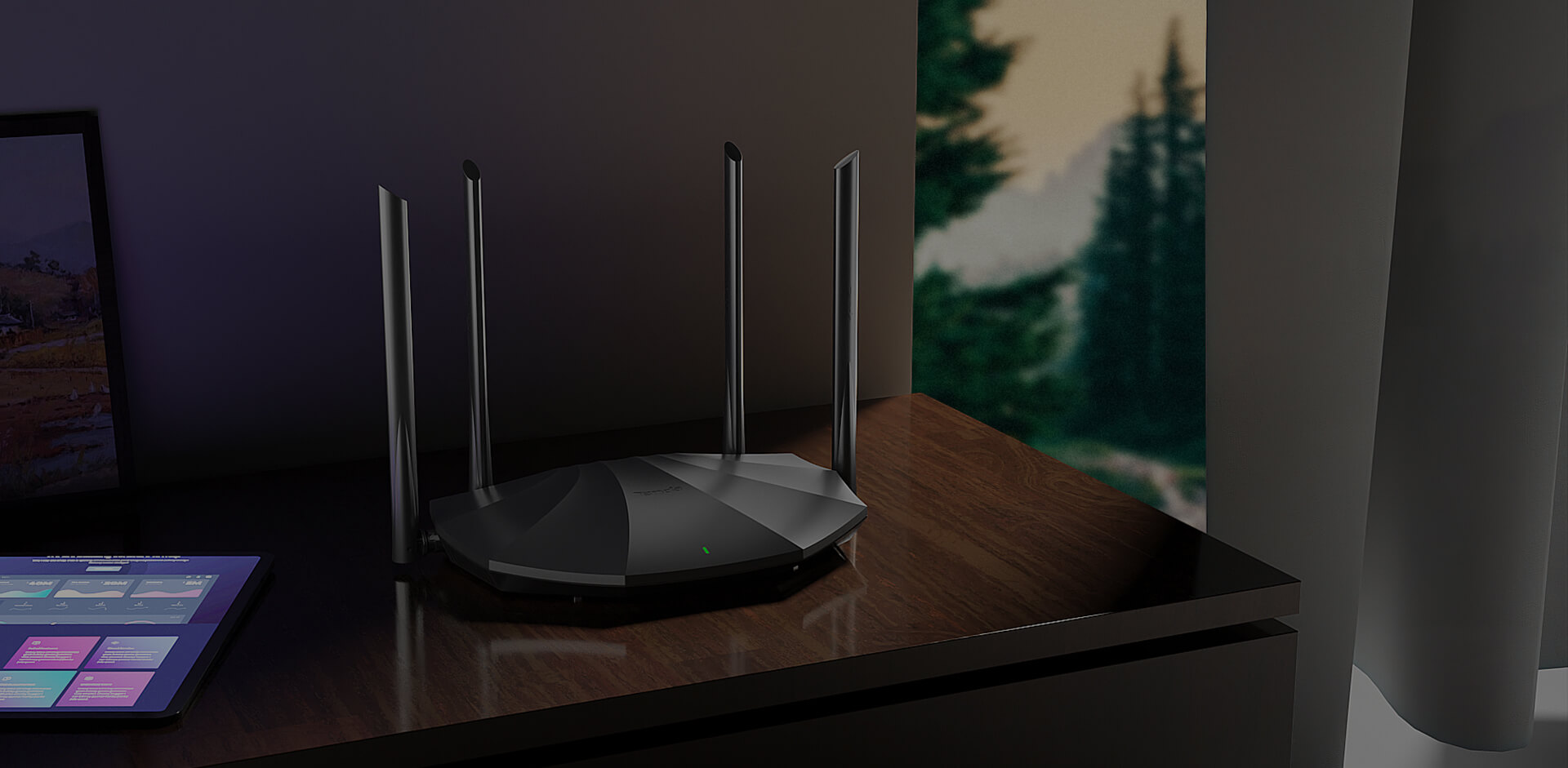
Managing Home Wi-Fi Intelligently

TX2 Details and Specifications:
1、The images and content on this page are for illustration only. The actual product appearance (including but not limited to design, color, size) and displayed content (including but not limited to background, UI, images) may vary slightly. Please refer to the physical product.
2、The data on this page are theoretical values obtained from Tenda's internal laboratory under specific test conditions. Actual performance may vary due to product variations, software versions, usage conditions, and environmental factors. Please refer to actual usage.
3、Due to real-time changes in product batches and supply factors, we may update and revise the text descriptions, image effects, etc., on this page in real-time to match the actual product performance, specifications, indices, and components. Any such modifications or adjustments will not be notified separately.
4、If any modifications or adjustments occur, we reserve the right to make them without prior notice.