

What should I do if the router indicator light is red but I can access the Internet?
Update: 2025-06-11Format:html
Mobile View
For:
MW6 3-PackMW3 3-PackMW3 2-PackMW6 2-PackWi-Fi 6 Routers+
What should I do if the router indicator light is red but I can access the Internet?
2025-06-11
For:
MW6 3-PackMW3 3-Pack+
Step 1
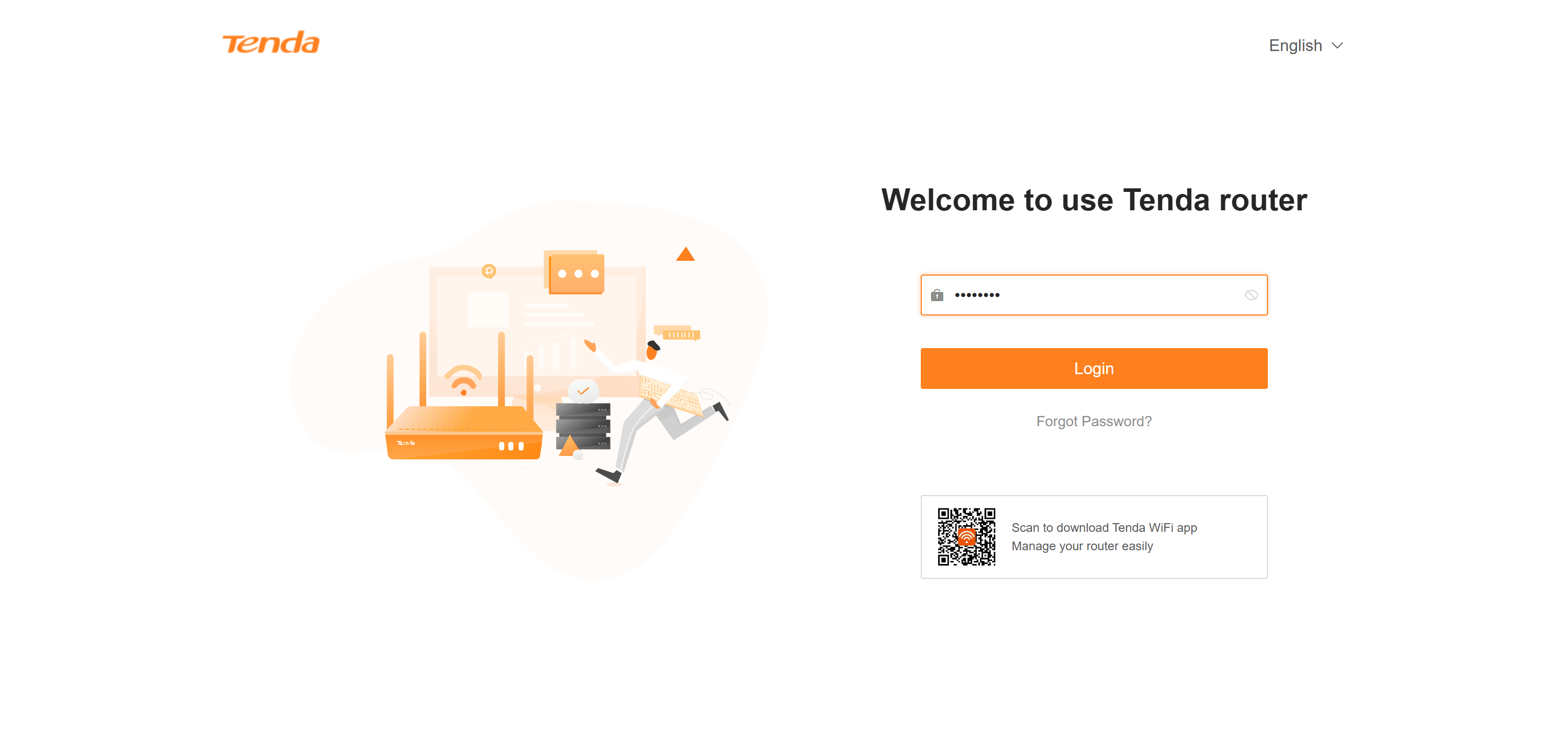
Please use your computer or smartphone to connect to your router, go to tendawifi.com or 192.168.0.1 and log in.
Step 2
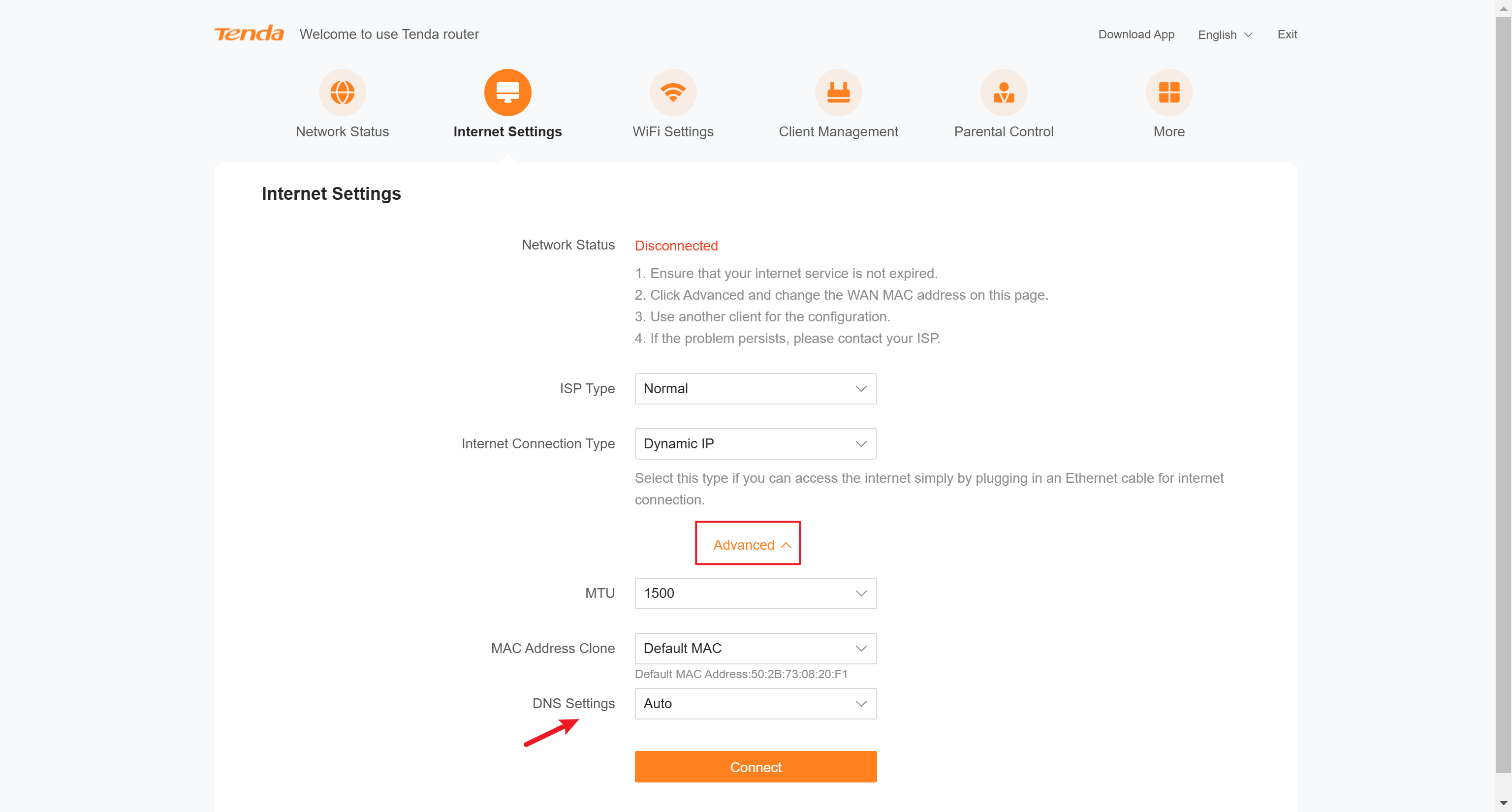
After logging in, please go to Internet Settings. Click Advanced and Change the DNS settings to Manual.
Step 3
Please configure DNS as shown in the picture (Example: 8.8.8.8 and 8.8.4.4).
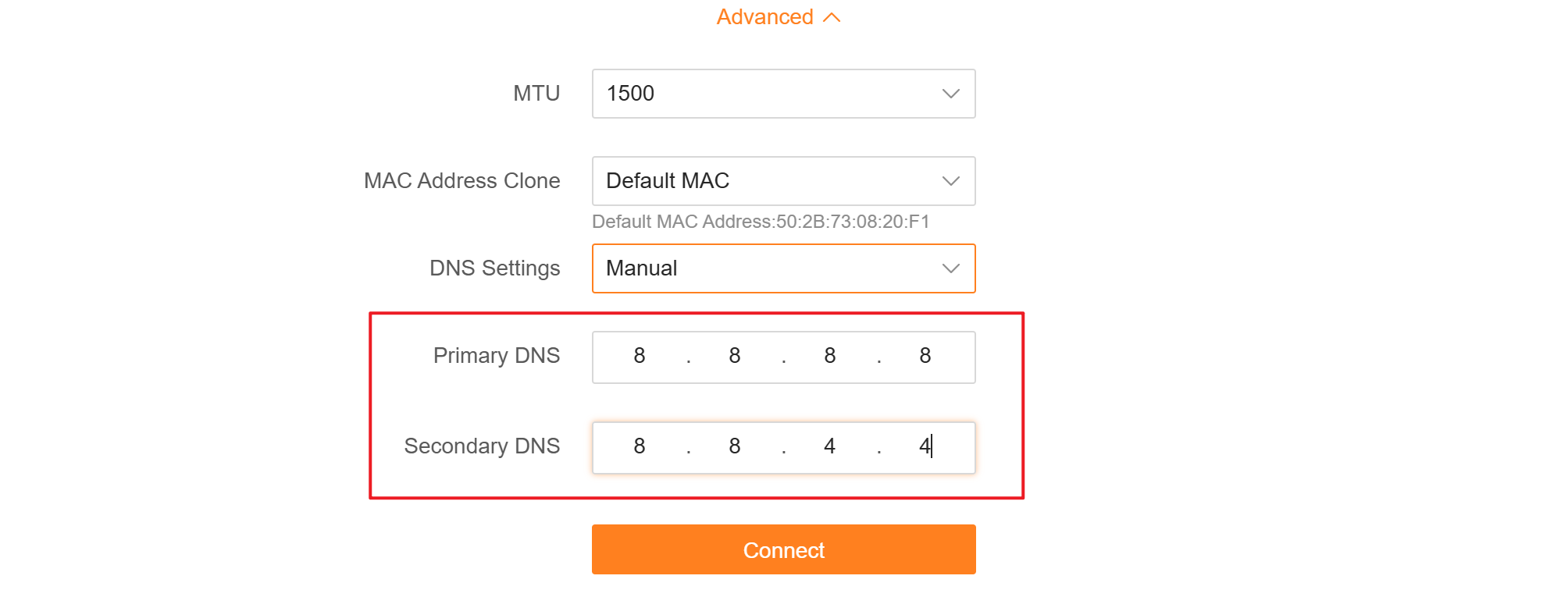
After setting up, please click Connect.
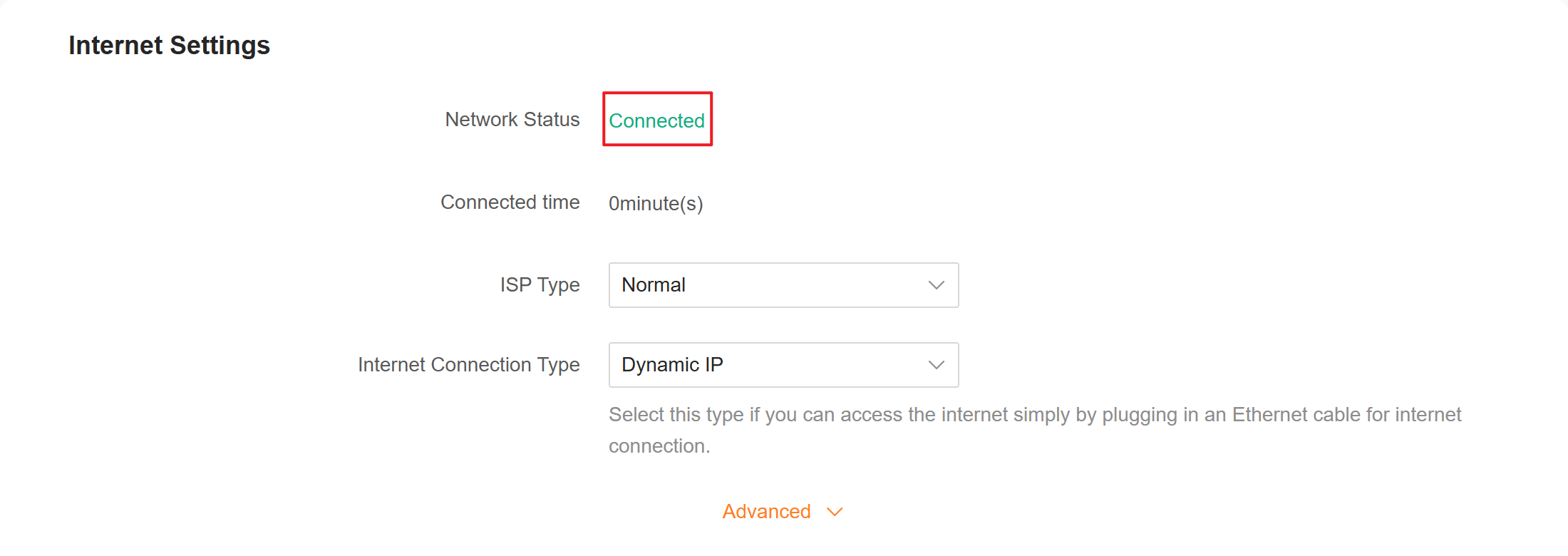
Wait for a while or refresh the page a few times to check if the network status is displayed as "Connected".
If above steps could not solve your problem, please contact our technical support.
Contact us: Contact Us_Tenda-All For Better NetWorking
Will it help you?