

Mise à jour : 2025-11-10 Aperçu:69 Pour :4G180 v3.0、4G185 v3.0、MF3 v1.0、4G180 v4.0、4G185 v4.0、MF6 v1.0、
1.Connect your mobile phone or computer to the network of this Tenda Mobile Wi-Fi.
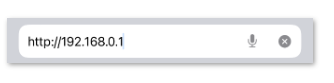
2.Open a browser and enter the device's default management address: 192.168.0.1.
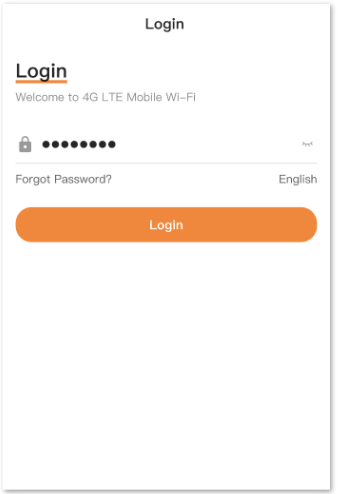
3.Enter the management account and password to log in to the web management interface.
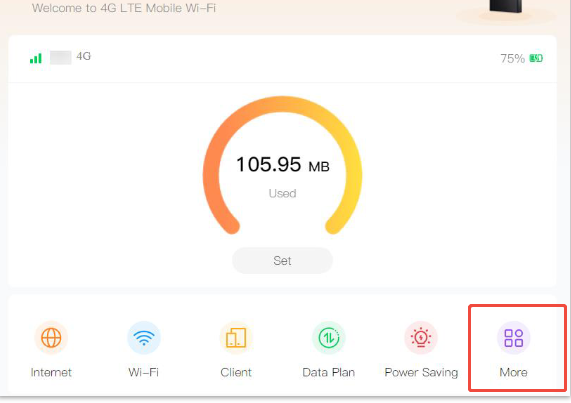
4.After logging in, find and click the "More" menu, then select the "About Device." option.
5.On the "About Device." page, the current software version number of the device will be displayed.

Ce document est-il utile ?