

Mise à jour : 2025-06-11 Aperçu:987 Pour :Modem xDSL、
How to use Wireless Repeating
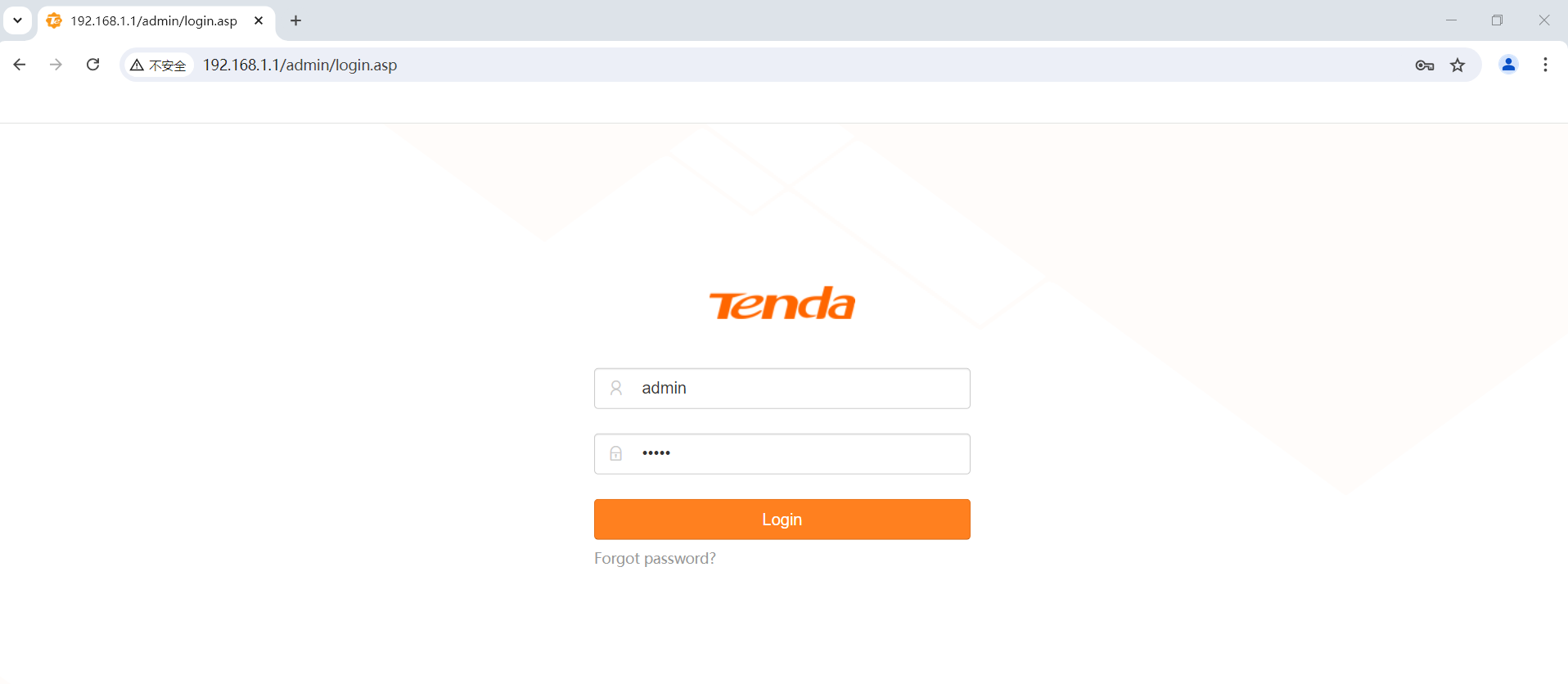
Step 1: On the computer connected to the Router, start a browser (Chrome/FireFox/ Internet Explorer 10 and higher versions supported). Access the DSL Router management IP address 192.168.1.1

Step 2: Enter the Default username: admin Default password:admin and click Login to enter the web UI of the Router.
Step 3:Preconditions (taking V12 and AC6 as examples):
Set the LAN ip of AC6 to 192.168.1.1, the address pool to 192.168.1.2~192.168.1.100, and create a WAN that can access the Internet
Set the LAN ip of V12 to 192.168.1.150, the address pool to 192.168.1.151~192.168.1.254, and no WAN needs to be created
Note: This is mainly to ensure that the two devices are in the same network segment
The purpose of a repeater is to expand the coverage of a wireless network by adding wireless APs at the edge of a wireless network. When setting up wireless configuration, you must follow the protocol rules:
- Both wireless devices must support the WDS function.
- The wireless network channel of both wireless devices must be the same. The default value is usually "Auto", it is recommended to set it manually to ensure the same channel.
- The security settings of the two routers must be the same, the key is that the security mechanism and password must be the same (the SSID can be configured differently)
- Both wireless devices start the WDS function and register each other's router's Wireless MAC address as the identity for establishing WDS.
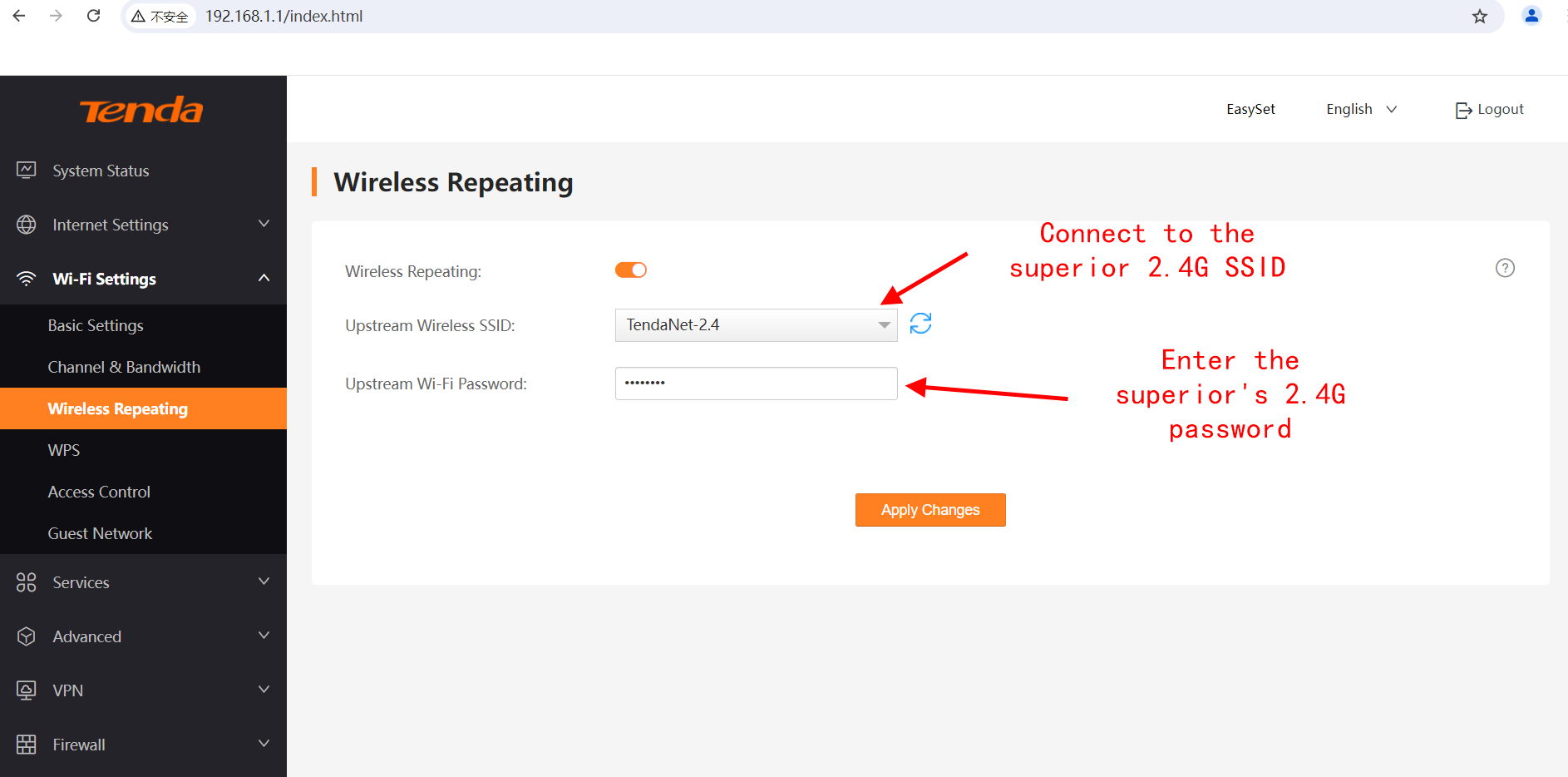
- The wireless client connected to the 2.4G wireless of V12, successfully obtained the address from the address pool of AC6, and successfully accessed the Internet.