

Mise à jour : 2025-11-10 Aperçu:815 Pour :4G180 v3.0、4G185 v3.0、MF3 v1.0、4G180 v4.0、4G185 v4.0、MF6 v1.0、
What should I do if my Tenda MiFi cannot detect SIM card?
Here we take MF3 as an example:
If the System Information shows “No SIM Card ” such as the screenshot below, please try the troubleshooting steps in this article.
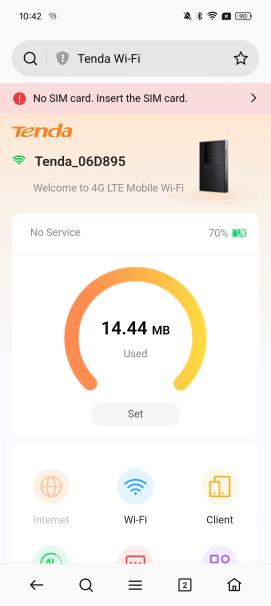
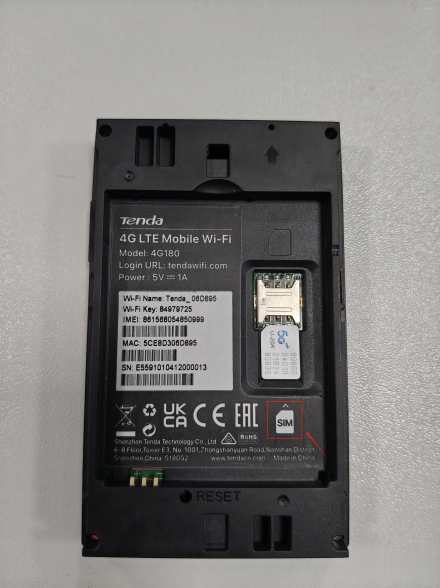
Step 1: Reinsert the SIM card, make sure it is inserted correctly and try to press the SIM card slot to make sure there is good contact between the slot and the SIM card
You need to choose the corresponding model of SIM card, MF3/MF6 usually use the following Nano SIM card
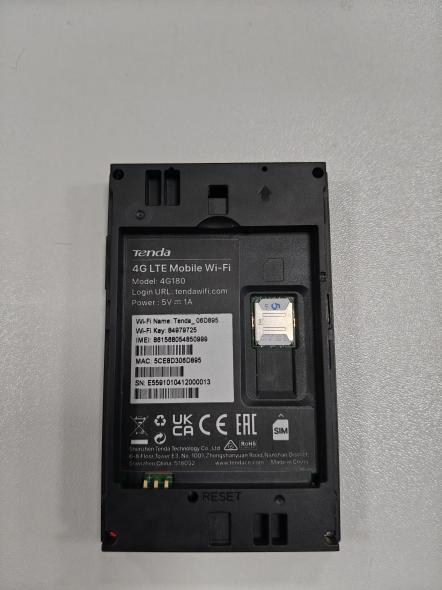
Step 2: Restart the 4G router while the SIM card still inserted into the device
Remember to check the SIM card status again on the System Information
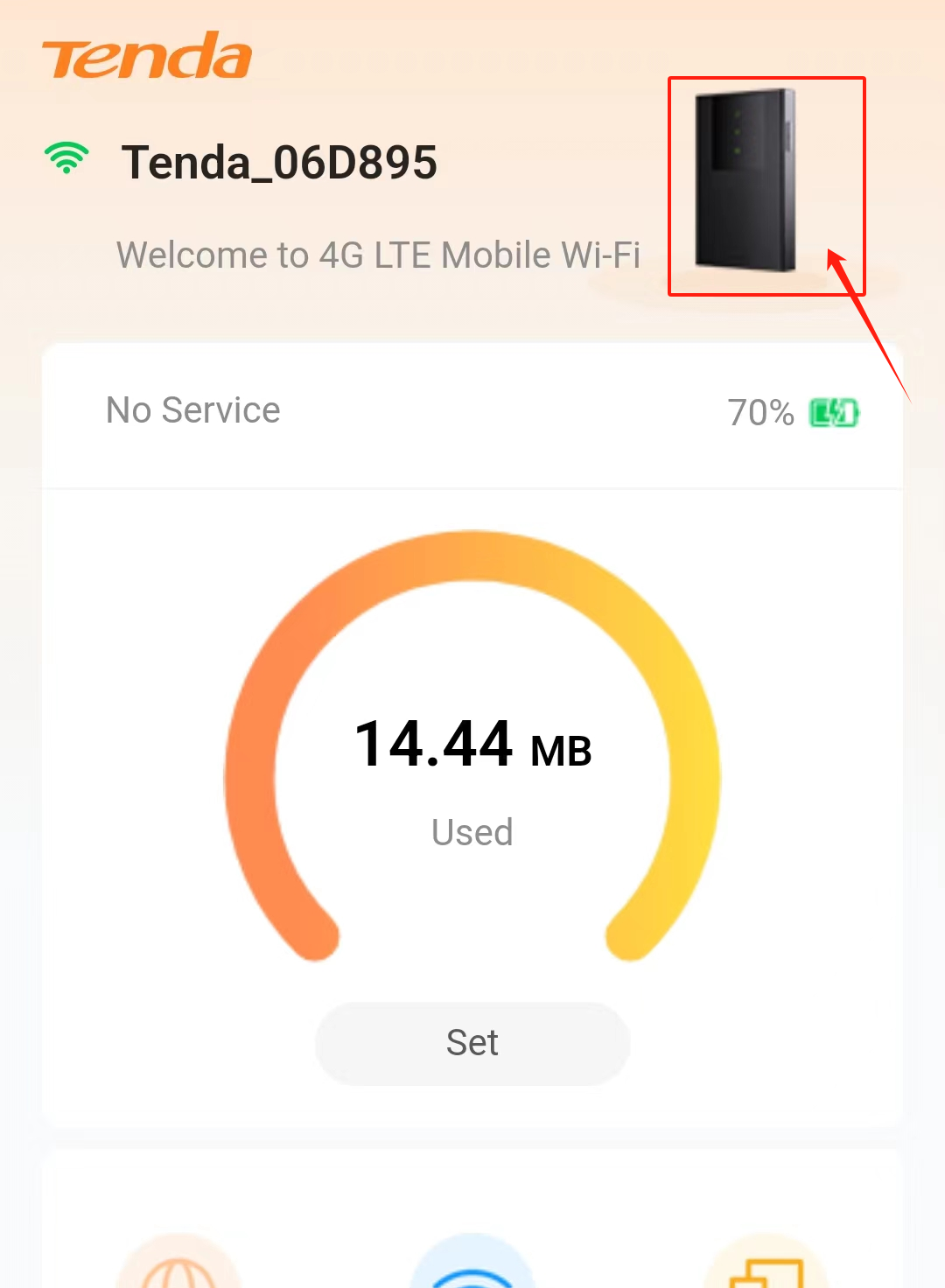
Step 3: Test the SIM card on another 4G device or smartphone to make sure the SIM card itself is working fine.
Step 4: Try to insert a different SIM card if you have
Step 5: Try to factory reset the device by holding the reset hole for about 10s until the mobile Wi-Fi device reboots automatically
If the problem still exists after the above troubleshooting, please contact Tenda Support
Get to know more details of each function and configuration please go to Download Center to download the User guide of your product.