

Mise à jour : 2025-06-11 Aperçu:381 Pour :Routeurs 4G、
Notice: Applicable to 4G router
Step 1.
Make sure your SIM card’s data-roaming facility is on.
Step 2.
Make sure your SIM card has not been temporarily stopped because of an overdue bill.
Step 3.
Make sure the ISP you connect to can operate on the bands your 4G router supports.
For Web management interface
Step 4.
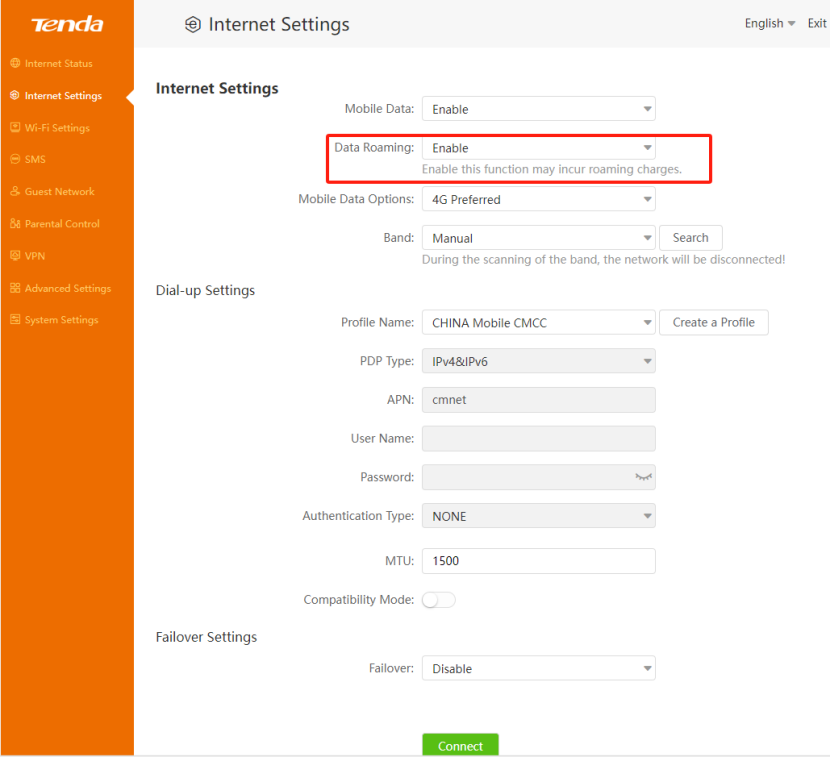
Enable Data Roaming.
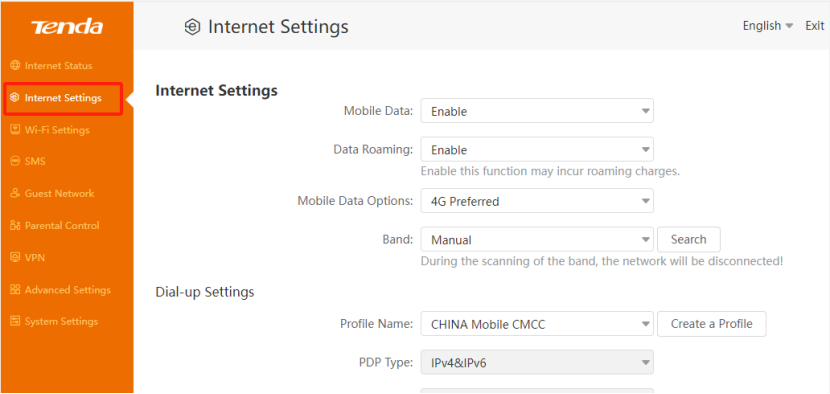
Click Internet Settings on the menu, then enable Data roaming.
1.Click Internet Settings
2.Enable Data roaming
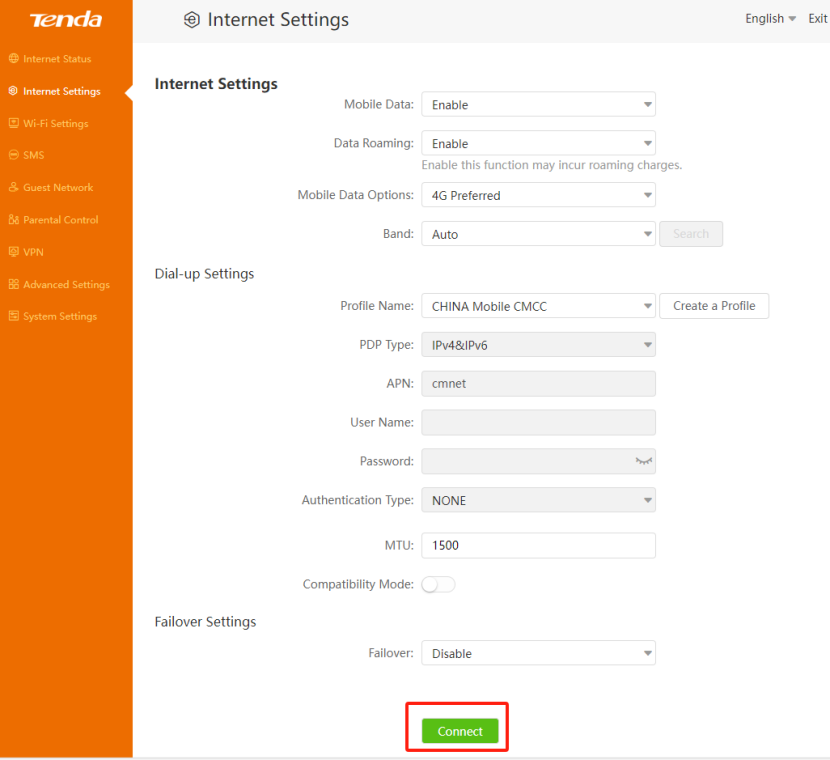
3.Click the connect button
If you still can’t access to Internet, please contact Tenda support for help.
Ce document est-il utile ?