

Mise à jour : 2025-06-11 Aperçu:597 Pour :AC5 v3.0、AC5 、
Model Number: Tenda AC5
Question Classification: Function Setting
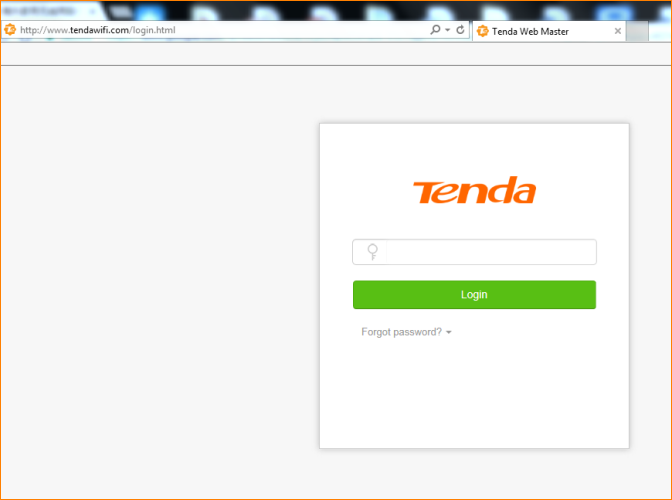
Step 1: Open a browser and type tendawifi.com in Address Bar, tap “Enter”. Enter login password and tap “Login”.
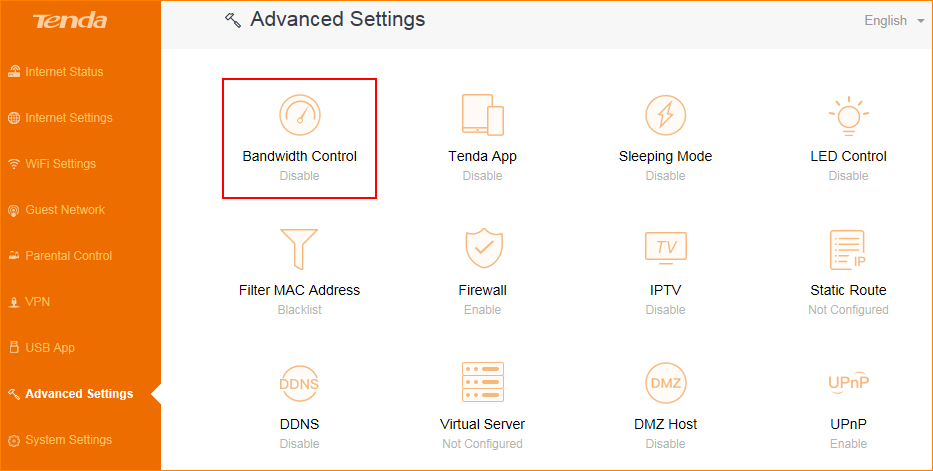
Step 2: Tap “Advanced Settings”, select “Bandwidth Control”
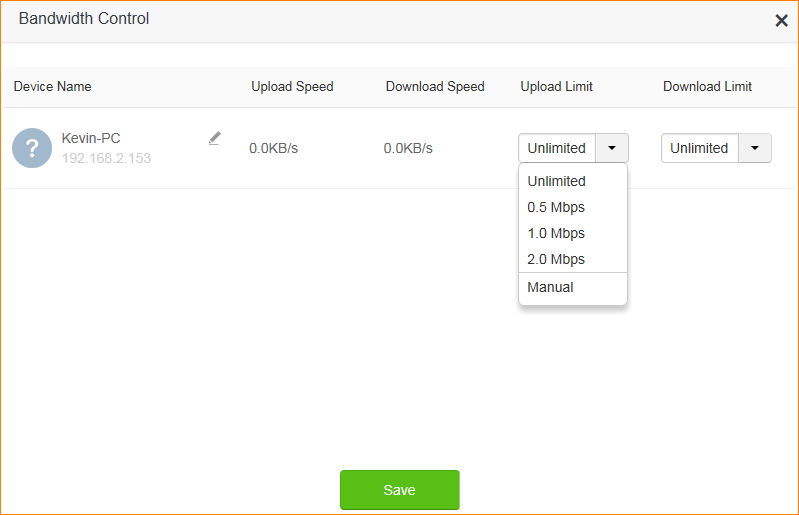
According to the bandwidth and your need, select the device that you want to control, then set the upload speed and download speed.
Ce document est-il utile ?