

Mise à jour : 2025-06-11 Aperçu:7669 Pour :MW3 3-Pack、
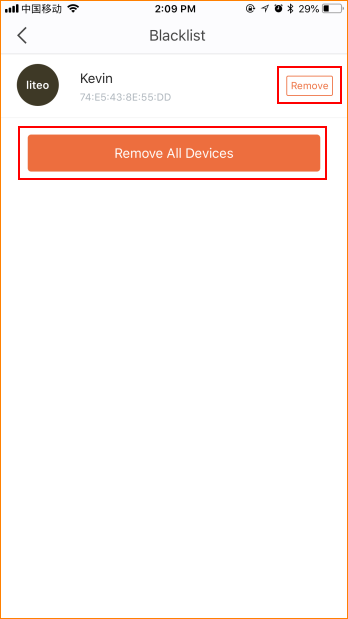
This article will guide you how to remove a device from blacklist and the steps as below.
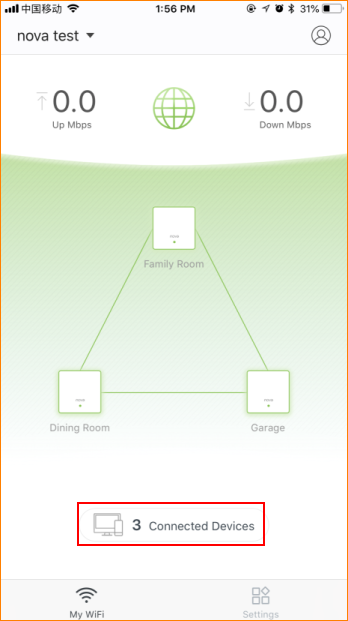
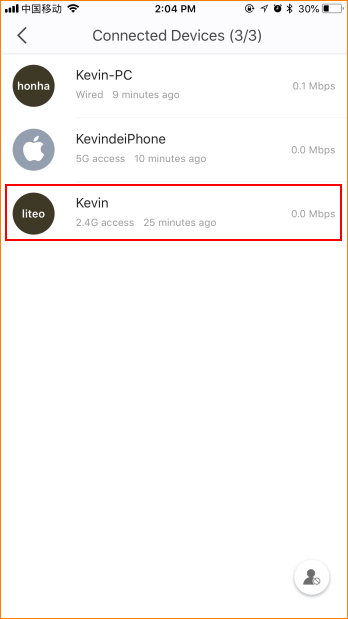
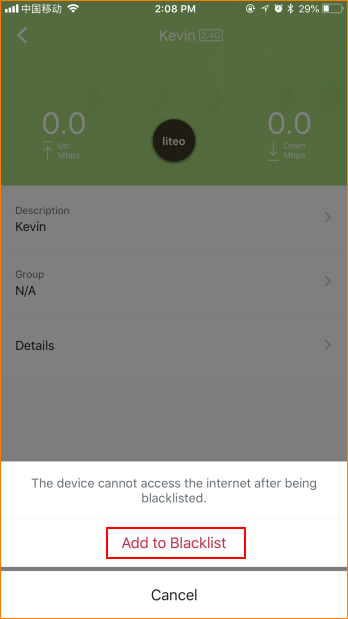
Step2: Select device which you want to block and tap “Add to Blacklist”.
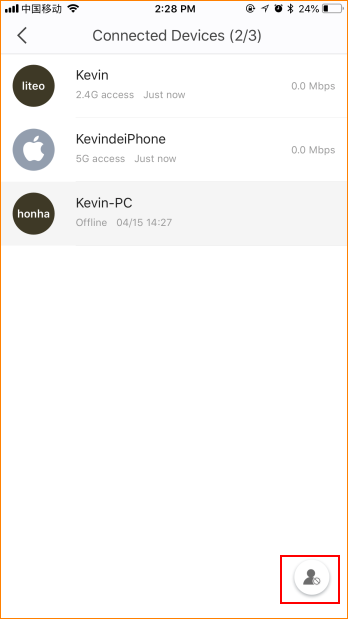
Step3: Tap gray head icon in the lower right corner and tap “Remove All Devices”.
Ce document est-il utile ?