

Update: 2025-11-10 Preview:282 For:4G180 v3.0、4G185 v3.0、MF3 、4G180 v4.0、4G185 v4.0、MF6 v2.0、
How to send message by MF
Step 1
Make sure your mobile phone, laptop or any other end host connected to the Wi-Fi of MF3
Step 2
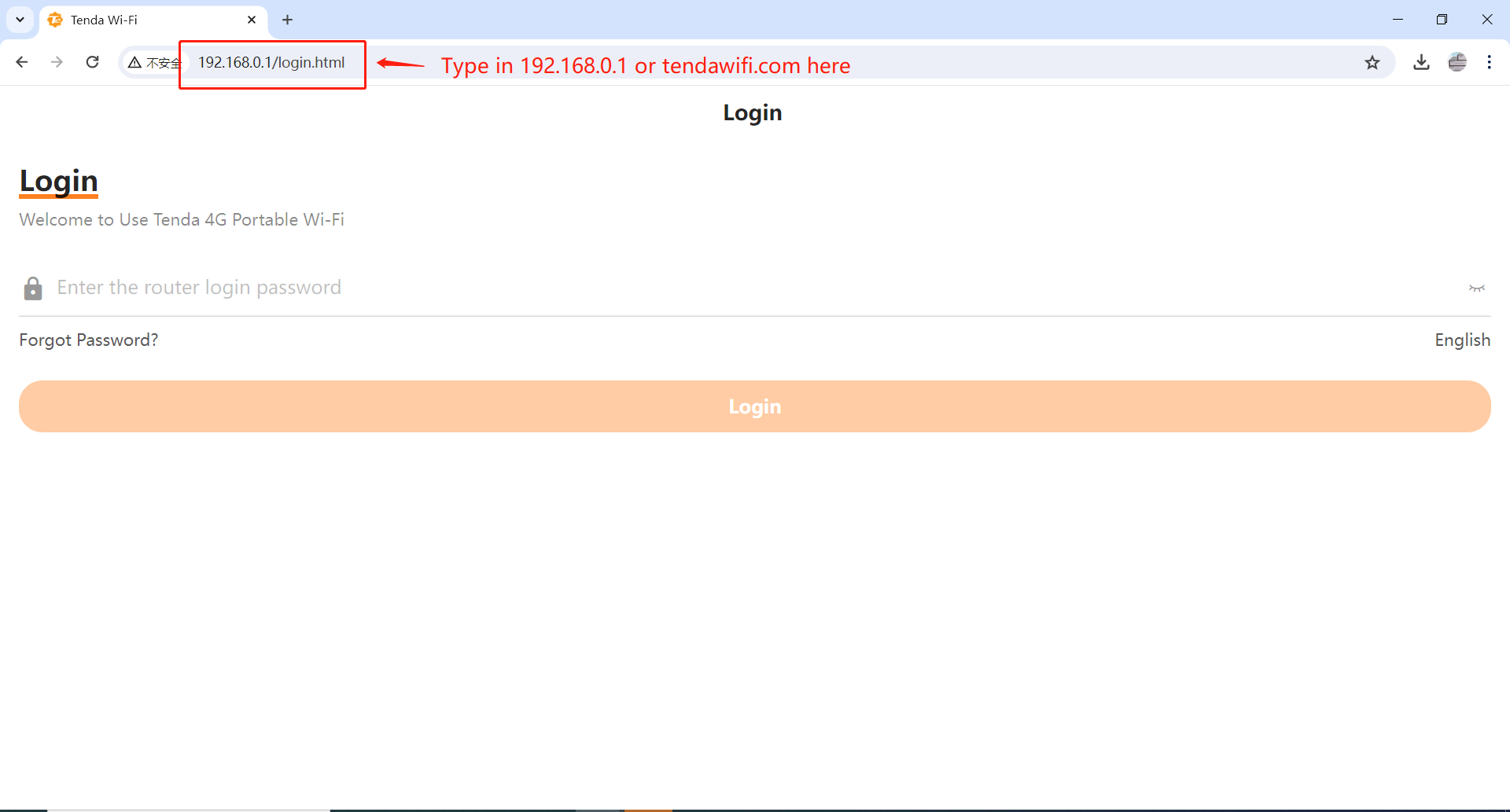
Open a browse, here take Chrome on laptop as an example, type in 192.168.0.1 or tendawifi.com, and then enter password to login.
Step 3
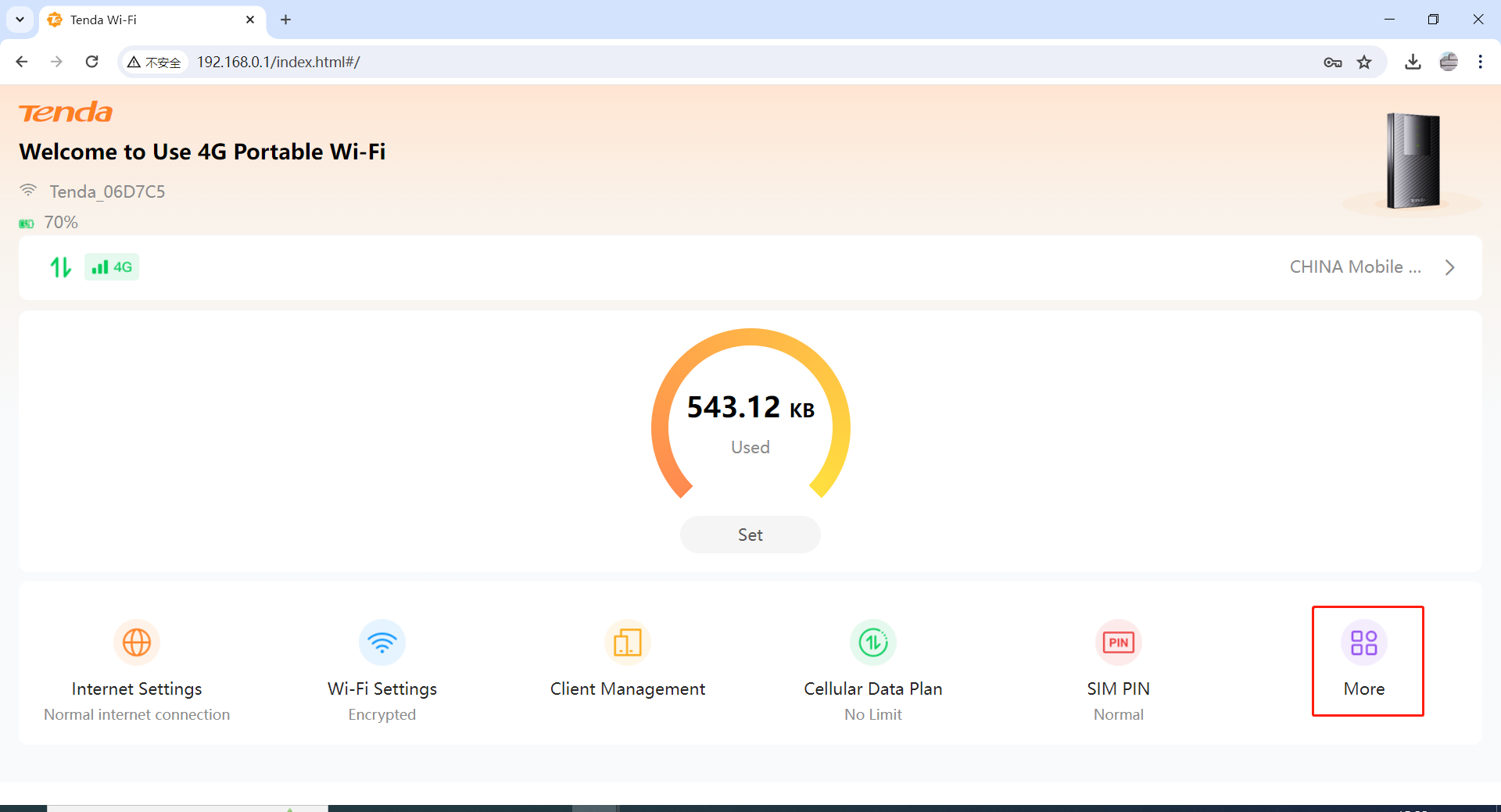
Click “More”
Step 4
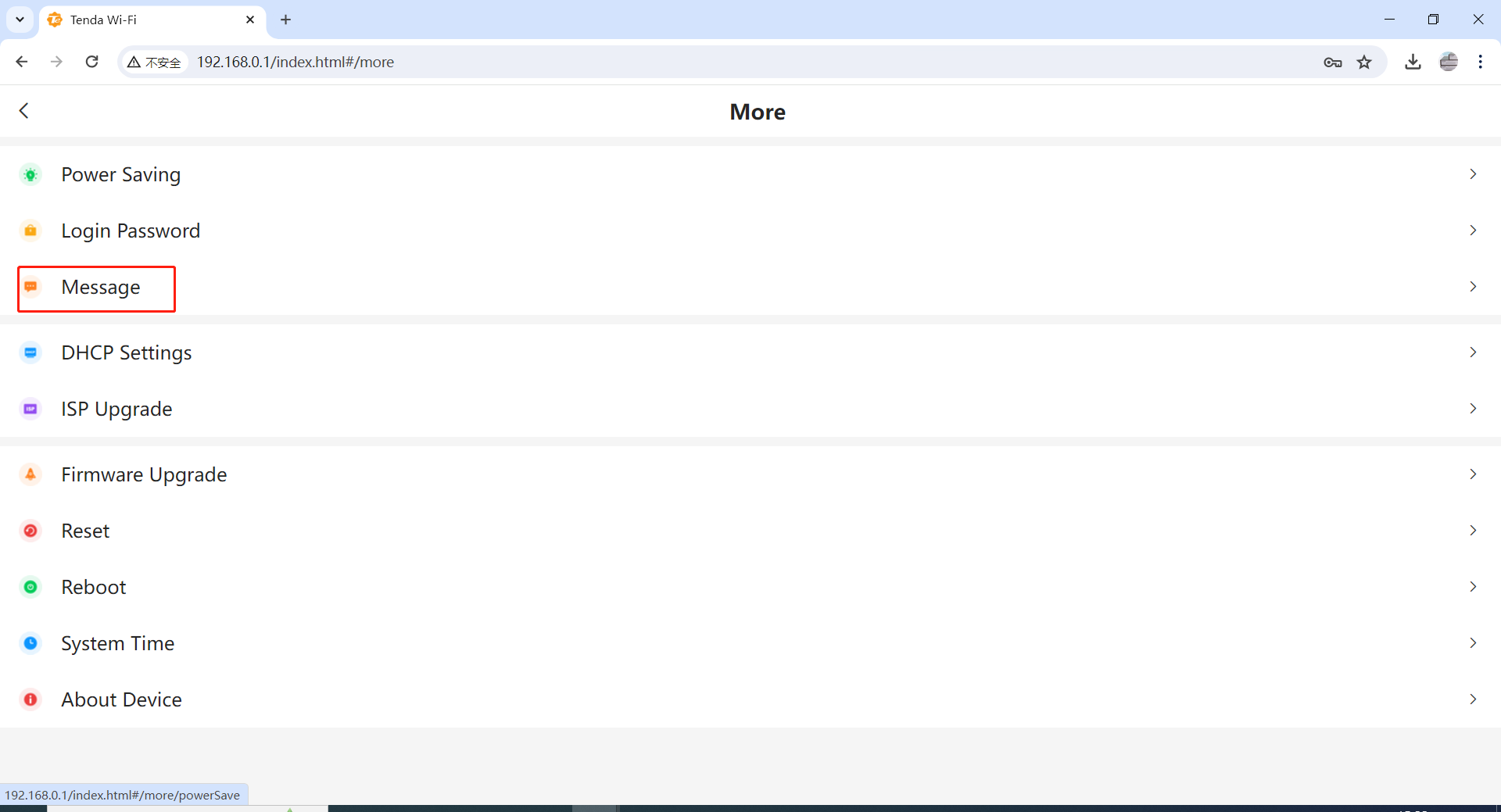
Click “Message”
Step 5
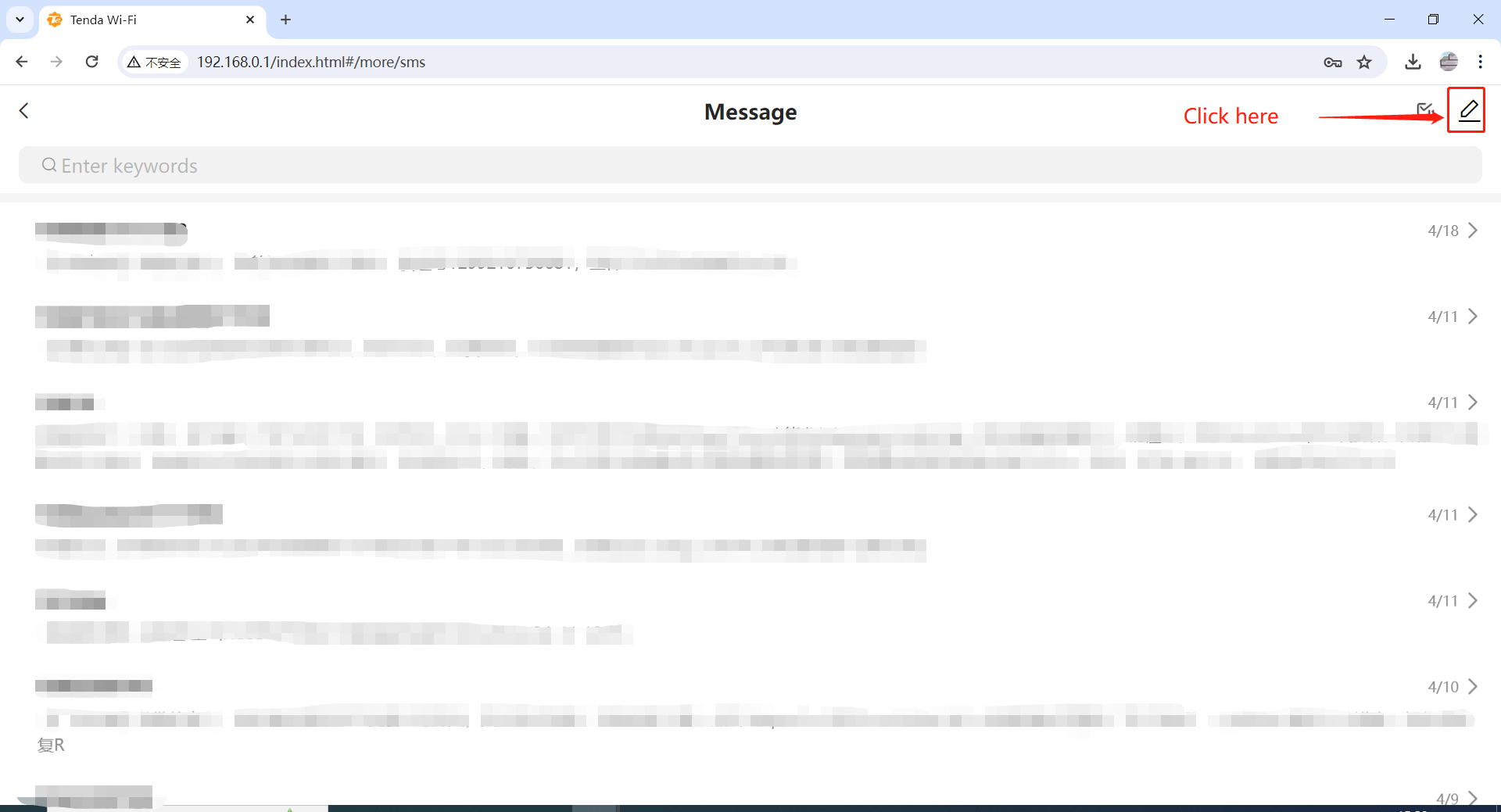
Click the button in the top right corner.
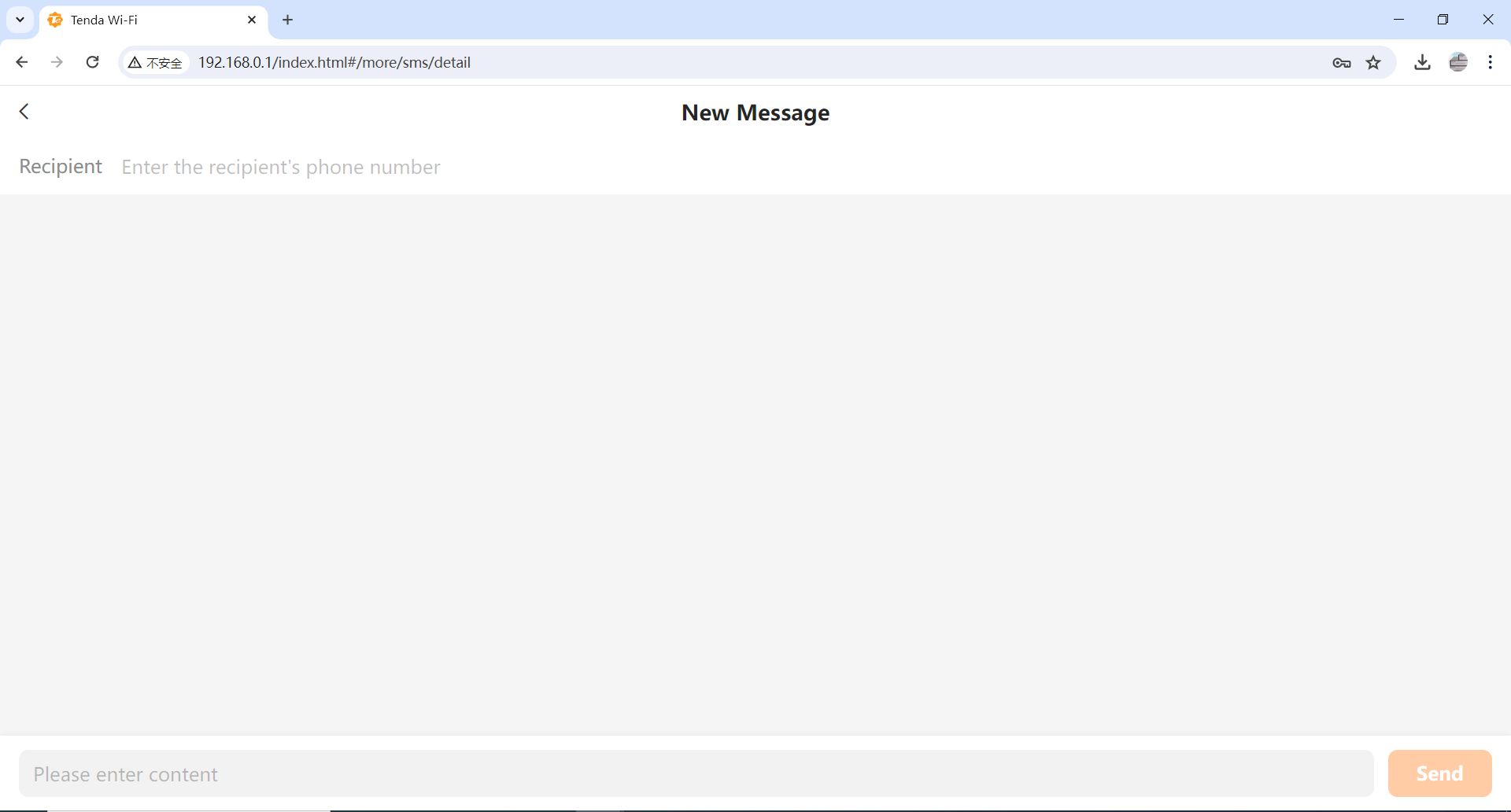
Step 6
You can edit your message now.
Will it help you?