

Update: 2025-11-10 Preview:509 For:4G180 v3.0、4G185 v3.0、MF3 、4G180 v4.0、4G185 v4.0、MF6 v2.0、
How to configure Data Plan of 4G Mobile Wi-Fi
Take MF3 as an example.
Step 1
Please connect your smartphone/computer to MF3 wirelessly. Then login to the web management page.(tendawifi.com or 192.168.0.1)
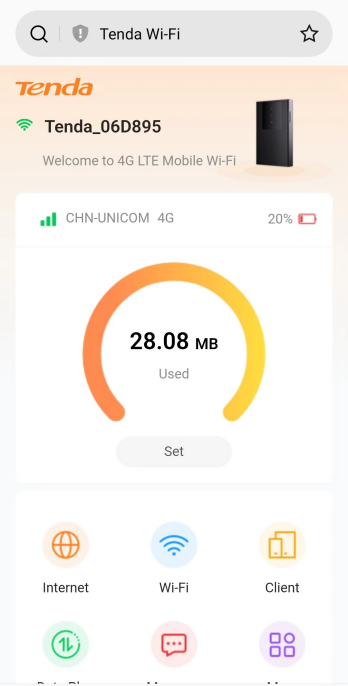
Step 2
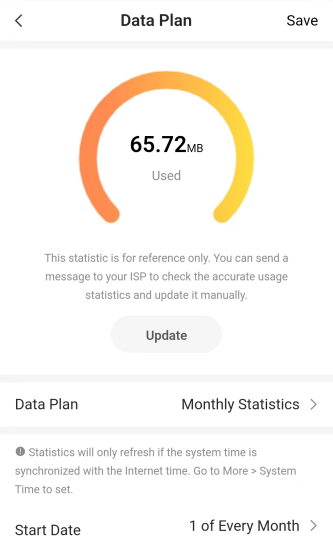
Click the Data Plan icon, and the webpage will show like below:
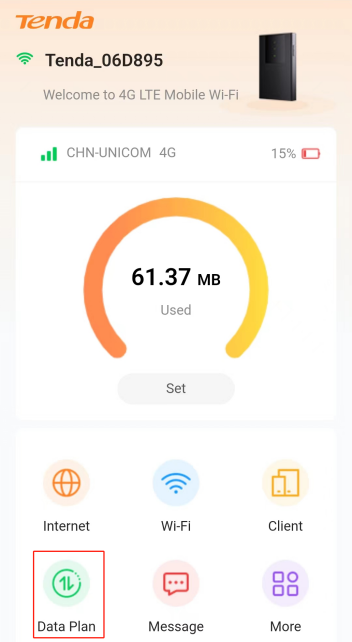
Step 3
Setting Data Plan. (The Default settings is No Limit)
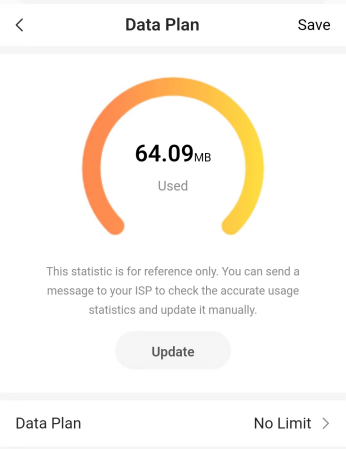
Step 4
Modify the settings as you want, then select Save
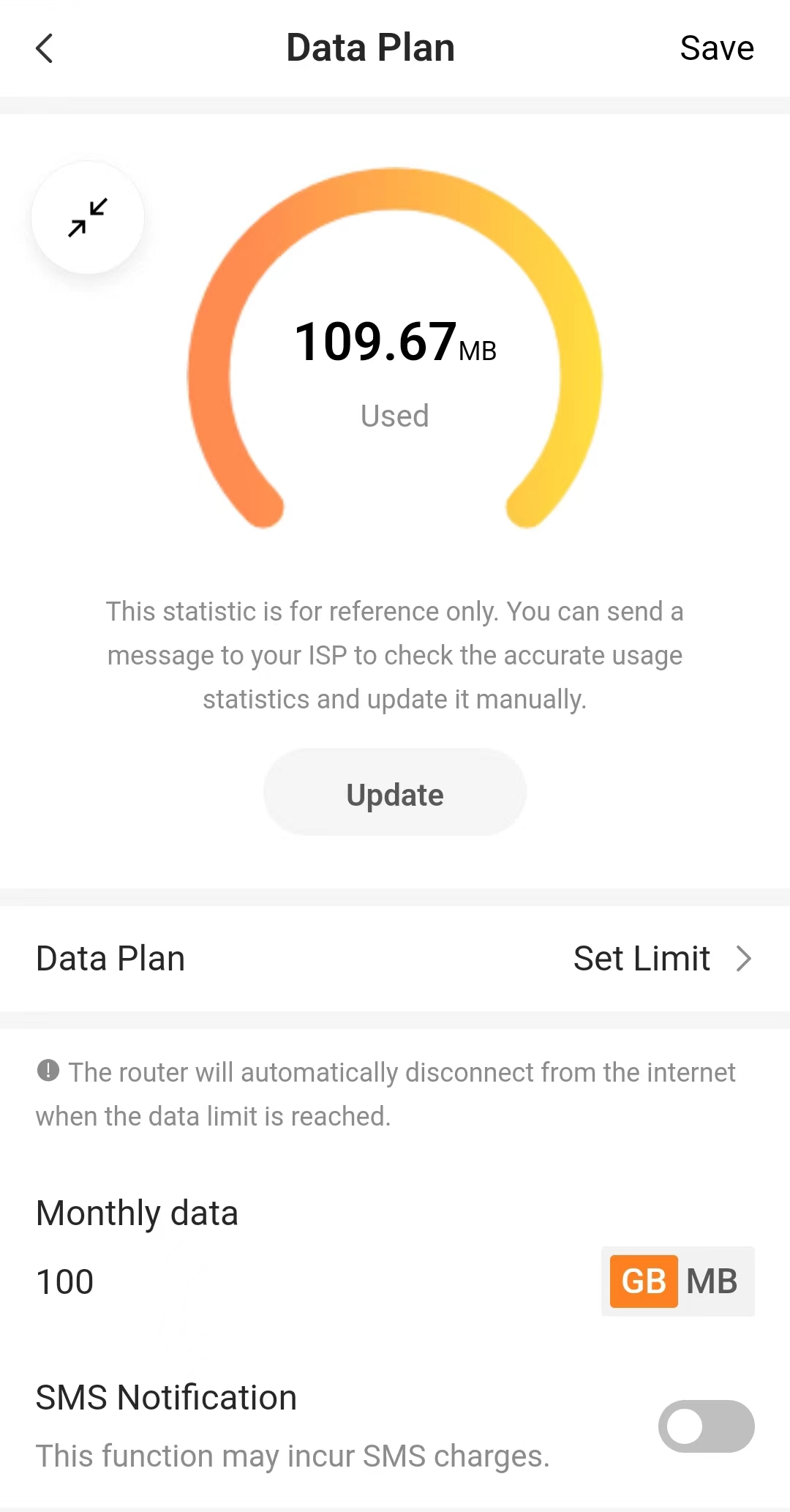
Get to know more details of each function and configuration please go to Download Center to download the User guide of your product.
Will it help you?