How to enable mobile phones to discover and install smart home devices that only support 2.4GHz?

Update: 2025-10-10   Preview:366  For:Nova Mesh Wi-Fi 5、
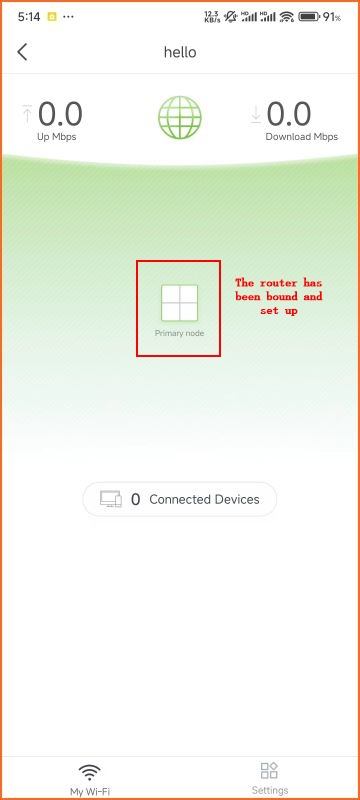
  1. The router has been bound and set up, turn on the smartphone location function.

微信图片_20240606171524

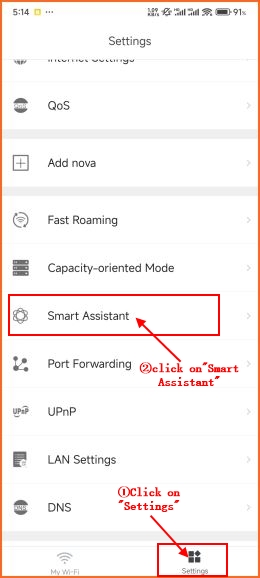
  1. Go to the "Settings" menu bar and select "Smart Assistant".

微信图片_20240606171541

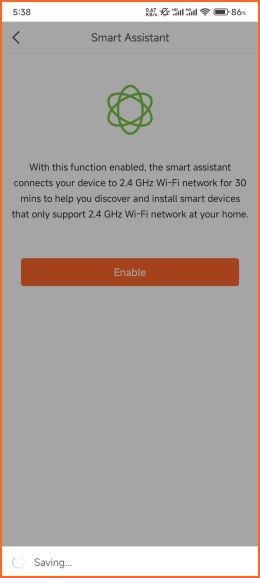
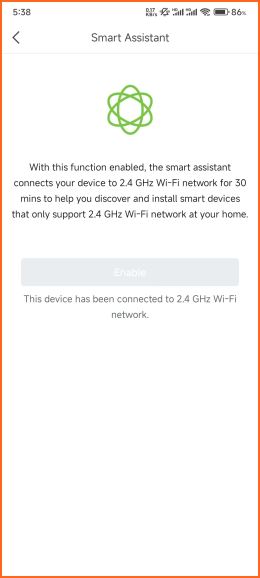
  1. After clicking "Enable" and waiting for 3-4 seconds, the phone will automatically switch to 2.4GHz wireless for 30 minutes, so that the host can discover and install smart home devices that only support 2.4GHz wireless.
微信图片_20240607101336微信图片_20240607101346