

Update: 2019-11-08 Preview:798 For:SP3 EU、
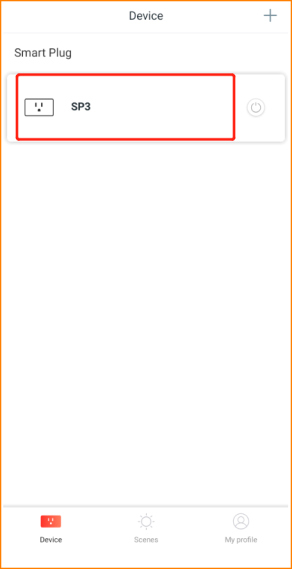
Step1: Log into Beli app, then tap your device.
Step2: Tap the “three dots” icon on the top right corner.

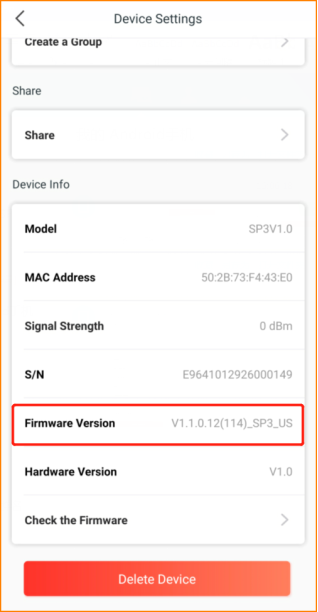
Step3: Slide down to the button you could find the firmware of your smart plug.
Will it help you?