

Actualización: 2025-06-11 Vista previa:1281 Para:PA6 、
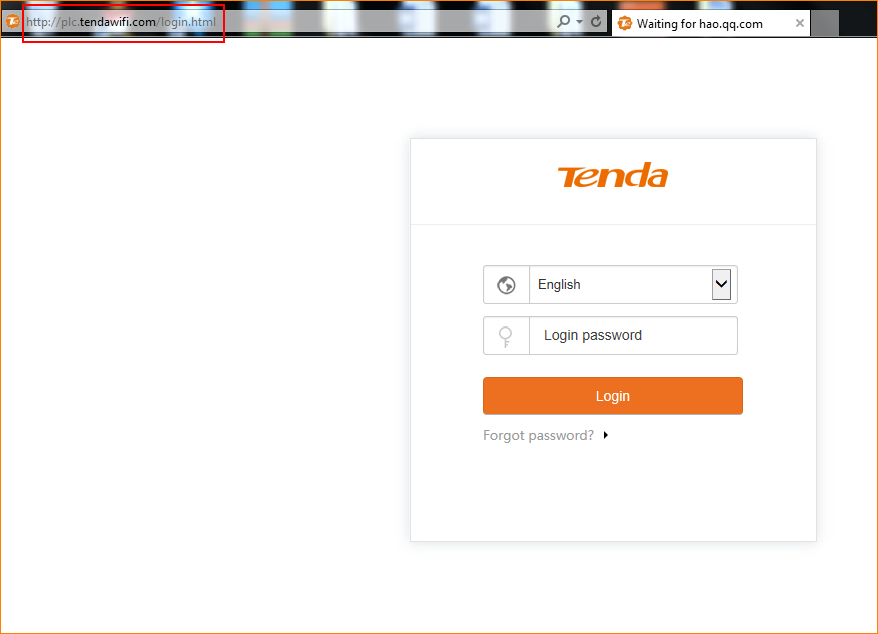
Step 1: Open bowser and enter plc.tendawifi.com in address bar to login the setup page.
Step 2: Choose “Administration” > “Device Management” > “Firmware Upgrade”. Tap “Upgrade” to upload the firmware.
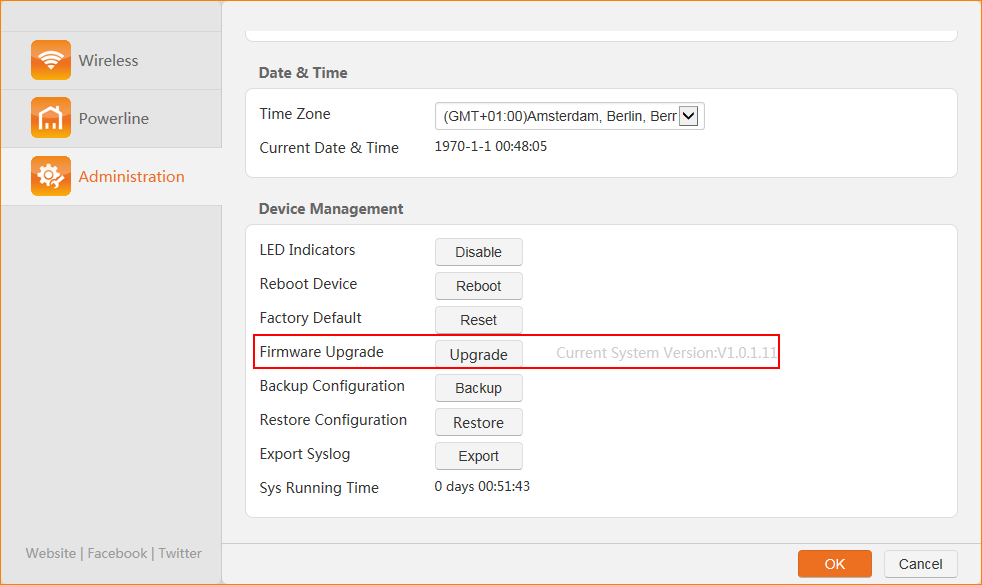
Note: Please reset the device after firmware upgrade is finished.
¿Usted servirá de ayuda?